
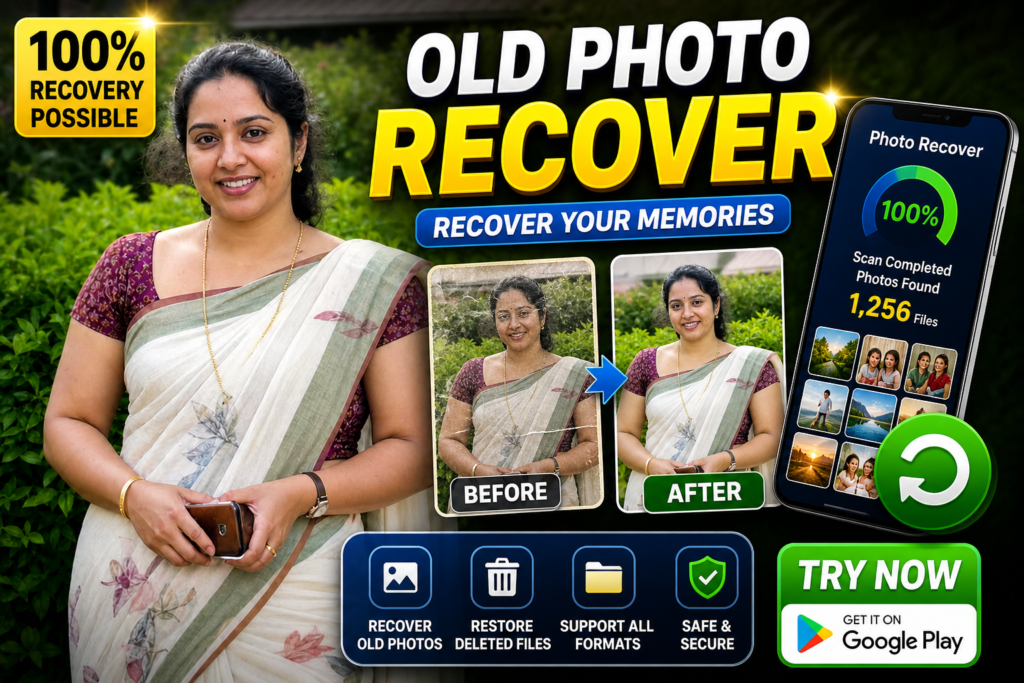
Losing photos is one of the most stressful problems for Android users. It may be family memories, travel photos, or important documents. In 2026, many users search for “photo recover” apps hoping to get everything back instantly.
The truth is simple: photo recovery is possible in some cases—but not always.
This guide explains how photo recovery really works, what most people misunderstand, what gives the best chance of recovery, and one optional Play Store app you can try safely.
What Photo Recovery Means
Photo recovery means trying to restore images that were deleted from your phone storage, SD card, or gallery.
This can include:
- gallery photos
- screenshots
- WhatsApp images
- camera photos
- downloaded images
Recovery depends on whether the data is still available in storage or backup.
Why People Use Photo Recovery Apps
People usually search for photo recovery because:
- they deleted photos by mistake
- phone storage got cleaned automatically
- gallery app removed files
- SD card data got lost
- phone was reset or changed
Photos are personal, so users look for fast solutions.
How It Actually Works (Real Explanation)
When you delete a photo, it is not always immediately destroyed.
Sometimes:
- the file is marked as deleted
- storage space becomes available
- new data may overwrite it
Recovery apps try to scan storage and find:
- cached image data
- thumbnails
- recently deleted files
- backup traces
Some apps also check recycle-bin-like storage.
For example, many Android users can recover photos from trash in Google Photos if it is still available there. (Google Help)
Important truth:
If new data overwrites the old file, recovery becomes very difficult.
Real Benefits
One big advantage is quick checking.
Instead of assuming photos are gone, users can scan and confirm.
Some apps can recover:
- recently deleted photos
- cached images
- SD card images
- preview versions of photos
Some apps also support video and file recovery.
This gives users a second chance in many situations.
Limitations You Must Understand
No app can guarantee full recovery.
Even good apps:
- may not find all photos
- may recover low-quality versions
- may show duplicate or cached images
- may fail if data is overwritten
Some apps scan storage deeply, but results depend on device condition and timing.
This is where many users get confused.
Safety and Privacy Notes
Always install apps from the official Google Play.
Avoid:
- unofficial APK files
- fake “100% recovery” claims
- apps asking unnecessary access
Photo recovery apps scan storage, so permissions matter.
You May Also Like
![Permanently Delete Photo Recovery App for Android 2026 – What It Really Does [SUDDEN RECOVER]](https://tnshorts.com/wp-content/uploads/2026/04/Permanently-Delete-Photo-Recovery-App-Android-2026-300x200.webp "Permanently Delete Photo Recovery App for Android 2026 – What It Really Does [SUDDEN RECOVER] 4")
Always check:
- storage permission
- privacy policy
- developer details
Your personal photos should stay safe.
Common Mistakes Users Make
Deleting photos and continuing to use the phone heavily is a major mistake.
New files can overwrite deleted data.
Another mistake is installing random APK apps from unknown sites.
Some users also expect recovery after factory reset without backup, which is rarely possible.
Many ignore Google Photos backup, which is often the easiest recovery method.
Who Should Use This
This is useful for:
- users who deleted photos recently
- people with Google Photos backup
- users with SD card storage
- people trying quick recovery before repair
Who Should Avoid Unreal Expectations
This may not work if:
- photos were deleted long ago
- storage is already overwritten
- phone was factory reset without backup
- device storage is damaged
In these cases, recovery chances are very low.
Optional App to Try
You can try Photo Recover & Backup from the official Google Play.
Key features include:
- recovery of deleted photos
- video and file recovery support
- backup option to avoid future loss (Google Play)
Official link:
Important tip most users miss:
Stop using the phone immediately after deletion.
This increases recovery success more than any app.
How to Uninstall
If you do not want the app:
- Open Settings
- Go to Apps
- Find the recovery app
- Tap Uninstall
Before uninstalling, save recovered photos safely.
Quick Decision Summary
Use recovery if:
✔ photos deleted recently
✔ backup may exist
✔ phone not heavily used after deletion
Do not expect recovery if:
✘ no backup and long time passed
✘ phone reset already done
✘ storage overwritten
Conclusion
Photo recover apps in 2026 can help—but only in the right situation.
The biggest mistake users make is depending on recovery instead of prevention.
The smartest approach is:
Backup first → then recover if needed
Apps like Photo Recover & Backup can help, but understanding how recovery really works will save more photos than any tool.
More Articles You May Like
![Photo Recover Apps on Android in 2026 – What They Do and When They Work [GET BACK PHOTOS]](https://tnshorts.com/wp-content/uploads/2026/03/Photo-Recover-Apps-on-Android-in-2026-300x167.jpg "Photo Recover Apps on Android in 2026 – What They Do and When They Work [GET BACK PHOTOS] 5") Photo Recover Apps on Android in 2026 – What They Do and When They Work [GET BACK PHOTOS]
Photo Recover Apps on Android in 2026 – What They Do and When They Work [GET BACK PHOTOS]
 Deleted Photos Recovery App 2026 – Complete Guide Before You Use (All Recover Updated)
 🗞️ Recover Deleted Photos App 2025 — The Ultimate Photo & Video Recovery Tool by DOSA Apps
 Restore Deleted Old Photos – Best Android Photo Recovery App 2025