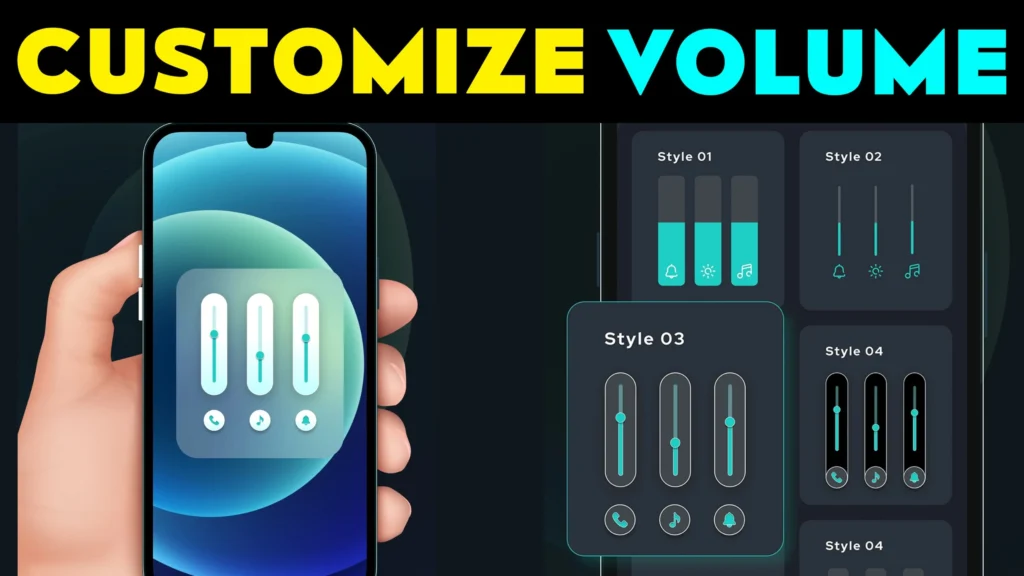
1️⃣ What is Volume Style App?
The Volume Style App is a custom volume control application that allows users to personalize their device’s volume panel. Unlike the default Android or iOS volume sliders, this app offers various styles, themes, and quick settings to enhance usability.
🔹 Developers: JSK Developer Team
🔹 Available On: Google Play Store
🔹 Compatible Devices: Android, Samsung, Vivo, Oppo, OnePlus, Realme
🔹 Custom Styles: iOS, MIUI, One UI, Android 10, and more
💡 Fun Fact: Most Android skins like Samsung One UI, MIUI, and ColorOS have fixed volume controls, but this app gives full customization freedom.
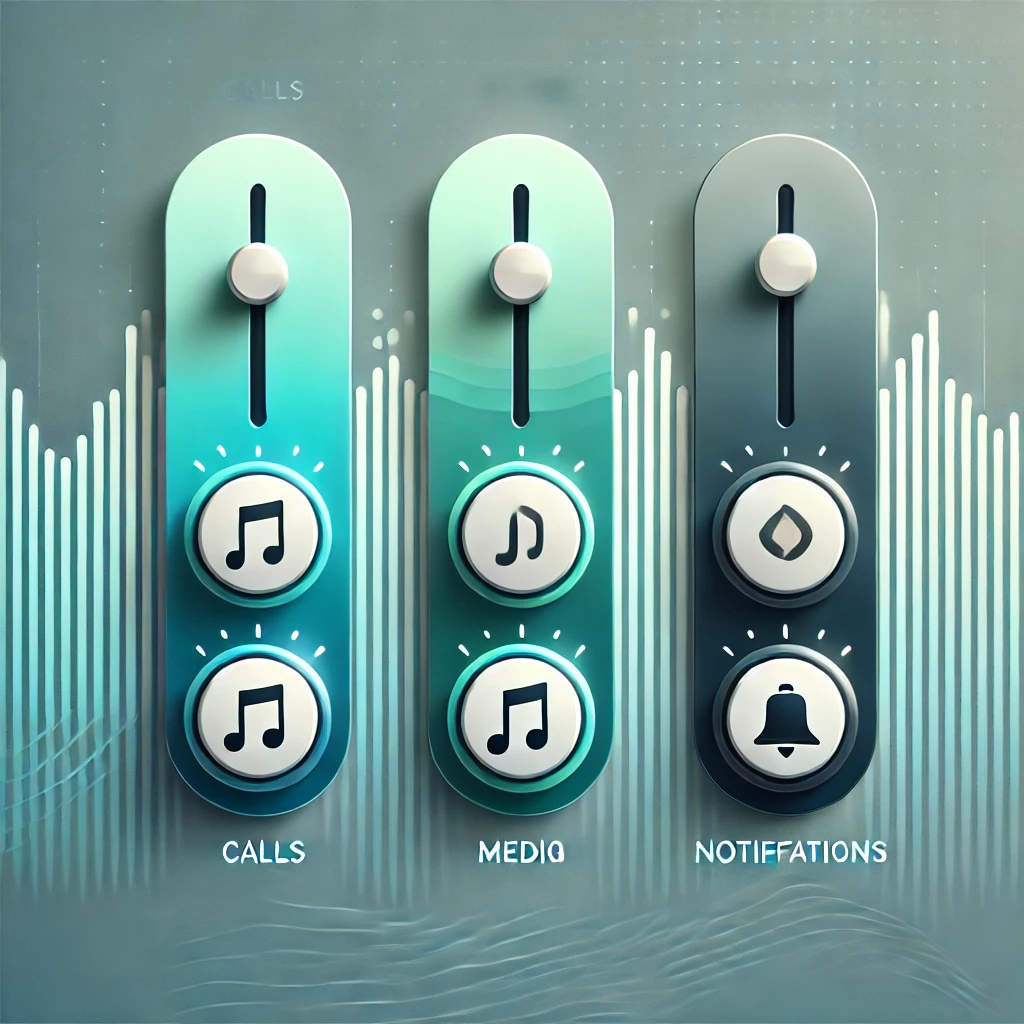
📥 Download the Official App Here:
🔹 Volume Style App for Android
🔹 iOS Style Volume Panel for Android
🚨 Warning: Avoid using Volume Style Mod APK, as it may pose security risks and violate app policies.
- 2️⃣ Why Customize Your Volume Panel?
- 3️⃣ Best Volume Style Apps for Android (Like) iOS
- 📌 Volume Style App Review
- 4️⃣ Legal Concerns: Official vs. Mod APK Risks
- 5️⃣ Why Play Store Blocks APK Downloads?
- 6️⃣ How to Download & Install Volume Style App?
- 7️⃣ Customization Features for Samsung, Vivo, Oppo, OnePlus & More
- 8️⃣ Alternatives to Volume Style App
- 9️⃣ FAQs – Quick Answers to Common Questions
2️⃣ Why Customize Your Volume Panel?
Many users feel limited by the default volume panel in Android and iOS. A custom volume style app provides:
✅ More Control Options – Adjust notifications, ringtones, and media volume separately.
✅ Better Aesthetic Designs – Choose from iOS, MIUI, or Android 10 styles.
✅ Faster Accessibility – Add shortcuts for Bluetooth, brightness, and sound settings.
✅ Floating & Edge Panels – Customize volume position and animations.
📊 Default Volume Panel vs. Custom Volume Style App
| Feature | Default Android/iOS | Volume Style App |
|---|---|---|
| Customization | ❌ Limited | ✅ Multiple themes & layouts |
| Quick Access Shortcuts | ❌ No | ✅ Yes |
| Floating Controls | ❌ No | ✅ Yes |
| One-Handed Mode | ❌ No | ✅ Yes |
💡 Did You Know? Most Samsung, Vivo, and Oppo users search for “Volume Style Android Download” to find a custom panel app with better controls.
3️⃣ Best Volume Style Apps for Android (Like) iOS
Here are the top-rated and safe-to-use volume customization apps:
1️⃣ Volume Style – Custom Control Panel (Android)
🔹 Developer: JSK App Studio
🔹 Best For: Users who want full control over volume sliders
🔹 Key Features:
✔ Supports iOS, MIUI, OxygenOS, One UI styles
✔ Customize position, animations, and colors
✔ Add custom shortcuts for quick access
2️⃣ iOS Volume Style for Android (For iPhone-Like UI)
🔹 Developer: Mylan Apps
🔹 Best For: Users who love the iOS-style volume control on Android
🔹 Key Features:
✔ Rounded iPhone-style volume panel
✔ Smooth animations & dynamic color themes
✔ Supports Samsung, OnePlus, Vivo, Oppo
📥 Download iOS Style Volume Panel
3️⃣ Built-in iOS Volume Control for iPhones (Apple Support)
🔹 Apple provides built-in volume control features in iOS 12 & later.
🔹 Learn how to customize your iPhone’s volume controls:
📌 Apple Support Guide
📌 Volume Style App Review
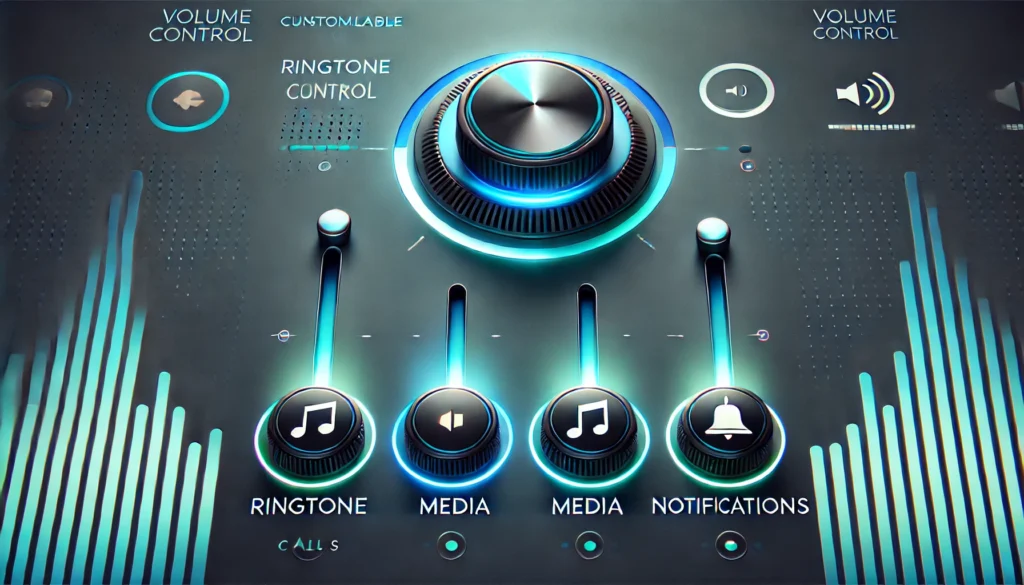
Style Volume: Customize Your Volume Panel Like Never Before!

But how well does it perform? Is it safe, smooth, and feature-packed, or just another app cluttering the Play Store? Let’s dive deep into our detailed Ultimate Blocks review and find out! 🚀
⭐ Volume Style App Ratings
Summary
🔹 Volume Style is a game-changer for Android users who want full control over their volume panel’s look and feel.
🔹 The app provides various styles, including iOS, MIUI, One UI, OxygenOS, and Stock Android, giving users the flexibility to customize their device’s interface effortlessly.
🔹 Unlike generic volume panel apps, Volume Style runs smoothly, supports all major brands, and has no annoying ads in its premium version.
🔹 While the free version offers great customization, some advanced features require a one-time purchase, which is worth the investment for serious customization lovers.
🔹 Final Verdict: If you’re looking to upgrade your phone’s volume panel, this is the best app for Android users.
📥 Download the official app below to enjoy full customization safely!
✅ Pros & ❌ Cons
✔ Custom Volume Panel Styles – Get iOS, MIUI, One UI, and Stock Android designs.
✔ Lightweight & Fast – Doesn’t slow down your device.
✔ Battery Efficient – Uses minimal power.
✔ Highly Customizable – Adjust colors, layout, and animation effects.
✔ Compatible with All Android Brands – Works on Samsung, OnePlus, Vivo, Oppo, Realme, and others.
✔ Safe & Secure – Verified on Google Play Store.
❌ Some features require in-app purchases.
❌ Limited iOS features compared to real iPhone volume controls.
❌ No iPhone version (Only for Android users).
4️⃣ Legal Concerns: Official vs. Mod APK Risks
Many users search for “Volume Style Premium APK” or “Volume Style Custom Control Mod APK”, believing they can unlock premium features for free. However, using a modded APK can lead to:
🚨 Risks of Using Volume Style Mod APK
| Risk Type | Details |
|---|---|
| ⚠ Security Threats | Mod APKs often contain malware, spyware, or hidden ads that steal data. |
| ⚠ Legal Issues | Downloading unauthorized APKs violates Google Play Store policies and local cyber laws (India, USA, Europe). |
| ⚠ App Crashes & Bugs | Modded versions don’t get updates, leading to compatibility issues. |
| ⚠ No Developer Support | If you face an issue, mod APKs don’t offer official support. |
| ⚠ Permanent Google Account Ban | Google detects and blacklists accounts using cracked APKs. |
🔹 Legal Alternative? Use the official Volume Style app from the Play Store. If premium features are needed, consider a one-time in-app purchase to support the developers.
📌 Google Play Store Policy: Read Here
5️⃣ Why Play Store Blocks APK Downloads?
Many users wonder:
❓ Why can’t I download modded APKs from the Play Store?
❓ Why does Google Play restrict third-party APKs?
The answer is user security. Google strictly follows Play Protect policies to prevent:
🔹 Unauthorized app modifications (which may harm users).
🔹 Malware & phishing attacks (often hidden in cracked APKs).
🔹 Fake versions of premium apps (which violate developer rights).
📌 How Play Store Ensures Security
✅ Google Play Protect scans apps for viruses.
✅ Only verified apps are allowed in the store.
✅ Developer policies ensure quality & security.
🔹 Solution? Always download from the official Play Store to avoid security risks.
6️⃣ How to Download & Install Volume Style App?
Want to install the official Volume Style app safely? Follow these steps:
📌 Steps for Android Users
1️⃣ Go to Play Store: Search for “Volume Style App”.
2️⃣ Tap Install: Wait for it to download & install automatically.
3️⃣ Open & Grant Permissions: The app needs access to volume control settings.
4️⃣ Customize Your Style: Select your preferred iOS, One UI, MIUI, or Android 10 layout.
5️⃣ Enjoy Custom Volume Control! 🚀
7️⃣ Customization Features for Samsung, Vivo, Oppo, OnePlus & More
Many Android users ask:
❓ Does Volume Style work on Samsung, Oppo, Vivo, or OnePlus?
✅ Yes! The app supports all Android brands.
Here’s how different smartphone brands benefit from Volume Style:
| Brand | Customization Options |
|---|---|
| 📱 Samsung | Supports One UI volume panel, floating controls, & edge panel customization. |
| 📱 Vivo & Oppo | Offers MIUI-style volume bars & smooth animations. |
| 📱 OnePlus & Realme | Allows OxygenOS and stock Android 10+ volume controls. |
🔹 Personalize Your Device: Change the size, position, colors, and shortcuts for your volume panel.
8️⃣ Alternatives to Volume Style App
If you want more options, here are some top-rated alternatives for customizing your volume panel:
📌 Best Apps for Custom Volume Control
| App Name | Features | Download Link |
|---|---|---|
| Volume Styles – Custom Control | Offers iOS, One UI, MIUI, and stock Android themes | 🔗 Play Store |
| iOS Volume Panel for Android | Provides a rounded, dynamic iPhone-like volume slider | 🔗 Play Store |
| MIUI Volume Control | Designed for Xiaomi MIUI-inspired volume panels | Third-Party APK |
💡 Best Choice? The official Volume Style app is still the most customizable and safest option!
9️⃣ FAQs – Quick Answers to Common Questions
📌 This section is for users who need quick info before downloading the app.
1️⃣ What is Volume Style App?
It’s a custom volume control app that lets you change your phone’s volume panel design with different styles.
2️⃣ Is Volume Style available for iPhone?
No, but iPhone users can customize volume controls through built-in iOS settings. (More info: Apple Support)
You May Also Like
 Mobile Sound: Test & Fix Android Speaker Sound
 Style Wallpapers 4K HD for Mobile 2026 – Best HD & Ultra Wallpapers for Android: Are These Apps Worth Using?
 NEW STYLE Nextron Launcher 2026: Should You Try This Android Launcher?
 Ripple Touch Magic & 3D Live Wallpaper Android App 2026 – What It Does and Why Users Install It
3️⃣ Is Volume Style Mod APK safe?
No! Modded APKs can steal your data, contain malware, and cause app crashes. Always use the official version.
4️⃣ Can I get an iPhone-style volume panel on Android?
Yes! Download the iOS Volume Style for Android app.
5️⃣ Does Volume Style work on all Android devices?
Yes! It supports Samsung, Vivo, Oppo, OnePlus, and Realme phones.


![What Is Motorola Launcher for Android in 2026? [OLD MOTO]](https://tnshorts.com/wp-content/uploads/2026/01/Motorola-Launcher-for-Android-–-Old-Moto-Style-Home-Screen-300x200.png "What Is Motorola Launcher for Android in 2026? [OLD MOTO] 10")