Quick Answer
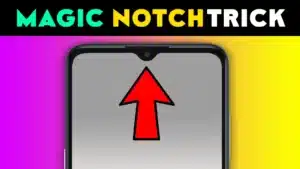
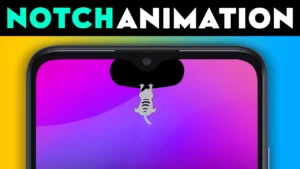
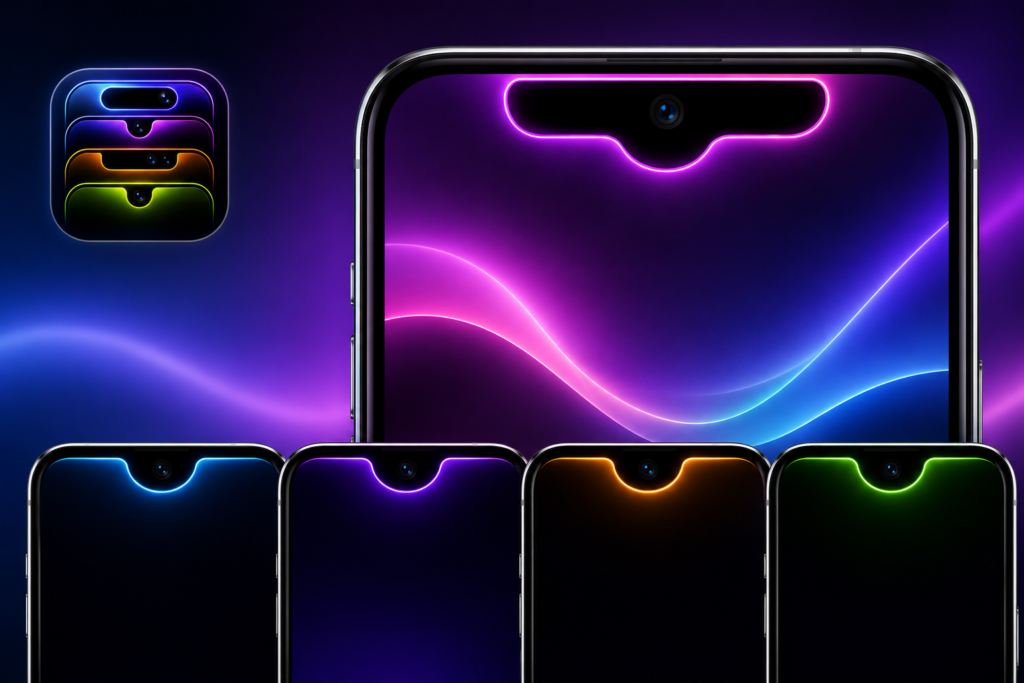
If you enjoy personalizing your Android phone beyond wallpapers and icon packs, Custom Notch Styler & Designs offers much deeper customization. It lets you redesign your notch, assign gesture shortcuts, and display notifications around the notch area.
However, because it relies on Accessibility Service, overlay permission, and notification access, it’s best suited for users who actively enjoy customization. If you simply want a cleaner phone experience, you may find it unnecessary.
Why People Search for a Custom Notch Styler
Many Android phones have a notch or camera cutout that cannot normally be customized.
Users usually want to:
- Make the notch look unique
- Hide an unattractive cutout
- Add visual effects
- Launch shortcuts faster
- Display notifications more creatively
- Give an older phone a fresh appearance
Instead of changing the hardware, apps like this change how the notch appears using software overlays.
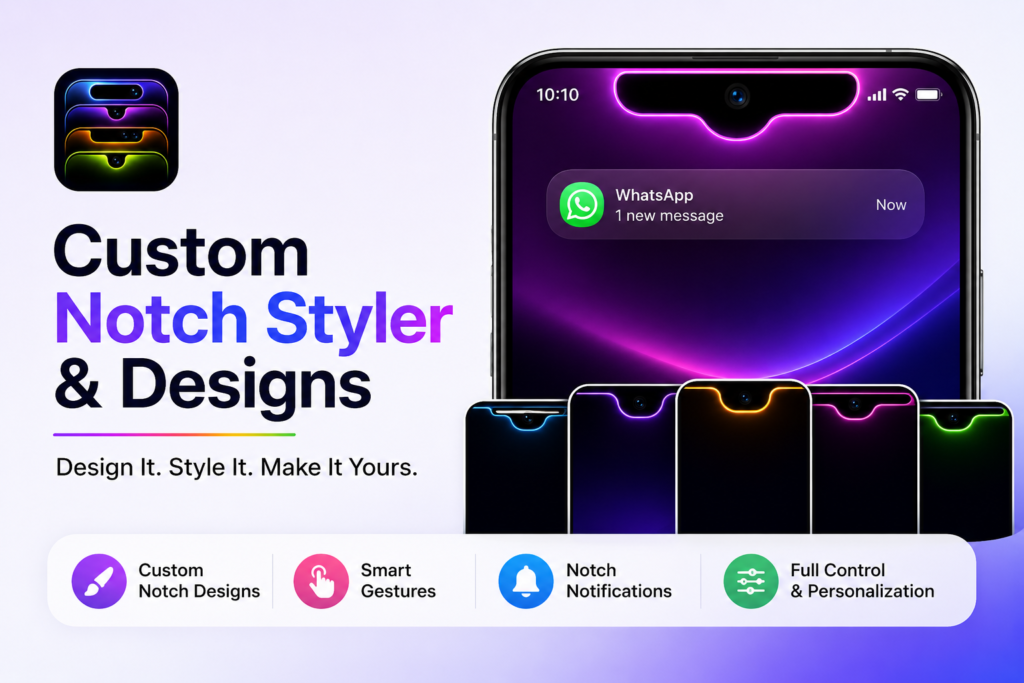
Table of Contents
What Most Users Want to Know
Can it actually change my phone’s notch?
Not physically.
It creates a visual overlay above the system interface, making the notch appear different while the original hardware remains unchanged.
That distinction matters because some users expect a permanent hardware modification—which isn’t possible through software.
Will it work on every Android phone?
Not necessarily.
The experience depends on:
- Android version
- Manufacturer restrictions
- Screen cutout style
- Overlay support
- Accessibility limitations
Some brands are more restrictive than others, so results can vary.
What Makes This App Different?
Many notch apps only provide decorative borders.
This app combines several personalization ideas into one place:
- Custom notch designs
- Adjustable colors
- Image-based notch themes
- Gesture shortcuts
- Notification styling
- Fine adjustment controls
That combination makes it feel closer to a personalization toolkit than a simple theme app.
Features That Actually Matter
Design Your Own Notch
Instead of selecting only pre-made styles, you can adjust:
- Width
- Height
- Corner radius
- Position
- Colors
This matters because every phone has a different camera placement. Small adjustments often make a design look much more natural.
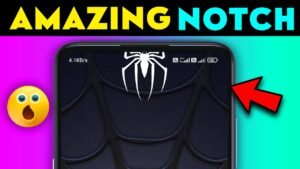
Image-Based Notches
One overlooked feature is the ability to use images around the notch.
For some users this becomes:
- Brand logos
- Minimal icons
- Neon effects
- Gaming themes
- Anime-inspired designs
Used carefully, it creates a unique home screen without replacing the launcher.
The downside is that overly large designs can distract from notifications and status icons.
Gesture Controls
This is arguably the most practical feature.
Instead of only making the notch decorative, it can trigger actions such as:
- Flashlight
- Wi-Fi
- Bluetooth
- Media controls
- Volume
- Wallpaper shortcuts
The biggest advantage isn’t speed—it’s reducing repetitive navigation through Settings.
For people who frequently toggle the same functions, this becomes surprisingly useful.
Notification Display
Showing notifications around the notch is visually appealing.
But there’s another benefit that many reviews overlook.
Because your attention naturally goes toward the camera area while unlocking the phone, placing notifications nearby can make alerts easier to notice without redesigning the entire lock screen.
It’s a subtle usability improvement rather than just a cosmetic effect.
A Practical Detail Most Reviews Ignore
Many customization apps look impressive in screenshots but become tiring after several days.
Ask yourself:
Will I still enjoy this notch design after opening messaging apps, maps, banking apps, and videos every day?
Simple designs often age better than flashy animated ones.
Choosing a minimal style usually gives a better long-term experience.
Real-World Use Cases
This app makes the most sense if you:
- Enjoy customizing every part of your phone.
- Frequently switch between themes and wallpapers.
- Want gesture shortcuts near your thumb’s natural reach.
- Like giving an older Android phone a refreshed appearance.
- Prefer visual personalization without installing a custom ROM.
Benefits
- Highly customizable notch appearance.
- Gesture shortcuts can reduce repeated taps.
- Adjustable sizing helps fit different devices.
- Notification styling adds visual personality.
- Multiple customization options in one app.
- Easier than rooting or modifying system files.
Limitations
No personalization app is perfect.
Some limitations include:
You May Also Like
Overlay conflicts
Certain apps, especially games and video streaming apps, may not display overlays consistently.
Battery usage
Keeping overlays and gesture services active may consume slightly more battery than using the stock interface.
Accessibility dependency
Gesture functions require Accessibility Service.
Users uncomfortable granting this permission may prefer simpler customization apps.
Device restrictions
Some manufacturers aggressively limit background overlays, causing inconsistent behavior.
Too much customization can reduce usability
A heavily decorated notch may:
- Distract while watching videos
- Cover interface elements
- Feel cluttered over time
Sometimes less customization creates a better experience.
Things to Know Before Installing
Before installing, understand that the app may request:
- Accessibility Service
- Overlay permission
- Notification access
- Camera permission (for flashlight-related functions)
- Audio permission (for supported voice recording actions)
- Foreground service
These permissions are intended to enable the app’s personalization and gesture features. Review each request and only grant permissions you are comfortable with.
Safety & Privacy Considerations
The app is distributed through the Google Play Store, which provides standard malware screening, but users should still review permissions and privacy information before installing.
Consider these points:
- Accessibility access provides extensive control over interactions.
- Overlay permission allows content to appear above other apps.
- Notification access lets the app read notification content for its display features.
- Check the developer’s privacy policy and recent updates before installation.
- Remove permissions if you stop using the app.
No app should be trusted solely because it is available on an official app store. Reviewing requested permissions remains a good habit.
Who Should Use It?
This app is a good fit for:
- Android customization enthusiasts
- Theme lovers
- Users who enjoy personalizing every interface detail
- People who frequently use quick gestures
- Users looking for a fresh visual experience without rooting
Who Should Avoid It?
It may not be the right choice if you:
- Prefer a clean stock Android interface
- Rarely customize your phone
- Are uncomfortable granting Accessibility or overlay permissions
- Want maximum battery efficiency
- Prefer system-native customization only
Better Alternatives
Dynamic Spot
Best for: Dynamic Island–style notifications.
Strengths
- Notification-focused
- Cleaner animations
- Better for productivity
Trade-off
Less visual notch customization.
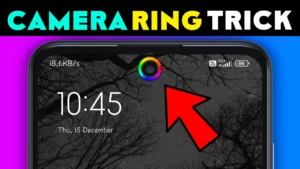
Energy Ring
Best for: Battery indicator around the camera cutout.
Strengths
- Functional design
- Lightweight
- Minimal interface
Trade-off
Not intended for complete notch redesign.
Edge Mask
Best for: Decorative edge lighting and camera cutout effects.
Strengths
- Attractive lighting effects
- Good for AMOLED displays
Trade-off
Fewer gesture customization features.
Frequently Asked Questions
Does this app permanently modify my phone’s notch?
No. It creates a software overlay. Your device hardware remains unchanged.
Can I remove the custom notch anytime?
Yes. Disabling the app or its overlay returns your phone to its normal appearance.
Will gesture shortcuts work when the screen is off?
That depends on Android version, manufacturer restrictions, and the specific action. Some gestures may only work while the device is active.
Can this affect gaming or full-screen videos?
Possibly. Some full-screen apps may hide overlays or display them differently.
Does it require root access?
No. It is designed to work without rooting the device.
Is this suitable for older Android phones?
If your device supports the required permissions and overlay features, it may work. Performance and compatibility depend on your Android version and manufacturer.
Final Recommendation
Custom Notch Styler & Designs is more than a visual theme app—it combines notch personalization with gesture shortcuts and notification styling, making it appealing to Android users who enjoy tailoring their devices.
Its biggest strengths are flexibility, creative customization, and practical gesture controls. On the other hand, it relies on permissions such as Accessibility Service and overlay access, and some features may vary across Android versions and device brands.
If your goal is to make your phone feel unique and you’re comfortable managing the required permissions, this app is worth considering. If you prefer a lightweight, stock Android experience with minimal background services, a simpler customization app—or none at all—may be the better choice.
Editorial Disclosure
TNShorts publishes independent Android app reviews, guides, comparisons, and educational content.
This article is based on publicly available information and practical analysis intended to help readers make informed decisions. Features, permissions, privacy practices, pricing, and compatibility may change over time. Always verify current information through the official Google Play listing and the developer’s documentation before installing any app.