Quick Answer
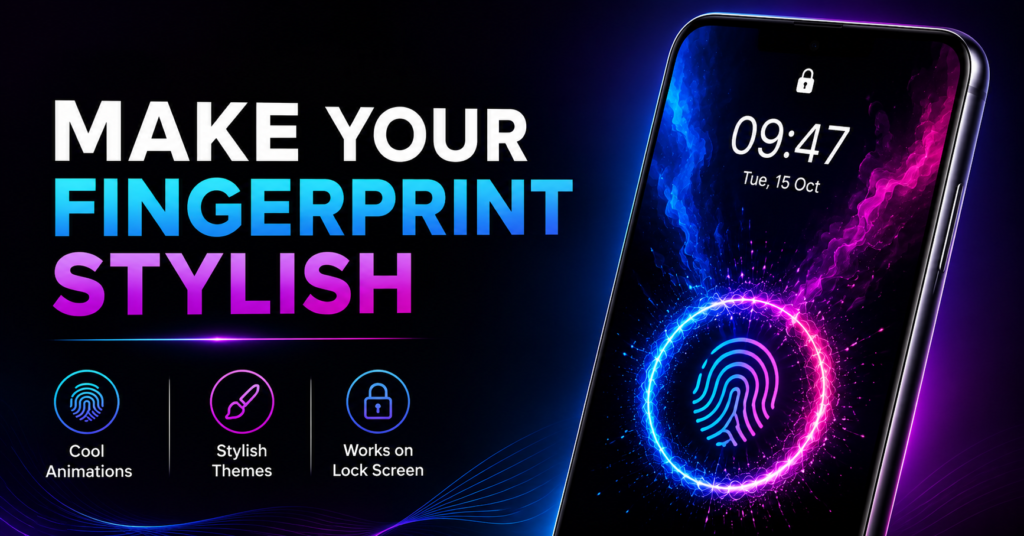
If you simply want your Android phone to look more modern with animated fingerprint effects, In Display Fingerprint can be a fun customization app. However, it does not add real in-display fingerprint unlocking to phones that don’t support it. Think of it as a visual personalization app rather than a security upgrade.
Why People Search for This
Many Android users see premium phones with glowing fingerprint animations and wonder if they can get the same experience.
Most are actually trying to answer one of these questions:
- Can I add a fingerprint animation to my phone?
- Will it work on my lock screen?
- Does it improve fingerprint unlocking?
- Is it just a wallpaper?
- Is it safe to install?
Understanding the difference before installing can save disappointment.
Table of Contents
What Most Users Want to Know
Does it add fingerprint unlocking?
No.
This app creates visual fingerprint animations and wallpapers. It cannot add hardware fingerprint recognition to a phone that doesn’t already have it.
Does it work with every Android phone?
Not necessarily.
The animation may work as a live wallpaper on many devices, but whether it aligns with your actual fingerprint sensor depends on:
- phone model
- Android version
- launcher behavior
- lock screen restrictions from the manufacturer
Does it make unlocking faster?
No.
The animation is purely cosmetic. Your phone’s fingerprint speed depends entirely on the device’s hardware and operating system.
What the App Actually Does
Instead of changing your phone’s security system, the app focuses on appearance.
It provides:
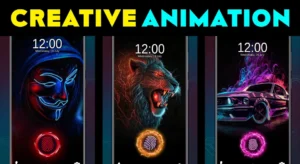
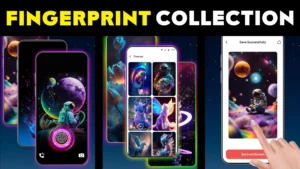
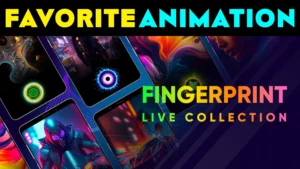
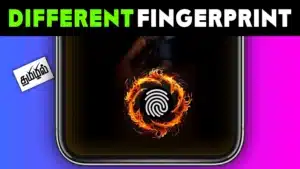
- animated fingerprint effects
- neon-style themes
- lock screen and home screen live wallpapers
- customizable fingerprint designs
- animated backgrounds
The goal is to make your phone feel more visually engaging whenever you wake or unlock the screen.
A Practical Detail Many Reviews Miss
One overlooked point is that live wallpapers continue rendering even when you’re not interacting with them.
While modern Android versions optimize background activity, animated wallpapers may still use more battery than static wallpapers—especially on:
- older phones
- budget devices
- phones with 90Hz or 120Hz displays
- devices already running many background apps
If maximizing battery life matters more than aesthetics, this trade-off is worth considering.
Another Overlooked Reality
Many users expect the fingerprint animation to appear exactly where their fingerprint sensor is.
In practice, that’s not always possible.
Different manufacturers place fingerprint sensors in different positions, and Android limits how deeply third-party apps can integrate with the system lock screen.
As a result, the animation may look perfectly aligned on one device but slightly off on another.
This isn’t necessarily a bug—it’s a limitation of Android customization.
Real-World Use Cases
This app may appeal to users who:
- enjoy customizing their phone every few weeks
- use AMOLED wallpapers and neon themes
- want a futuristic-looking lock screen
- create screenshots or social media content featuring their home screen
- simply enjoy visual personalization
It is less useful for users who rarely change wallpapers or prefer maximum battery efficiency.
Benefits
- Easy way to refresh your phone’s appearance.
- Multiple fingerprint animation styles.
- Works as visual customization rather than requiring system modification.
- Simple interface for changing themes.
- Can complement AMOLED wallpapers nicely.
Limitations
Before installing, understand these trade-offs:
- Does not add real fingerprint security.
- Cannot create hardware fingerprint support.
- Animation quality varies between devices.
- Live wallpapers may consume additional battery.
- Some manufacturers restrict lock screen customization.
- Alignment may not perfectly match your actual fingerprint sensor.
Things to Know Before Installing
Consider these practical points:
- Your phone should support live wallpapers for the best experience.
- Battery usage may increase slightly with animated backgrounds.
- Some permissions may be requested depending on wallpaper functionality.
- Performance can vary on low-end devices.
- Results may differ between Samsung, Xiaomi, Vivo, Oppo, Realme, Motorola, and Pixel phones due to different Android customizations.
Safety & Privacy Considerations
The app is available through the official Google Play Store, which is generally a better source than downloading apps from unofficial websites.
You May Also Like
 Fingerprint Animation Live App: Is It Worth Using on Android?
 AI Wonderful Fingerprint Animation App 2026: Why Android Users Still Love It
 📱 3D Attractive Fingerprint Lock – Animation: Unlock in Style with Futuristic Effects
 Fingerprint Live with Multiple Animation HD – Best App for Stylish Lock Screen Wallpapers
Before installing:
- Review the permissions requested.
- Read the developer’s privacy policy.
- Check recent user reviews for compatibility with your specific phone model.
- Avoid assuming the app improves device security—it is primarily a customization tool.
As with any Android app, install only if you’re comfortable with its requested permissions and privacy practices.
Who Should Use It?
This app is a reasonable choice for users who:
- enjoy personalizing Android phones
- frequently change wallpapers
- like neon or futuristic themes
- want a more animated lock screen experience
Who Should Avoid It?
You may want to skip this app if you:
- expect improved fingerprint security
- want faster unlocking
- prioritize maximum battery life
- prefer a minimal, distraction-free interface
- dislike animated wallpapers
Better Alternatives
1. Your Phone’s Built-In Fingerprint Animation
Best for: Devices with supported in-display fingerprint sensors.
Strengths
- Perfect alignment
- No extra app
- Better battery optimization
Trade-off
Usually offers fewer customization options.
2. KLWP Live Wallpaper Maker
Best for: Advanced Android customization enthusiasts.
Strengths
- Highly customizable
- Thousands of creative designs
- Automation possibilities
Trade-off
Steeper learning curve.
3. Static AMOLED Wallpapers
Best for: Users who want attractive visuals with lower battery usage.
Strengths
- Better battery efficiency
- Simple setup
- No continuous animation
Trade-off
No interactive fingerprint effects.
Final Recommendation
In Display Fingerprint is best viewed as a visual customization app, not a fingerprint enhancement tool. If your goal is to make your home or lock screen look more stylish with glowing fingerprint animations, it can be an enjoyable option.
However, don’t install it expecting better fingerprint recognition, additional security, or new hardware capabilities. Those features depend on your phone itself, not on wallpaper apps.
For users who enjoy changing themes regularly, it’s worth trying. If your priorities are battery life, performance, or genuine security improvements, sticking with your phone’s built-in fingerprint experience is likely the better choice.
Frequently Asked Questions
Does this app add fingerprint unlocking to phones without a fingerprint sensor?
No. It only provides visual animations and wallpapers.
Can I use it on the lock screen?
That depends on your phone manufacturer and Android version. Some devices allow more lock screen customization than others.
Will it drain my battery?
Animated wallpapers generally use more power than static wallpapers, although the impact varies by device.
Does it require rooting my phone?
No. It is designed to work as a normal Android application.
Will the fingerprint animation match my sensor location?
Not always. Different phones place sensors in different locations, so alignment may vary.
Is it available through the Google Play Store?
Yes. The app is listed on the official Google Play Store, making it preferable to downloading APKs from third-party websites.
Is this app useful if my phone already has built-in fingerprint animations?
If your phone already offers customizable fingerprint animations, the built-in option usually provides better integration and battery optimization. Third-party apps mainly offer additional visual styles rather than improved functionality.
Editorial Disclosure
TNShorts publishes independent Android app reviews, guides, comparisons, and educational content. Content is based on publicly available information and practical analysis intended to help users make informed decisions. Features, permissions, privacy practices, pricing, and availability may change over time. Always verify important information through the official Google Play listing and the developer’s documentation before installing any app.