A calculator app that secretly opens a private gallery sounds useful, but there is one detail more important than the disguise: what happens to your files if the app is removed, reset or your phone is lost?
That is particularly important with Calculator Vault: Hide Photos from DevSuju because its Google Play description says the hidden files remain locally on the device rather than being stored in the cloud. The current Play listing also identifies the app as Calculator Vault: Hide Photos, shows 1K+ downloads, and says it was updated on August 30, 2026.
Quick Answer
Calculator Vault is useful if you want a simple local vault disguised as a working calculator. You enter your PIN on the calculator screen and press = to reach the private area.
Its biggest advantage is also an important limitation: according to the developer, files are kept on the device with no cloud storage. That can appeal to people who do not want their private media automatically uploaded, but it also means you should not treat the vault as a backup.
Before uninstalling the app, clearing its data, deleting its folders, resetting the phone or changing devices, restore or independently back up anything you cannot afford to lose. The developer itself warns that files can become permanently inaccessible in some of these situations.
TNShorts verdict: Useful for casual privacy and keeping personal media away from an ordinary gallery view, but important files should have a separate backup.
Table of Contents
Why Are People Searching for “Calculator Secret”?
The attraction is not really the calculator.
Imagine occasionally giving your unlocked phone to a friend or family member to make a call, show a photo or check something. A conventional app named “Photo Vault” immediately advertises that a private storage area exists.
A calculator-style vault attempts to solve that visibility problem.
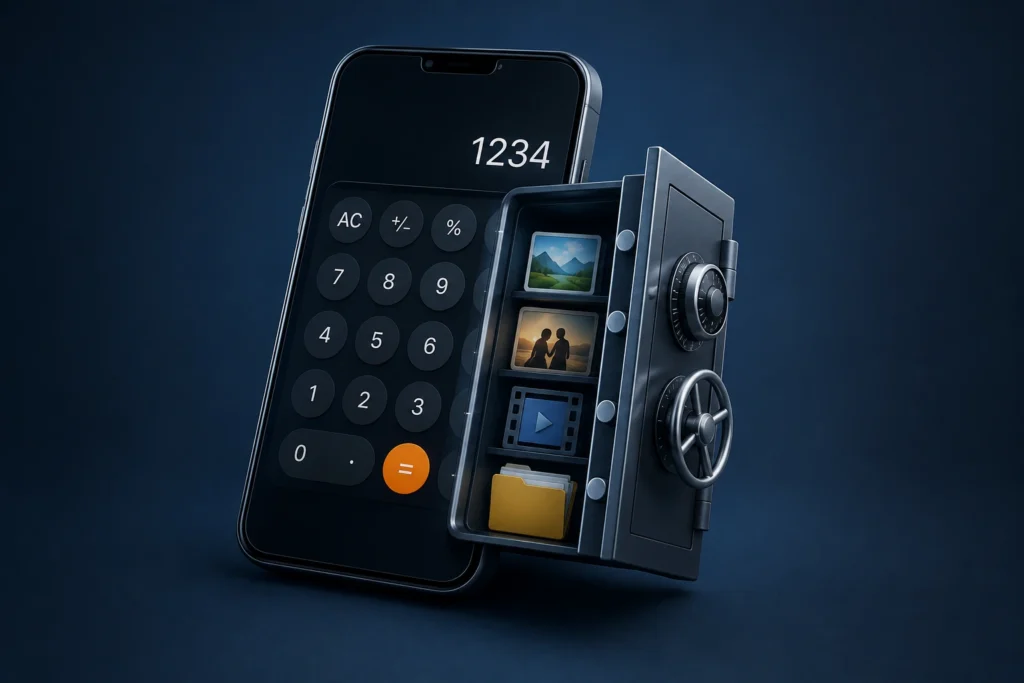
This particular app works as an ordinary calculator until the correct password is entered and = is pressed. The developer says the private area can contain photos, videos, audio, documents and organized folders.
There is an important distinction, though:
Disguise and security are not the same thing.
A calculator interface can make a vault less obvious to a casual observer. It does not, by itself, tell us how resistant the underlying storage would be to advanced forensic access, malware, a compromised device or someone with extensive access to Android’s file system.
That distinction is easy to overlook when choosing this category of app.
What Calculator Vault Actually Does
The basic workflow is straightforward:
- Open the calculator.
- Enter the configured password.
- Press
=. - Access the vault and import the files you want to hide.
According to its current listing, the vault supports photos, videos, audio and documents. It also includes folders, an image viewer and video player, along with options for importing, exporting and restoring files.
That means you generally don’t need to restore a private video to the normal gallery simply to watch it.
For everyday users, that convenience may matter more than a long feature list.
The Most Important Feature Isn’t the Disguise
The developer says files are stored locally and that there is no cloud storage. Google Play’s current Data safety section also displays developer declarations of “No data shared with third parties” and “No data collected.”
Those statements are encouraging for users specifically looking for local storage, but they need to be interpreted correctly.
Google explains on the listing that Data safety information is supplied by developers and can change. Therefore, TNShorts would not interpret the labels as an independent security audit or guarantee that an app is completely safe.
There is another trade-off.
Cloud-free storage can reduce dependence on an external account or remote media library, but local-only does not mean loss-proof.
If the only usable copy of a photograph exists inside the vault on one phone, losing access to that phone could still mean losing the photograph.
A Detail You Should Check Before Trusting It With Important Files
The Play description makes broad privacy statements about local storage, PIN protection and keeping private files hidden. However, the listing information available to us does not provide enough technical detail to independently establish the exact protection applied to every stored file.
For example, TNShorts would want explicit documentation of the storage/encryption architecture before describing the vault as suitable for highly sensitive records.
So there is a practical way to classify the app:
Casual privacy: reasonable use case.
Your only copy of irreplaceable photos: poor idea.
Highly confidential financial, identity or business records: evaluate the technical security model more carefully rather than relying on the calculator disguise alone.
This is a more useful distinction than simply asking whether a vault app is “safe.”
Real-World Situations Where It Makes Sense
Calculator Vault could be convenient when you have ordinary personal photographs or videos that you don’t want appearing while someone browses your main gallery.
The folder system could also help separate different private media collections. Because there is an integrated viewer and player, files can remain within the vault during normal viewing.
Another benefit is discretion. Someone casually looking at the phone sees a calculator-style application rather than an obviously named private-gallery application.
But this protection is mainly useful against casual discovery. Users should not assume that hiding something from the gallery makes the underlying information invulnerable.
Password Recovery Has an Important Detail
According to the developer’s current instructions, if you forget the vault password you can enter:
11223344=
The app should then take you to the security-question verification process so the password can be reset.
That is worth knowing before you need recovery.
It also illustrates why the security question matters. Choose an answer that you can remember but that another person who knows you cannot easily guess.
Do not store the only copy of something valuable inside the app merely because password recovery exists.
Benefits
The strongest benefit is simplicity. You get a functional calculator and a concealed private area without needing a separate cloud account according to the developer’s description.
Local storage can also be attractive to users who deliberately don’t want their personal gallery synchronized to an online service. Folder organization, integrated viewing and straightforward restore/export functions make the app more practical than merely renaming or manually moving files around Android storage.
The app is also currently available through Google Play rather than requiring users to obtain an APK from an unknown download site.
You May Also Like
 Secret Calculator Photo Vault App for Android 2026 – What It Does and Why Users Use It Personal Button
 ✅ Hide Button Calculator Photo Video Vault 2026
 Calculator Vault 2025 – Hide Personal Secure Photo & Video Vault Behind a Secret Calculator
 How to Hide Photos in Calculator on Android & iPhone (STRONG BUTTON 2025 Guide)
For TNShorts readers, the official Play Store version is the version we recommend considering.
Limitations
The largest limitation is the potential consequence of local-only storage.
The developer explicitly tells users to back up files before uninstalling the app, clearing app data or deleting vault folders because hidden files may become permanently inaccessible.
There are several other practical considerations.
A calculator disguise gives privacy through obscurity as well as access control; it should not be confused with a complete phone-security solution. The available Play description also doesn’t give TNShorts enough technical evidence to make strong claims about resistance to sophisticated attacks.
And because there is no developer-described cloud storage, users wanting effortless cross-device restoration may prefer another solution.
Things to Know Before Installing
First, install the correct app. Google Play contains multiple unrelated applications using very similar “Calculator Vault” names. The one covered here has package ID com.devsuju.simplecalculator and is listed under DevSuju. Similar names alone are not enough to identify it.
After installation, test it with an unimportant photo before moving anything valuable. Confirm that you understand how import and restore work.
Then check the permissions Android actually requests on your device. A vault legitimately needs access necessary to import or manage the content you choose, but permission requirements can change with Android versions and app updates.
Finally, restore or separately back up important content before uninstalling, clearing storage, factory-resetting or migrating to another phone.
That last step is more important than the calculator disguise.
Safety & Privacy Considerations
As of this check, Calculator Vault is available on Google Play, and its Data safety panel says—based on information declared by the developer—that no data is collected and no data is shared with third parties. The developer’s description separately says private files stay locally on the device.
The latest release notes also mention enhanced crash/analytics monitoring and session/background tracking.
That wording deserves attention alongside the broader privacy claims. It doesn’t automatically establish that private photos are uploaded or that the Data safety declaration is incorrect, but privacy-conscious users should review the current permissions, Data safety details and privacy policy themselves after future updates.
In other words, evaluate the current version, not just the reputation or behavior of an older version.
Who Should Use It?
Calculator Vault makes the most sense for someone who wants to prevent ordinary personal photos or videos from being immediately visible in the normal gallery and prefers a discreet calculator interface.
It is particularly suited to users who prefer local storage and are comfortable managing their own backups.
Think of it primarily as an extra privacy layer for a personal Android device, not as a substitute for good device security and backups.
Who Should Avoid It?
Consider another solution if you frequently change phones, need automatic multi-device recovery or don’t want to manage backups manually.
It is also not something TNShorts would recommend using as the sole repository for irreplaceable files.
For highly confidential documents, don’t select a vault merely because it has a convincing calculator disguise. Look for clearly documented encryption, authentication, recovery and backup behavior appropriate to the sensitivity of your information.
Better Alternatives
You may not need a calculator vault at all.
For compatible Android devices, built-in manufacturer or Android privacy features can be preferable when your goal is simply to keep certain content away from the normal phone experience. They avoid adding another third-party vault and another recovery system you have to remember.
For photos where backup and recovery matter more than disguise, a reputable photo service’s protected/private-storage functionality may be a better fit.
And if your priority is specifically discretion, a calculator-style vault retains an advantage: it doesn’t advertise itself as a gallery locker at first glance.
So the best option depends on the threat you’re actually trying to solve:
Hide from casual gallery browsing → a calculator vault can be convenient.
Protect access to the whole device → strengthen Android screen lock/biometrics first.
Protect irreplaceable files → prioritize reliable backup.
Protect highly sensitive documents → prioritize documented security over visual disguise.
Frequently Asked Questions
Is Calculator Vault really a calculator?
Yes. The developer describes it as a functioning calculator. Entering the configured password and pressing = opens the hidden vault.
Can Calculator Vault hide videos as well as photos?
Yes. Its Play Store description currently lists photos, videos, audio and documents among the content it can store.
Does Calculator Vault upload my photos to the cloud?
The developer states that the app uses local device storage and does not use cloud storage for those files. Google Play currently also displays developer-provided declarations of no data collection and no third-party data sharing. These are developer declarations rather than an independent TNShorts security audit.
What happens if I uninstall Calculator Vault?
Do not uninstall it while important content exists only inside the vault. The developer warns users to back up their files before uninstalling, clearing app data or deleting vault folders because files may become inaccessible.
What if I forget my Calculator Vault password?
The current developer instructions say to type 11223344= and then verify the configured security question to reset the password.
Is Calculator Vault completely safe?
No app should be described as completely safe without sufficient evidence. Google Play currently provides useful developer-declared privacy information, but that is different from an independent technical security audit. Use an appropriate backup and keep Android itself protected with a strong screen lock.
Why are there several Calculator Vault apps on Google Play?
“Calculator Vault” is a generic type of app as well as a name used by multiple developers. There are several unrelated Play Store listings with similar names. Check the developer and package ID rather than installing based only on the icon or title.
Final Recommendation
Calculator Vault is worth considering for casual, local privacy—not as your only protection or backup for valuable data.
Its practical strengths are the calculator disguise, PIN-based vault access, support for several file types, local-storage approach and straightforward organization. The most significant trade-off is equally clear: local files require the user to think seriously about backup, uninstalling, app-data clearing and phone migration.
For ordinary personal photos that you simply don’t want appearing in your gallery, that trade-off may be reasonable.
For irreplaceable memories, maintain another safe copy.
For highly sensitive records, choose based on documented security architecture rather than how convincingly the app looks like a calculator.
That distinction is what should determine whether you install it.
Editorial Disclosure: TNShorts publishes independent Android app reviews, guides, comparisons and educational content. This analysis is based on publicly available information and user-focused evaluation. Features, permissions, privacy practices and availability can change with app updates. Verify important information through the current Google Play listing and developer documentation before making a privacy or security decision.