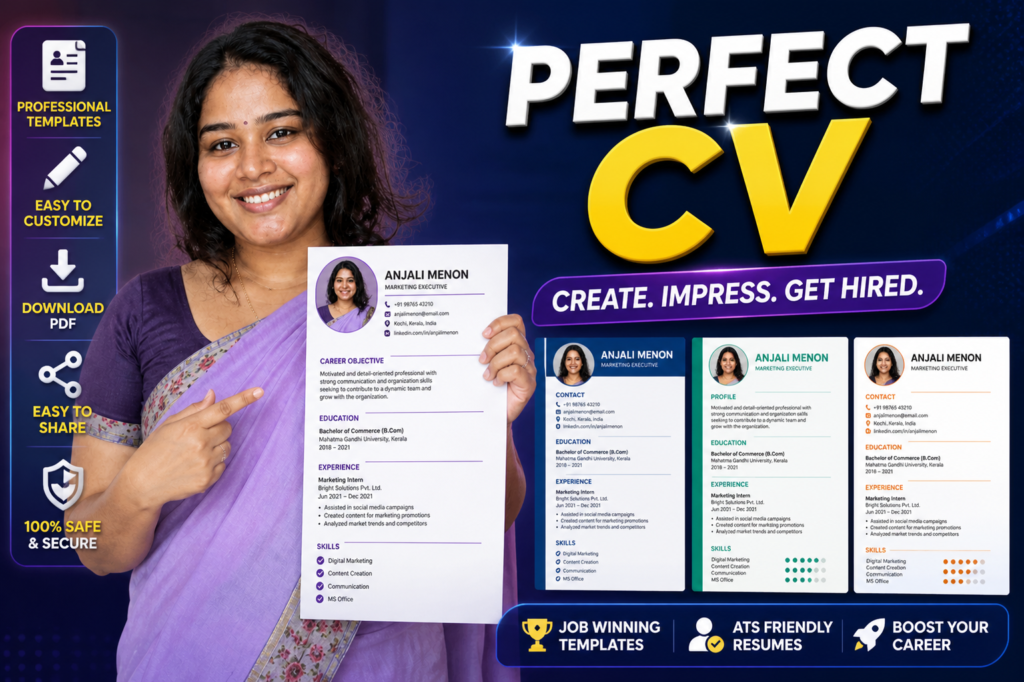
A good resume can help you get noticed faster. But many job seekers struggle with format, wording, design, and what to include.
That is why many people search for a Resume Builder and CV Maker – Apps on Google Play.
A resume builder app helps you create a clean resume using ready templates. It can save time, reduce mistakes, and make your CV look more professional.
What It Is
A resume builder and CV maker is an app that helps you create a resume on your phone.
You can add:
- personal details
- education
- work experience
- skills
- projects
- certificates
- career objective
- cover letter
Most apps also provide ready-made templates.
This is useful for freshers, students, part-time workers, and experienced job seekers.
Why People Use It
People use resume builder apps because they do not know how to design a resume from zero.
Many users need a resume quickly for:
- job applications
- internships
- campus interviews
- walk-in interviews
- online job portals
- email applications
A good resume builder helps you create a clean file without using a computer.
How It Works
You enter your details step by step.
The app places your information into a professional resume format.
Then you can usually:
- preview the resume
- change template
- edit sections
- download as PDF
- share by email or WhatsApp
Some apps may also help with cover letters and AI-based wording suggestions.
But you should always read and edit the final content yourself.
Real Benefits
The biggest benefit is speed. You can create a resume in minutes if your details are ready.
It also helps avoid formatting problems.
A clean template looks better than a messy document.
For freshers, it gives a proper structure when they do not know what to write.
For experienced users, it helps update old resumes faster.
It is also useful when applying from mobile.
Limitations You Should Know
A resume builder cannot guarantee a job.
It can improve presentation, but your skills, experience, and interview matter too.
Some templates may look too decorative. Simple designs are usually better for serious jobs.
AI suggestions may sound generic if you do not edit them.
Free versions may include limited templates or ads.
Safety and Privacy Notes
Use resume apps only from the official Google Play Store.
Avoid unofficial APK downloads or cracked premium apps.
A resume contains personal information like name, phone number, email, education, and work history.
Before using any app, check:
- developer details
- reviews
- privacy policy
- permissions
- export options
Do not add sensitive details like Aadhaar number, bank details, passwords, or full home address unless truly required.
Common Mistakes Users Make
Many users add too much information.
A resume should be clear, not crowded.
Some users use fancy colors and heavy designs. This may look attractive, but it can reduce readability.
Another mistake is using the same resume for every job.
Edit your resume based on the job role.
Freshers often forget to add projects, internships, certificates, and skills.
Experienced users often forget to add measurable achievements.
Who Should Use This
A resume builder app is useful for:
- freshers
- students
- job seekers
- freelancers
- part-time workers
- people applying from mobile
- users who need PDF resume quickly
Who Should Avoid It
You may not need a resume builder if you already have a professionally written resume.
You should also avoid relying fully on auto-generated content without checking it.
For senior roles, a custom resume written carefully may work better than a basic template.
Optional App to Try
You can try Resume Builder and CV Maker from the official Google Play Store.
Official Play Store link:
People may use it for:
- resume templates
- CV creation
- PDF export
- cover letter support
- quick mobile resume editing
Useful tip:
Keep one master resume with all your details. Then create smaller job-specific versions from it.
This works better than sending the same resume everywhere.
How to Uninstall
If you no longer need the app:
- Open Settings
- Go to Apps
- Find the resume builder app
- Tap Uninstall
Before uninstalling, save your resume PDF to your phone, email, or cloud storage.
Quick Decision Summary
Use it if:
✔ you need a resume quickly
✔ you want clean templates
✔ you apply from mobile
✔ you are a fresher or student
✔ you want PDF resume export
Avoid depending on it fully if:
✘ you need a senior-level resume
✘ you do not want to edit AI content
✘ you expect the app to guarantee jobs
Conclusion
A resume builder and CV maker app in 2026 can be very useful for creating a clean and professional resume from your Android phone.
It saves time and helps users avoid poor formatting.
But the best resume is not only good-looking. It must be honest, clear, and matched to the job.
Use the app as a helper, then edit the resume carefully before applying.