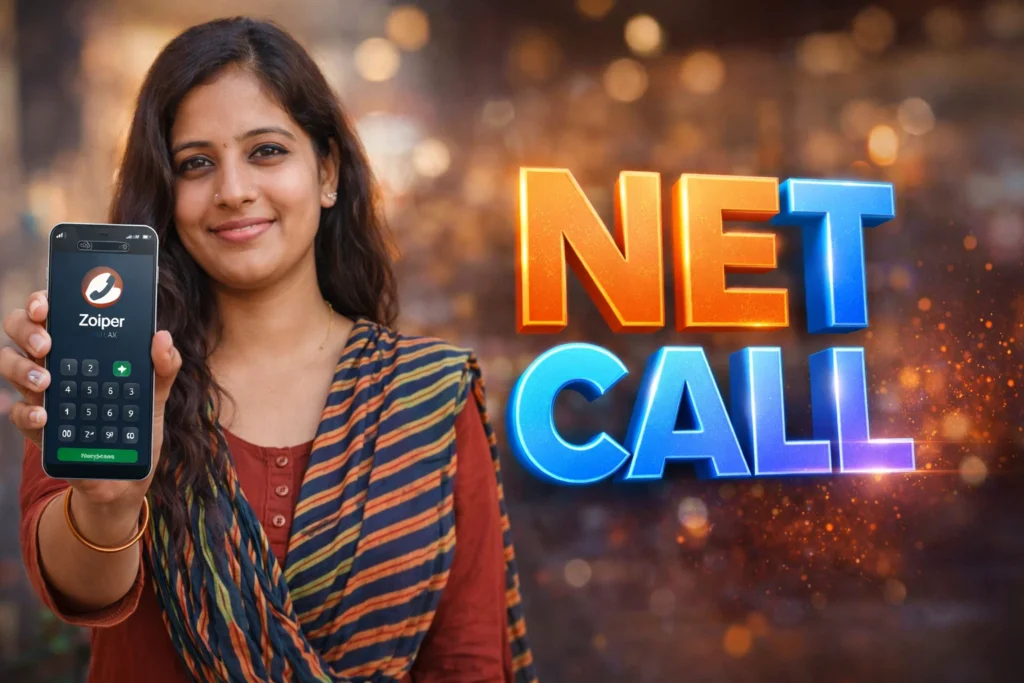
Most people use mobile carriers or internet calling apps (WhatsApp, Telegram, etc.) for everyday voice communication. But what if you need professional calling features like SIP support, VoIP integration, business extensions, or work phone system access? Standard dialers and basic apps fall short in this area. That’s where a Zoiper IAX SIP VOIP Softphone app for Android comes in. In 2026, Zoiper remains one of the most capable tools for integrating VoIP services with Android devices—turning your phone into a full-featured softphone.
Quick Overview
| Aspect | Summary |
|---|---|
| Purpose | Make VoIP/SIP calls using internet |
| Works with | SIP, IAX, business VoIP services |
| Main benefit | Professional calling features on Android |
| Key limitation | Requires VoIP account/settings |
| Skill level | Intermediate (network basics helpful) |
What Zoiper IAX SIP VOIP Softphone apps are actually used for
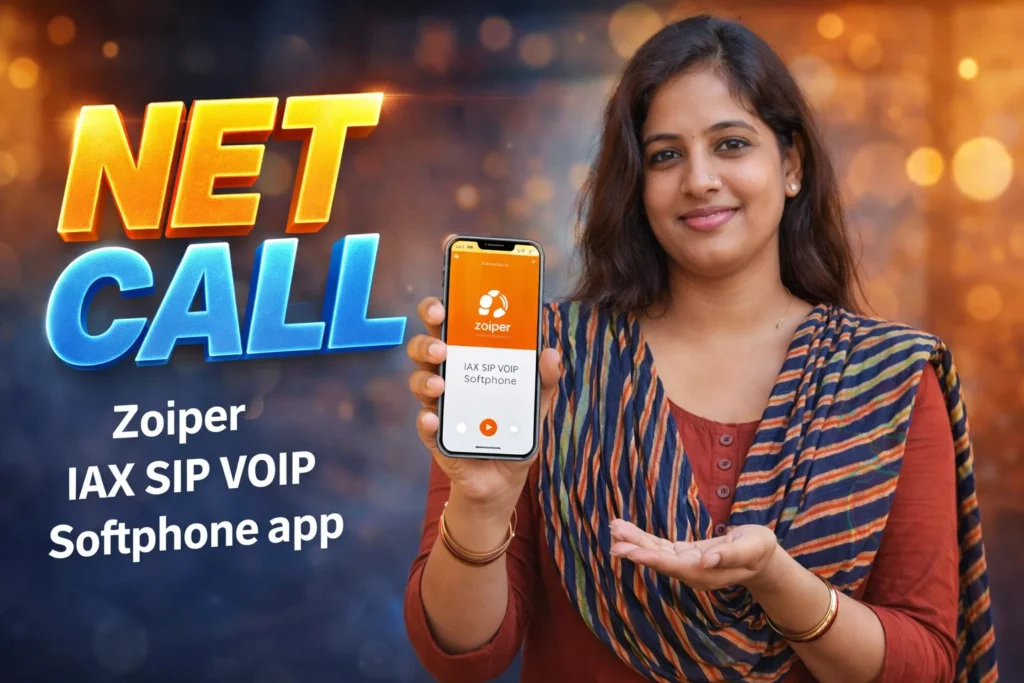
Zoiper is a softphone app—a software phone that uses internet protocols to place calls. It connects to VoIP services (SIP or IAX), enabling voice calls over data or Wi-Fi instead of traditional mobile voice networks.
Common real-world uses include:
- Connecting to business phone systems (PBX)
- Using SIP accounts from VoIP providers
- Making free or low-cost calls over data
- Handling multiple VoIP extensions
- Running a professional communications setup on Android
Zoiper acts as the bridge between your Android device and your chosen VoIP service—giving you flexibility that standard dialers can’t match.
How Zoiper SIP VOIP works (step-by-step)
1. Install and launch
Download Zoiper from the Play Store and open it.
2. Add your VoIP account
Enter SIP or IAX credentials from your VoIP provider (username, password, server).
3. Register with the server
Zoiper connects to your provider’s SIP server, authenticating your account.
4. Make or receive calls
Use the dialer or contacts to place calls via VoIP, or receive calls if your account supports it.
5. Advanced features (optional)
Many users enable:
- Call transfer / hold
- Caller ID support
- Multiple accounts
- Encryption (SRTP, TLS)
- Voicemail access
Zoiper works similarly to a hardware VoIP phone—but all processing happens on your Android device.
Safety, privacy, and permission considerations
Since Zoiper deals with voice communication and network connections, permissions and privacy matter.
Required permissions
- Microphone (for voice input)
- Internet access (Wi-Fi and data)
- Optional contacts (to match numbers)
Privacy considerations
You May Also Like
 Free Call 5 Minutes App for Android 2026 – Does It Really Work Many Calls?
 ⭐ How to Call International Number from India (2026 Guide- Any Free)
 Free International Call 2025 – Cheap & World Free Calling Without a SIM Card 📞
 FREE COMMUNICATION: Quick 5 Minute Free Call India 2025 – & 200+ All Country Calling
- Zoiper itself does not collect your call content
- VoIP providers may log metadata (source, destination, duration)
- Encryption is available but must be enabled and supported by the VoIP provider
Security notes
- Use secure protocols (TLS/SRTP) when possible
- Avoid exposing SIP credentials publicly
- Do not use weak passwords
VoIP communication is as secure as your provider and encryption setup.
Pros and cons (balanced and realistic)
Advantages
- Connects Android to business VoIP systems
- Reduces cost for VoIP calling
- Works on Wi-Fi and mobile data
- Supports SIP, IAX, multiple accounts
- Advanced calling features (hold, transfer, conference)
Disadvantages
- Not a plug-and-play solution for everyone
- Requires VoIP account setup
- Audio quality depends on internet stability
- Incorrect settings may block calls
Zoiper is powerful when configured correctly, but setup is key.
When you should avoid using Zoiper
Zoiper may not be necessary if:
- You only need regular mobile voice calls
- You prefer apps with built-in social calling (WhatsApp, Telegram)
- You don’t need business PBX features
- Internet connectivity is very poor
In these cases, traditional calling or simple internet calling apps are sufficient.
Who Zoiper is suitable for / not suitable for
Suitable for
- Business phone system users
- Remote workers needing VoIP calling
- Users with SIP/IAX accounts
- People wanting flexible call routing
- Professionals who travel often
Not suitable for
- Casual voice users (no SIP needs)
- Users with unstable data/Wi-Fi
- People who don’t want to configure VoIP
- Phones with strict battery saving (may kill background VoIP)
Practical tips for daily Android use (2026)
- Enable keep-alive or background registration to avoid dropped calls
- Choose secure SIP protocols (TLS/SRTP) when supported
- Use headsets for clearer voice quality
- Prioritize Wi-Fi for lower latency calls
- Add DNS SRV or provider recommended settings
Android in 2026 handles VoIP efficiently, but battery optimization and app settings still deserve attention.
FAQ
Do I need a VoIP account to use Zoiper?
Yes, Zoiper does not provide calling service—only the softphone interface.
Can Zoiper replace my mobile number?
It can replace regular voice calling for VoIP calls but does not replace your carrier number.
Does Zoiper work on data & Wi-Fi?
Yes. Both work, but Wi-Fi usually gives better quality.
Is Zoiper secure?
Encryption depends on VoIP provider support—Zoiper supports secure protocols if enabled.
Decision / Recommendation Table
| Situation | Recommendation |
|---|---|
| Need VoIP calls | Strongly recommended |
| Casual mobile calling | Not necessary |
| Business PBX integration | Very suitable |
| Only social calling | Overkill |
| Reader Recommendation (simple decision) | Play.google.com |
Conclusion: professional calling on your Android
Zoiper IAX SIP VOIP Softphone apps for Android offer powerful tools for anyone needing professional voice calling over data or Wi-Fi. They connect your phone to VoIP services with features that standard dialers don’t offer. While setup requires some knowledge of VoIP credentials and network basics, the payoff is flexibility, cost savings, and business-ready calling wherever you go. In 2026, Zoiper remains a strong choice for users who want true SIP/IAX calling capabilities on Android.