
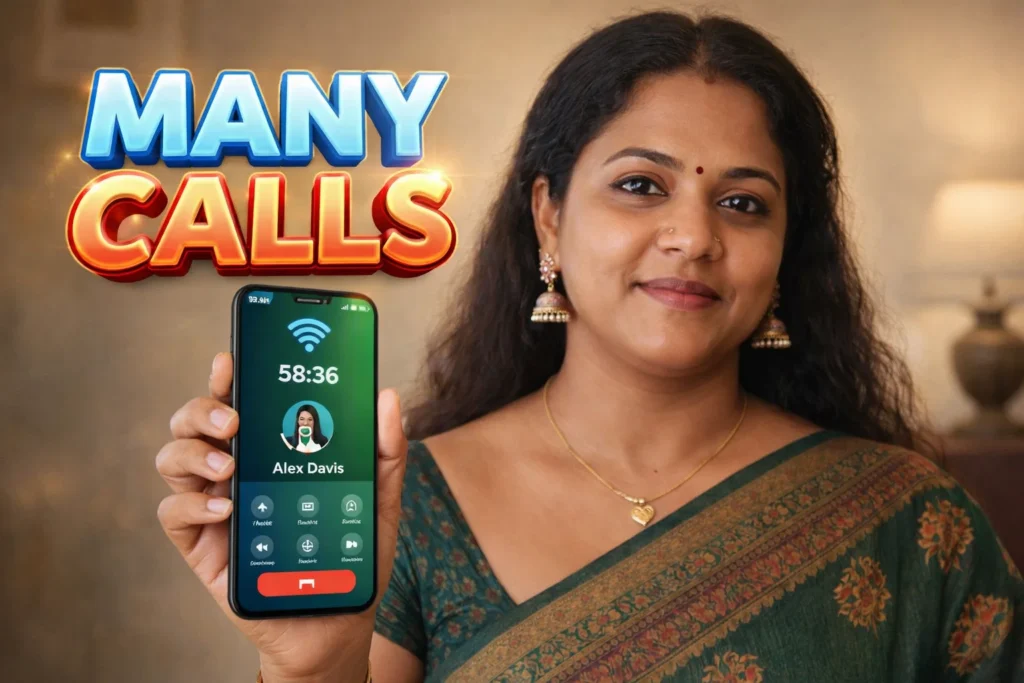
Many Android users search for a free call 5 minutes app when they want to make a quick international call without paying. In 2026, several calling apps offer a few free minutes after installation, usually through Wi-Fi or mobile data instead of a SIM card.
Most of these apps work like internet calling services. They let you call a real phone number, even if the other person does not have the app installed. Usually, the app gives new users a small amount of free credit, often enough for around 5 minutes of calling.
Quick Overview
| Feature | Details |
|---|---|
| Main Purpose | Make short free calls using internet |
| Free Time | Usually around 5 minutes for new users |
| Works With | Wi-Fi or mobile data |
| Can Call Real Numbers? | Yes |
| International Calling | Usually supported |
| Internet Needed | Yes |
| Suitable For | Quick and short calls |
What These Apps Are Used For
A free call 5 minutes app is mainly used when you need to:
- make a quick international call
- call someone without using your SIM balance
- contact family or friends in another country
- make a short emergency or travel call
- test a number before paying for more credit
Many apps support calls to more than 200 countries, including India, USA, UK, Pakistan, Canada, and UAE.
How These Apps Work
Step 1: Install the App
After opening the app, you usually create an account using:
- phone number
- guest login
Some apps immediately give new users free calling credit.
Step 2: Connect to Wi-Fi or Mobile Data
These apps do not use your normal call balance.
Instead, they use:
- Wi-Fi
- 4G or 5G mobile data
Without internet, the app usually will not work.
Step 3: Dial the Number
Enter the phone number you want to call.
The app then uses VoIP technology to connect the call over the internet. Many apps allow you to call real mobile numbers and landlines, even if the other person does not have the app installed.
Step 4: Use the Free Minutes
The first few minutes are often free.
After the free credit is finished, most apps require you to:
- watch ads
- invite friends
- buy extra credit
Some apps also reward users with extra minutes after watching advertisements.
The Reality: What Works and What Does Not
What Works Well
These apps can be useful if:
- you only need a short call
- you have good internet
- you want to call another country cheaply
- you are traveling and do not want to use roaming
Many users find that 5 free minutes are enough for a quick message or confirmation call.
What Does Not Work Well
These apps are not completely unlimited.
You May Also Like


In reality:
- the free time is usually only for new users
- call quality depends on internet speed
- free minutes may expire quickly
- some apps play ads before giving more credit
Some users also report that after the first 5 minutes, calls become paid or require watching many ads to continue.
Why Users Install These Apps in 2026
1. International Calls Are Still Expensive
Calling another country through a normal SIM can cost much more than using an app.
2. Useful During Travel
These apps can be helpful when traveling and using hotel Wi-Fi or airport internet.
3. Easy to Use
Most apps only require a number and internet connection.
4. No Need for Another SIM
You can make a quick call without buying a second SIM card or recharge.
Important Limitations
Before using a free call 5 minutes app, there are some things to know:
- most free offers only work once
- some apps contain many advertisements
- call quality may be weak on slow internet
- not all countries have the same free rate
- some apps may ask for microphone and contact permissions
Apps that promise completely unlimited free calls forever are usually not realistic. Most eventually require payment or credit.
Safety and Privacy Considerations
Before installing one of these apps:
- read the permissions carefully
- use only trusted apps
- avoid sharing private information during calls
- do not allow unnecessary access to contacts if you do not need it
Many calling apps request access to:
- microphone
- contacts
- call history
This is normal for internet calling apps, but it is still important to check the privacy settings.
Who Should Use This App
Suitable for
- travelers
- users needing a short international call
- people wanting a free trial before paying
Not suitable for
- users needing long daily calls
- people with weak internet
- users expecting unlimited free calls forever
Decision / Recommendation Table
| Situation | Recommended? | Reason |
|---|---|---|
| Need one short international call | Yes | Free 5 minutes may be enough |
| Want daily long calls | No | Most apps require payment later |
| Traveling without SIM balance | Yes | Works with Wi-Fi |
| Have poor internet connection | Not ideal | Call quality may be weak |
| Need unlimited free calls forever | No | Most apps have limits |
Reader Recommendation (Simple Decision)
If you only need a short international call, you can try Free Call.
These apps are best for quick calls and travel, but do not expect unlimited free calling after the first few minutes.
How to Uninstall
If you no longer want the app:
- Finish using any free credit first
- Open Android Settings
- Go to Apps
- Select the calling app
- Tap Uninstall
If the app has a paid subscription or stored credit, uninstalling may not cancel it automatically.
Final Thoughts
A free call 5 minutes app for Android 2026 can be useful when you need to make a quick international call without using your SIM balance. These apps often work well for short calls over Wi-Fi, especially while traveling. However, the “free” part is usually limited, and most users need to watch ads or pay for more calling time later.
More Articles You May Like
 Free International Call 2025 – Cheap & World Free Calling Without a SIM Card 📞
 FREE COMMUNICATION: Quick 5 Minute Free Call India 2025 – & 200+ All Country Calling
 SPEAK COUNTRY: Revolutionizing Free Global Mobile Outgoing Calls
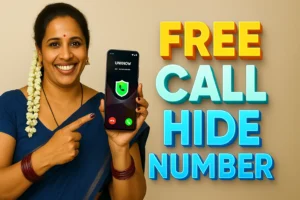 From Anywhere to Everywhere: Discover Any Country Free Call Hide Number App