
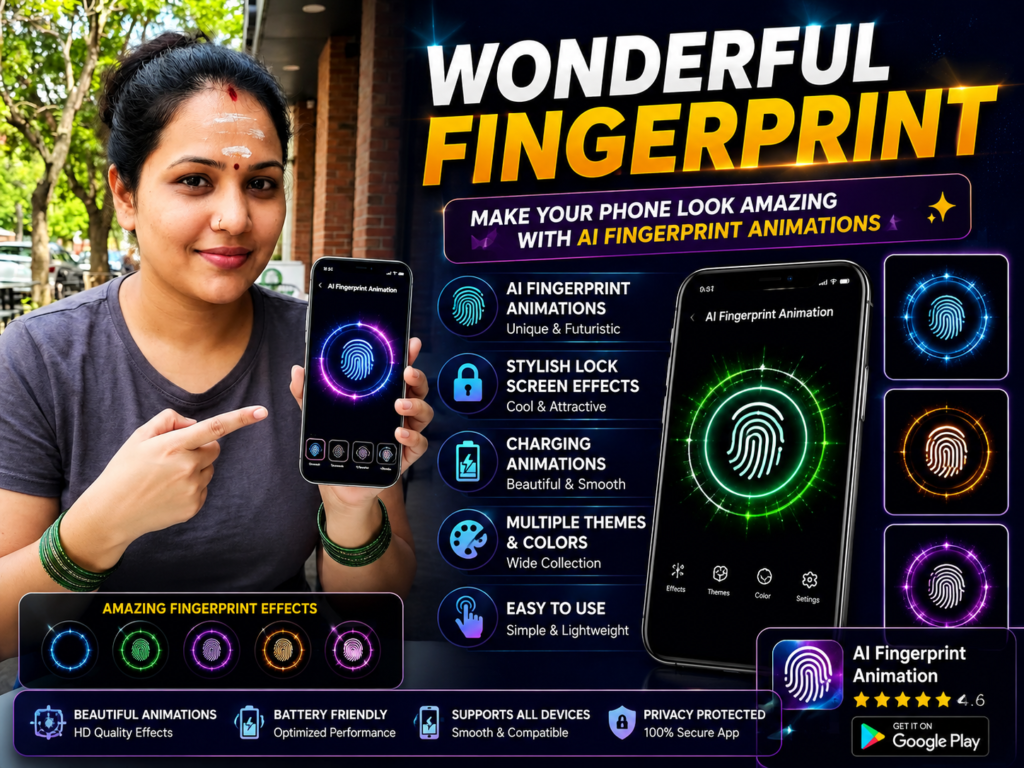
AI fingerprint animation apps help Android users customize lock screen fingerprint effects with futuristic animations, neon visuals, and charging effects. In 2026, these apps remain popular for users who want stylish phone personalization without changing hardware. This guide explains how they work, real benefits, limitations, and safe usage tips.
Many Android users want their phone to feel more modern and stylish. One simple way people customize their phones in 2026 is through AI fingerprint animation apps.
These apps add animated fingerprint effects to the lock screen and charging screen, making the phone look more futuristic and visually attractive.
This guide explains what AI fingerprint animation apps really do, how they work, real benefits, limitations, safety tips, and what users should know before installing them.
What It Is
An AI fingerprint animation app changes the visual effect shown during:
- fingerprint unlock
- charging animation
- lock screen interaction
- screen touch effects
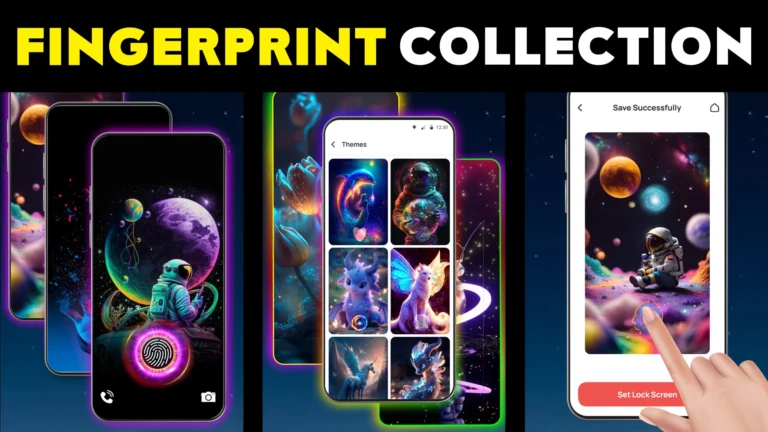
Instead of the normal fingerprint icon, the app displays animated designs with glowing effects, neon styles, futuristic themes, or AI-style visuals.
It mainly focuses on appearance and customization.
Why People Use It
Users install fingerprint animation apps because:
- default lock screen feels boring
- they want futuristic visuals
- they enjoy phone customization
- they create aesthetic setups for social media
- they want their phone to look premium
Many users also match fingerprint animations with wallpapers and launcher themes.
How It Works (Simple Explanation)
After installation, the app adds animation overlays around the fingerprint area or charging screen.
Most apps provide:
- animated fingerprint styles
- AI glow effects
- neon unlock animations
- charging animations
- customizable colors and themes
Some apps allow changing:
- animation speed
- size
- color
- placement
The app usually works visually and does not replace your phone’s real fingerprint security system.
Real Benefits
One major benefit is personalization.
Your phone immediately feels more stylish without changing hardware.
Some animations also improve visual feedback while unlocking the phone.
Users who enjoy aesthetic Android setups often combine:
- launcher themes
- icon packs
- fingerprint animations
- live wallpapers
This creates a fully customized look.
Limitations You Should Know
These apps mainly change visuals—not security.
They do not improve fingerprint speed or accuracy.
Heavy animations may slightly affect battery usage on older phones.
Some animations may not work perfectly on every device model.
Certain lock screen effects may depend on Android version compatibility.
Safety and Privacy Notes
Always install customization apps only from the official Google Play.
Avoid:
- modified APK files
- fake premium versions
- apps asking suspicious permissions
Before installing, check:
- reviews
- permissions
- update history
- developer details
Customization should never compromise privacy.
Common Mistakes Users Make
Many users enable too many visual effects together.
This can reduce smoothness on low-end phones.
Some expect these apps to improve actual fingerprint security, which is incorrect.
Others allow unnecessary permissions without checking.
Using lighter animations usually gives a smoother experience.
Who Should Use It
This is useful for:
- Android users who enjoy customization
- people wanting futuristic lock screen effects
- users creating stylish phone setups
- people who like neon and AI-style visuals
Who Should Avoid It
You may avoid these apps if:
- your phone already struggles with performance
- you prefer simple lock screens
- you want maximum battery efficiency
Optional App to Try
You can try AI Fingerprint Animation from the official Google Play.
Users try it for:
- AI fingerprint effects
- lock screen customization
- charging animations
- futuristic phone appearance
Official Play Store link:
Useful tip most users miss:
Choose darker animation themes on AMOLED screens. This often looks cleaner and may help reduce battery usage compared to bright full-screen effects.
How to Uninstall
If you no longer want the app:
- Open Settings
- Go to Apps
- Select the fingerprint animation app
- Tap Uninstall
You can also disable overlay permissions before uninstalling for cleaner removal.
Quick Decision Summary
Use it if:
✔ you enjoy Android customization
✔ you want futuristic unlock effects
✔ you like stylish phone visuals
✔ you use theme and launcher setups
Avoid expecting:
✘ better fingerprint security
✘ faster phone performance
✘ major functional upgrades
Conclusion
AI fingerprint animation apps in 2026 are mainly about style and personalization.
They help Android users create a more modern and visually attractive phone experience without changing the device itself.
For the best experience, keep animations balanced and avoid overloading your phone with too many visual effects at the same time.
More Articles You May Like
 📱 3D Attractive Fingerprint Lock – Animation: Unlock in Style with Futuristic Effects
 Fingerprint Live with Multiple Animation HD – Best App for Stylish Lock Screen Wallpapers
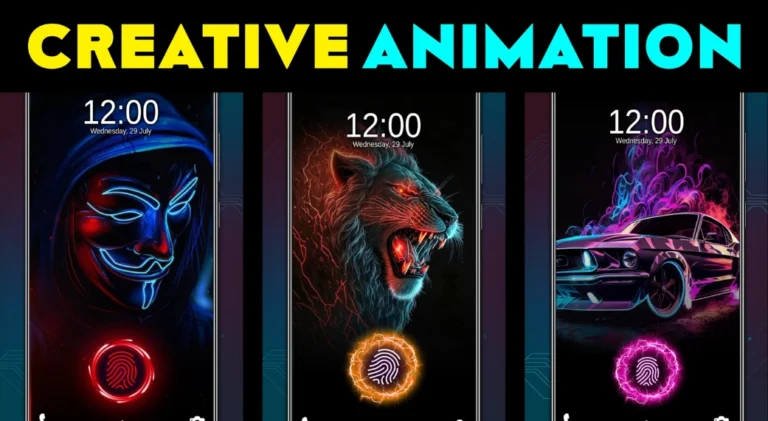 Fingerprint Animation: Creative, Smart, Secure, Stylish
 In Display Fingerprint Animation: Best Fingerprint Collection for Android & iOS