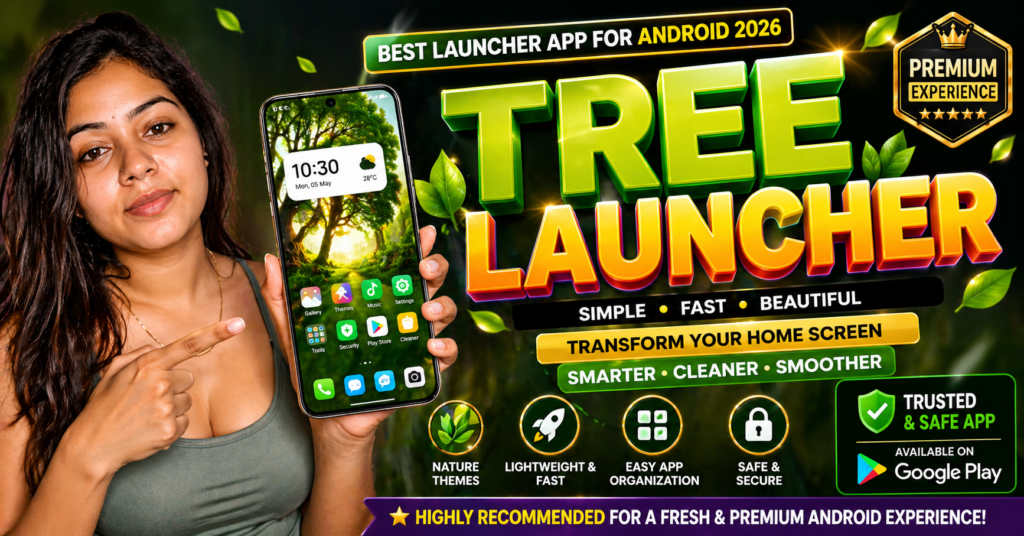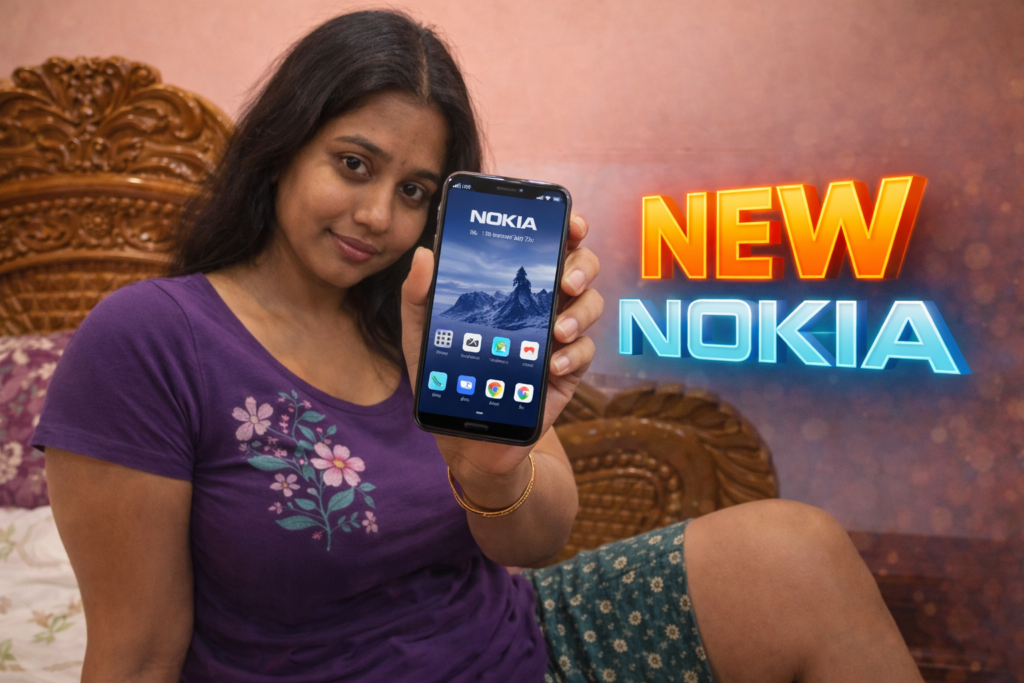
Even though smartphones are more powerful than ever, many users still feel disconnected from their device’s interface. Icons look generic, layouts feel repetitive, and visual identity is often lost after system updates. This is why Nokia Theme apps continue to attract users in 2026. These apps aim to recreate or customize the classic Nokia-style experience—icons, colors, layouts, and sometimes launch behavior—on modern Android phones. But what do these apps actually change, and how useful are they today?
Understanding this clearly helps users decide whether a theme app improves daily use or just changes appearance.
Table of Contents
Quick Overview
| Aspect | Summary |
|---|---|
| App type | Theme / launcher / UI customization |
| Primary purpose | Change look and feel to Nokia-style design |
| Works on | Android devices |
| System modification | No (visual changes only) |
| Performance impact | Low to moderate |
| Risk level | Low when permissions are minimal |
What Nokia Theme apps are actually used for
Nokia Theme apps focus on visual customization, not system-level changes. Their goal is to bring a familiar Nokia design language to modern Android devices.
Common reasons users install them:
- Nostalgia for classic Nokia layouts and icons
- Preference for clean, minimal UI design
- Desire to simplify the home screen
- Matching wallpaper, icons, and fonts into one theme
These apps are especially popular among users who value clarity and simplicity over flashy animations.
How Nokia Theme apps work (step-by-step)
Step 1: Theme or launcher activation
Most Nokia Theme apps work either as a launcher or as a theme layer applied on top of the default launcher.
Step 2: Icon pack replacement
App icons are replaced with Nokia-style icon designs.
Step 3: Wallpaper and color scheme
The app applies matching wallpapers, gradients, and accent colors.
Step 4: Layout adjustment
Grid size, app drawer style, and icon spacing may be adjusted to resemble Nokia phones.
Step 5: Optional widgets
Some apps include clock, weather, or search widgets designed in Nokia style.
No system files are modified, and changes are reversible.
What Nokia Theme apps cannot do
It is important to separate appearance from function.
They cannot:
- Change Android system behavior
- Improve phone performance or battery life
- Add exclusive Nokia system features
- Replace official OS updates
They can:
- Change icons, wallpapers, and layout
- Simplify the home screen
- Create a consistent visual theme
They are cosmetic tools, not system upgrades.
Safety, privacy, and permission considerations
Most theme apps are safe, but users should still review permissions.
Typical permissions
- Home screen / launcher access
- Storage (for wallpapers and icon packs)
What to check before use
- No access to contacts, messages, or calls
- No forced account login
- Clear option to revert to default theme
Red flags
- Claims of “system optimization”
- Excessive background ads
- Mandatory permissions unrelated to themes
In 2026, trustworthy theme apps remain lightweight and transparent.
Daily-life usage scenarios
Nokia Theme apps are useful in everyday situations such as:
- Users wanting a distraction-free interface
- Seniors who prefer larger icons and clean layouts
- Secondary phones used mainly for calls and messages
- Users tired of heavy custom Android skins
They are less useful for users who enjoy deep customization or animations.
Pros and cons
Advantages
- Clean and minimal design
- Easy to apply and remove
- No system risk
- Low learning curve
Disadvantages
- Cosmetic changes only
- Some themes may feel outdated
- Ads in free versions
- Limited customization depth
The experience depends heavily on the app’s quality.
When you should avoid using Nokia Theme apps
You may want to avoid them if:
- You rely on advanced launcher features
- You prefer heavy animation and gestures
- Your device already uses a minimal stock UI
- Ads or visual changes annoy you
In these cases, the default launcher may be better.
Who this is suitable for / not suitable for
Suitable for:
- Users who value simplicity
- Fans of classic Nokia design
- Non-technical users
- Phones used for basic daily tasks
Not suitable for:
- Power users
- Gamers or customization enthusiasts
- Users expecting performance improvements
Reader Recommendation (simple decision)
| Situation | Recommendation |
|---|---|
| Want Nokia-style look | A Nokia Theme app can help |
| Expect system features | Theme app will not deliver |
| Prefer minimal UI | Good fit |
| Want to explore a reference app | View example on Play Store |
Frequently Asked Questions
Do Nokia Theme apps change Android system files?
No. They only change visual elements like icons and wallpapers.
Can I remove the theme later?
Yes. You can switch back to your default launcher at any time.
Do these apps affect battery life?
Impact is usually minimal, depending on animations and widgets used.
Are Nokia Theme apps official Nokia products?
Most are third-party apps inspired by Nokia design, not official releases.
Practical conclusion
A Nokia Theme app in 2026 is best understood as a visual preference tool, not a functional upgrade. It helps users recreate a clean, familiar Nokia-style interface on modern Android phones without altering system behavior. When chosen carefully and used with minimal permissions, these apps are safe and reversible. For users who value simplicity and nostalgia, they can meaningfully improve daily interaction with the phone.
More Articles You May Like