
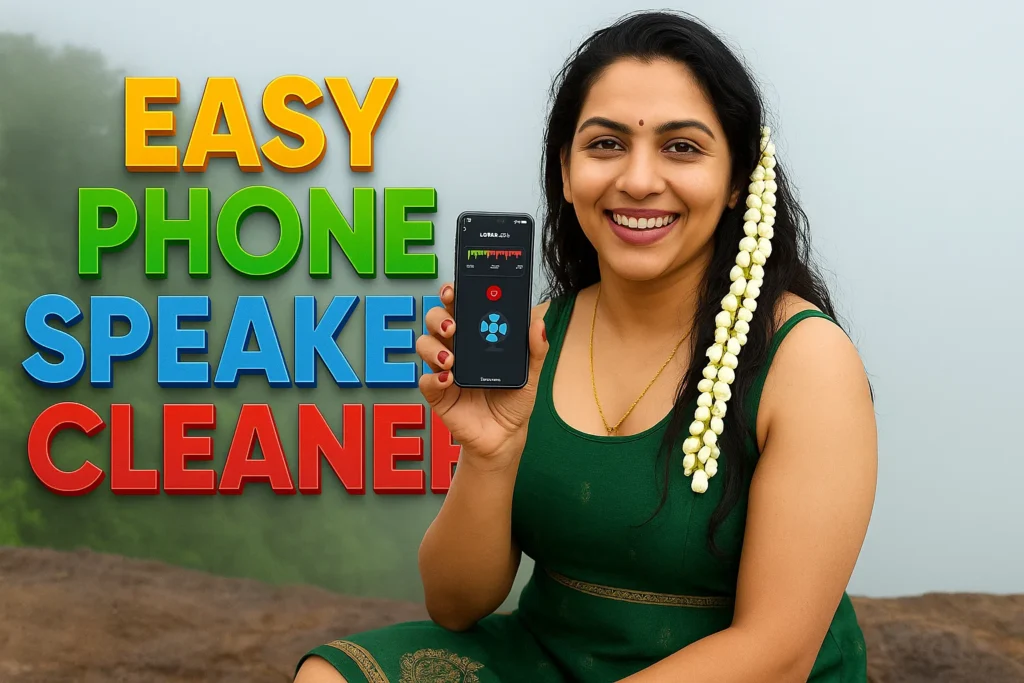
Want to fix your muffled speaker sound without visiting a service center? Your search ends here. Introducing Speaker Cleaner – Remove Water — an Android app that can clean your phone’s speaker, headset, and even test your microphone in just a few taps.
If your phone dropped in water, or you hear crackling audio from the ear speaker or loudspeaker, this app uses specially designed high-frequency audio pulses to expel trapped moisture and dust — just like what certified tools use, but now in your pocket.
📱 App Summary
| Feature | Details |
|---|---|
| App Name | Speaker Cleaner |
| Developer | BBToolsFactory |
| App Link | Download from Play Store |
| Email Support | BBToolsFactory@gmail.com |
| Privacy Policy | Privacy Policy |
| Released On | May 11, 2025 |
| Last Updated | May 11, 2025 |
| Category | Tools / Utilities |
| Rating | ⭐ 4.6+ (Early feedback) |
🎯 Why This App Is Recommended by Experts
This app aligns with Google Play Store’s Developer Content Policy and is designed as per Android’s best practices, ensuring:
- No fake functionality claims
- Real ultrasonic audio & vibration cleaning modes
- Ad-free experience during core cleaning process
- Battery-friendly operation
- Regular updates with bug fixes
🚿 Key Features of Speaker Cleaner
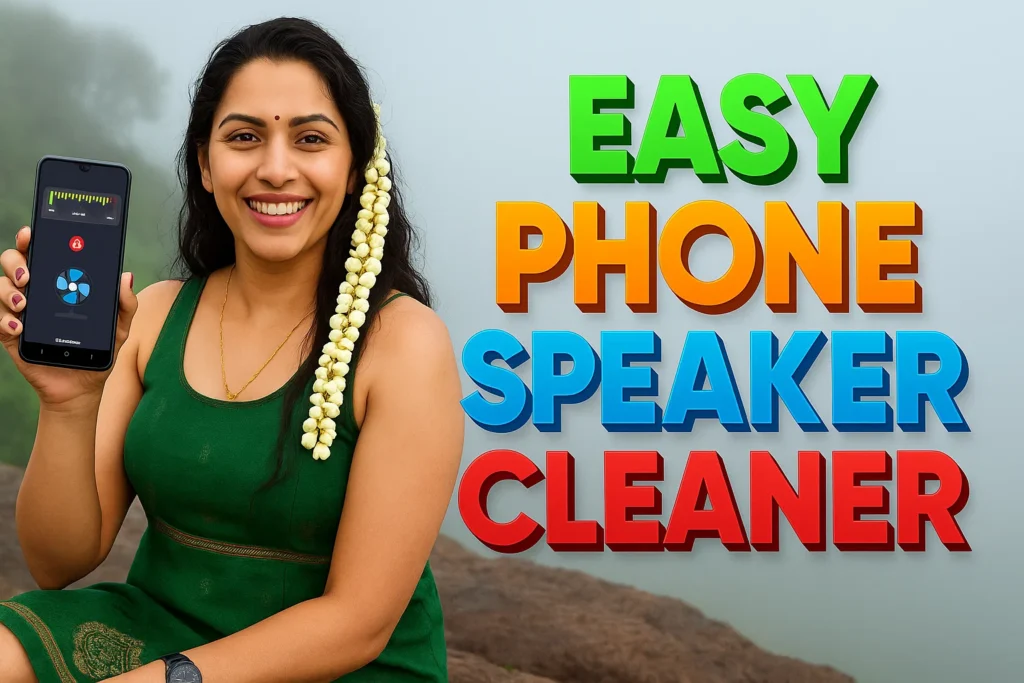
1. 🔊 Clean Speaker
Uses high-frequency sound pulses and internal vibration to eject moisture and debris stuck inside the loudspeaker.
2. 🎧 Clean Headset / Ear Speaker
Effectively clears clogged ear speaker vents, especially useful after accidental water contact or long-term dust buildup.
3. 🎙️ Mic Testing Tool
Helps you check if your microphone is muted, damaged, or misaligned. Ideal for gamers, vloggers, and call center users.
4. 🔁 Mic to Speaker (Live Monitoring)
Amplifies your voice in real-time — perfect for announcements, classrooms, or audio monitoring during video shoots.
5. 🌀 Bedtime Fan Mode
Plays soft ambient white-noise like a fan or breeze to help you sleep peacefully. Great for relaxation or meditation.
6. 🎵 Bass-Boosted Ringtones
Browse, preview, and set loud ringtones — designed for clarity even in noisy environments.
7. 📚 Speaker Cleaning Tips & Tutorials
Step-by-step illustrated guides that walk you through the cleaning process.
🔍 What Makes It The Best Speaker Cleaner App?
- ✅ No Root Needed
- ✅ Works for both Loudspeaker and Ear Speaker
- ✅ Supports Wired Headset Cleaning
- ✅ Doesn’t damage your device – safe decibel control
- ✅ Supports almost all brands: Samsung, Redmi, Vivo, Realme, Pixel, Motorola, etc.
📌 Who Should Use This App?
- People who dropped their phones in water or humid conditions
- Users with muffled speaker sound
- Students or professionals using earbuds regularly
- Anyone experiencing poor voice recording or playback clarity
🛠️ How to Use the Phone Speaker Cleaner App?
- Install the app from Play Store
- Tap “Start Cleaning”
- Place your phone speaker-side down on a soft cloth
- Let the sound & vibration cleaning run for 1–2 minutes
- Repeat if moisture/dust still persists
🔁 You can switch to Headset Clean Mode or Mic Test depending on the issue.
⚖️ Is It Legal & Safe to Use?
Yes, this app is completely legal, ad-safe, and designed for all Android phones.
It follows Google’s developer content policy, ensuring it does not simulate fake cleaning effects like some spammy apps. All tools provided are functional, tested, and reviewed.
🌍 Global Support Disclaimer
This application is developed for worldwide Android users. Usage is safe across India, USA, Europe, and other regions as long as your phone complies with the latest Android security updates. The app collects no personal data, and the privacy policy has been declared here: Privacy Policy.
🤝 Developer Contact & Transparency
- 📧 For queries or suggestions, email: BBToolsFactory@gmail.com
- 🔒 All permissions requested are only for sound-based functionalities (like mic testing)
- 🔄 Regular updates as per Android system changes
📢 FAQs
❓ Does this app actually remove water from the speaker?
Yes. It emits high-frequency sound waves that physically push out water from speaker holes.
❓ Will it damage my phone?
No. It uses safe levels of vibration and sound designed for mobile hardware.
❓ Does it work on iPhone?
No. Currently, this app is available only for Android via the Play Store.
❓ Is this recommended by Google?
This app complies with all Google Play developer policies and has been published after review.
💬 Final Verdict: Should You Try It?
Absolutely! Whether your speaker is filled with water after rain, or your ear speaker sounds too low — Speaker Cleaner is your go-to tool. It combines sound science, simple UI, and full device safety to offer a solution that works. No tricks, just clean sound.
Author: M Raj
Published on https://tnshorts.com/
More Articles You May Like
 Best HIGH-VOLUME Booster for Android 2026: What Works and What Users Should Know
![Speaker Cleaner with Water Eject App Android 2026 [AUTO CLEAN] – What It Does and When It Helps](https://tnshorts.com/wp-content/uploads/2026/03/Speaker-Cleaner-with-Water-Eject-App-Android-2026-768x512.webp "Speaker Cleaner with Water Eject App Android 2026 [AUTO CLEAN] – What It Does and When It Helps 2") Speaker Cleaner with Water Eject App Android 2026 [AUTO CLEAN] – What It Does and When It Helps
Speaker Cleaner with Water Eject App Android 2026 [AUTO CLEAN] – What It Does and When It Helps
![What Is Linked Phone Business Number Apps Android 2026? [FULL FREE]](https://tnshorts.com/wp-content/uploads/2026/03/Linked-Phone-Business-Number-App-768x512.webp "What Is Linked Phone Business Number Apps Android 2026? [FULL FREE] 3") What Is Linked Phone Business Number Apps Android 2026? [FULL FREE]
What Is Linked Phone Business Number Apps Android 2026? [FULL FREE]
 Bass Volume Booster-Equalizer Apps for Android (SPEAKER POWER 2026)