People are getting annoyed by the bad quality of your speaker or microphone. Don’t worry we are here to remove water and remove dust from your speaker and recover your speaker.
Your phone survived contact with water, but the sound coming from the speaker now sounds muffled. Some water may still be trapped in the speaker.
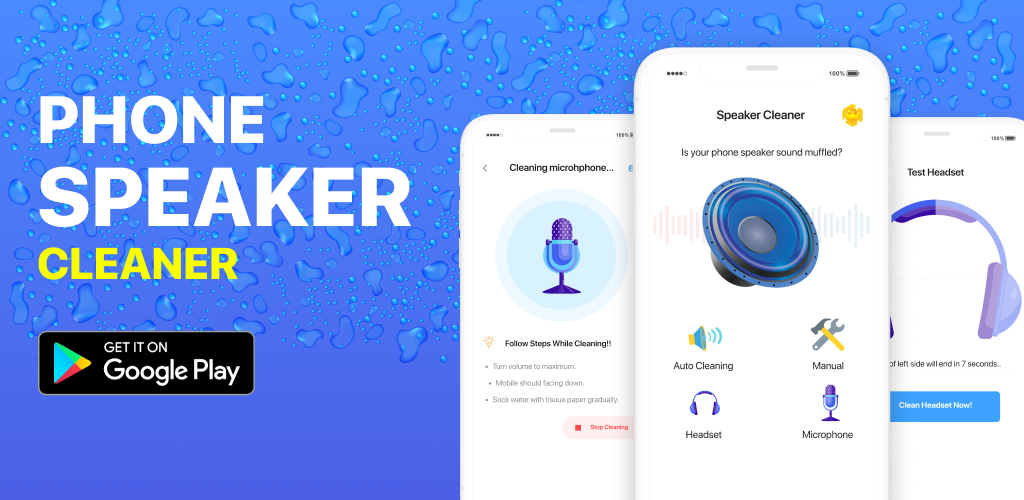
Speaker cleaner will help you unclog your speaker by recovering water damage. Speaker cleaners now eject water from your speaker within a few seconds and undo any water damage.
| App Size | 18MB |
| Role | Clean App |
| Nowadays Installs | 100K+ |
| Released on | Sep 4, 2021 |
| Offered By | Easy AppStudio |
- Speaker Cleaner app you can clean and eject water from the speaker in term of seconds. This simple process of removing water from the speaker is very easy to do and has a success rate of more than 90%.
- Features of Speaker Cleaner – Remove Water, Dust cleaner App:
- Remove water and clean the speaker in seconds
- Fix the speaker in 45 seconds using speaker cleaner
- The deep clean speaker in 80-120 seconds
- Over 90% success rate
- Auto mode
- Manual mode
Headset cleaning or headphone cleaning and Microphone testing are built into this app, To Test your Headset and microphone for free and also Clean your Headset.
Speaker Cleaner app uses sine wave sounds of predefined frequencies to remove water from the speaker. Sound waves cause the speaker to vibrate and shake off the water stuck inside.
TnShorts Latest Post List:
- Home App Review: Windows-Style Android Launcher Worth Using?
- Calculator Secret App: Should You Use Calculator Vault to Hide Photos?
- Lock Zip: Is Zipper Lock HD Worth Using on Android?
- Old Deleted Photos Android: Can It Really Recover Your Deleted Pictures?
- Girl Voice Audio: Is Voice Changer Audio Effects Worth Using?
Auto-cleaning (Recommended):
Auto cleaning mode in speaker cleaner is an automated process of removing water from the speaker. With just one press of the button, your speaker will eject water and fix sound in 80 seconds. There are also two modes of auto cleaning, so be sure to try them both if one doesn’t work. speaker cleaner will clean the speaker perfectly.
Manual cleaning:
Manual cleaning mode in speaker cleaner allows you to manually select the exact sound frequency that works best for a specific speaker. Use the slider to adjust the frequency.
IMPORTANT NOTES:
- Position the phone in such a way that the speaker is facing DOWN.
- Turn the volume to the maximum.
- While cleaning Headphones or earbuds, take off your ears until the cleaning process is not done