Short Description
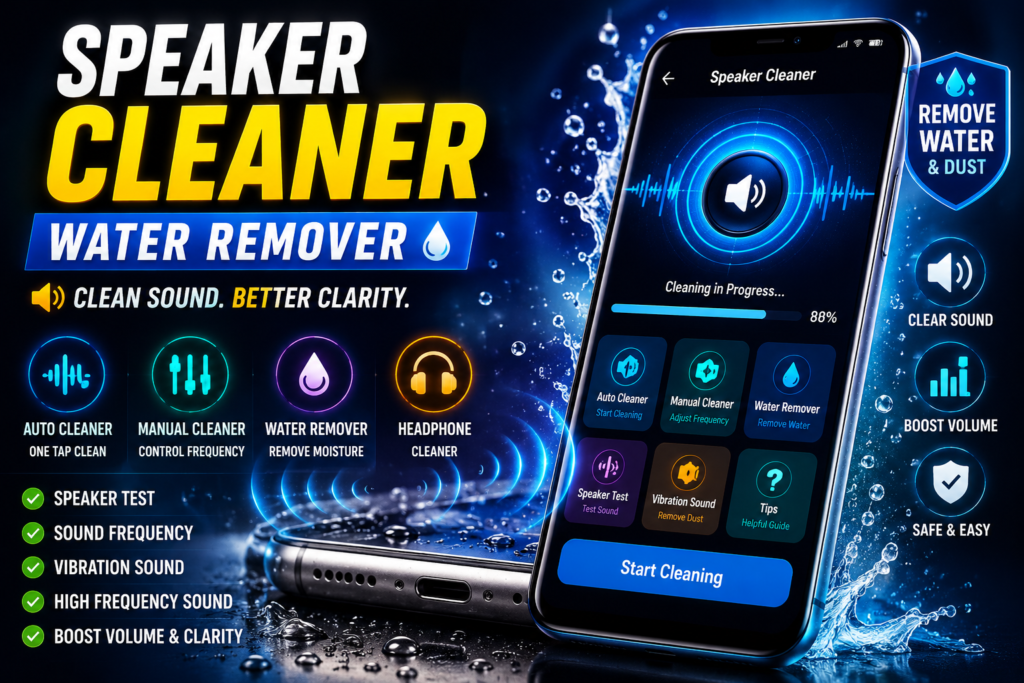
Phone speaker dust cleaner sound apps use special sound frequencies to help remove dust, moisture, and small particles from mobile speakers. In 2026, many users use these apps to fix low volume, muffled sound, and water-related speaker issues. This guide explains how they work, who should use them, common mistakes, and safe Play Store alternatives.
Many people notice low volume, unclear sound, or crackling noise from their phone speaker and search for a quick fix. One common solution in 2026 is using a phone speaker dust cleaner sound app.
These apps use special sound frequencies to push out dust, water drops, and tiny particles from the speaker grill. But do they actually work?
This guide explains what phone speaker dust cleaner sound apps are, how they work, real benefits, limitations, safety tips, common mistakes, and a useful optional Play Store app you can try safely.
Table of Contents
What Is Phone Speaker Dust Cleaner Sound?
A phone speaker dust cleaner sound is a special audio frequency designed to help remove dust, moisture, and small particles from your phone speaker.
It usually works by playing:
- vibration sound
- low-frequency sound
- high-frequency sound
- water eject sound waves
These sounds create speaker movement that may help push trapped dust or water outward.
This is especially useful after:
- rain exposure
- bathroom steam
- accidental water splash
- pocket dust buildup
- beach or outdoor use
It is not magic—but it can help in simple situations.
Why People Use It
People use speaker cleaner sound apps mainly because:
Low Volume Problem
Speaker sound becomes weak even at full volume.
Muffled Audio
Music and calls sound blocked or unclear.
Water Inside Speaker
After accidental splash, the sound becomes distorted.
Dust Build-Up
Pocket lint and dust slowly block the speaker holes.
Avoid Expensive Repair
Users want to try a safe first step before visiting a repair shop.
This is why “speaker cleaner sound” searches are growing in 2026.
How It Works (Simple Explanation)
The app plays strong sound waves through your phone speaker.
These sound waves create vibration inside the speaker area.
That vibration may help remove:
- small dust particles
- trapped moisture
- light debris
Think of it like shaking dust from a small surface using sound vibration.
Some apps offer:
- auto cleaning mode
- manual frequency control
- water eject mode
- test speaker mode
Important: it helps with minor problems only.
It cannot repair broken hardware.
Real Benefits
Fast First Step
You can test your speaker issue in minutes before spending money.
No Need to Open Phone
No risky opening, no tools, and no hardware damage risk.
Helpful After Water Splash
Many users use it after small water exposure like rain or accidental drops.
Good for Daily Maintenance
Regular cleaning may help prevent long-term speaker blockage.
Useful for Older Phones
Phones used for years often collect hidden dust inside the speaker grill.
Limitations / Things to Know
These apps are helpful, but not perfect.
It Cannot Fix Hardware Damage
If your speaker is physically damaged, sound apps will not repair it.
Deep Dirt Needs Manual Cleaning
Heavy dirt inside the grill may require professional cleaning.
Results Are Different for Every Phone
Some users notice improvement, others may not.
It depends on the real cause.
Too Much Use Is Not Better
Running extreme sound for too long is unnecessary.
Use normal cleaning sessions only.
Safety & Privacy Notes
Always install speaker cleaner apps only from the official Google Play.
Avoid:
- unofficial APK files
- cracked premium apps
- random unknown websites
These can be unsafe.
Also:
- avoid maximum volume for very long sessions
- do not use sharp objects inside the speaker
- never pour water directly into the speaker
Safe cleaning is always better than risky shortcuts.
Common Mistakes Users Make
Using Toothpicks or Pins
This can damage the speaker mesh permanently.
Expecting Instant Repair
Apps help with dust and moisture—not broken speakers.
Running Sound for 1 Hour
More time does not mean better results.
Usually a few short sessions are enough.
Ignoring the Charging Port
Sometimes users think speaker is the problem, but moisture may affect other parts too.
Using Fake APK Downloads
This creates more problems than the speaker issue itself.
Always use official Play Store apps.
Who Should Use This
This is useful for:
- people with low speaker volume
- phones exposed to small water splashes
- users hearing muffled sound
- people with old phones collecting dust
- users wanting a safe first fix before repair
Who Should Avoid This
This may not help if:
- speaker is physically broken
- phone was deeply water damaged
- sound problem started after a hard drop
- speaker crackles badly all the time
In these cases, professional repair is better.
Optional App to Try
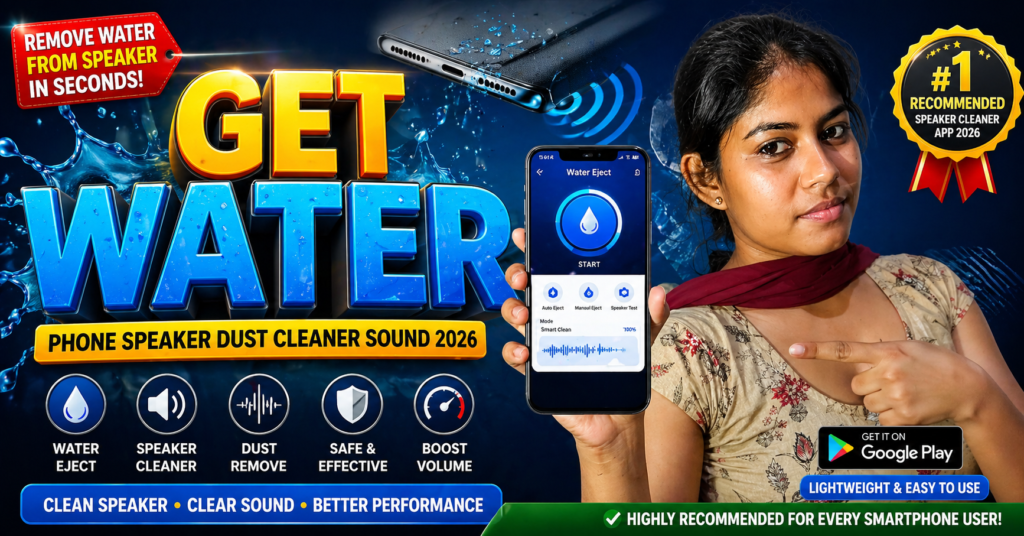
You can try Water Eject from the official Google Play.
Users try it for:
- water eject sound
- speaker cleaning frequency
- sound testing
- simple speaker maintenance
Tip most articles miss:
Use the app first, then keep the phone speaker facing downward for a few minutes. This helps loosened moisture or dust move out more easily.
This simple step often works better than repeated cleaning sessions.
How to Uninstall
If you no longer need the app:
- Open Settings
- Go to Apps
- Find the speaker cleaner app
- Tap Uninstall
You can also long press the app icon and choose Uninstall.
Only keep one trusted cleaner app to avoid unnecessary battery usage.
Quick Decision Summary (5-Second Help)
Use it if:
✔ Your speaker volume became low
✔ Sound is muffled after water splash
✔ You want a safe first fix
✔ You want to avoid unnecessary repair cost
Avoid it if:
✘ Speaker is physically damaged
✘ Phone had major water damage
✘ Sound issue started after dropping the phone
Final Words
Phone speaker dust cleaner sound apps can be useful in 2026—but only for small dust and moisture problems.
They are a good first step, not a miracle repair tool.
Used correctly, they may help restore clearer sound without opening your phone or paying for repair too early.
Apps like Water Eject can help, but real expectations matter most.
Try safe cleaning first, and if the problem continues, professional repair is the smarter choice.
More Articles You May Like