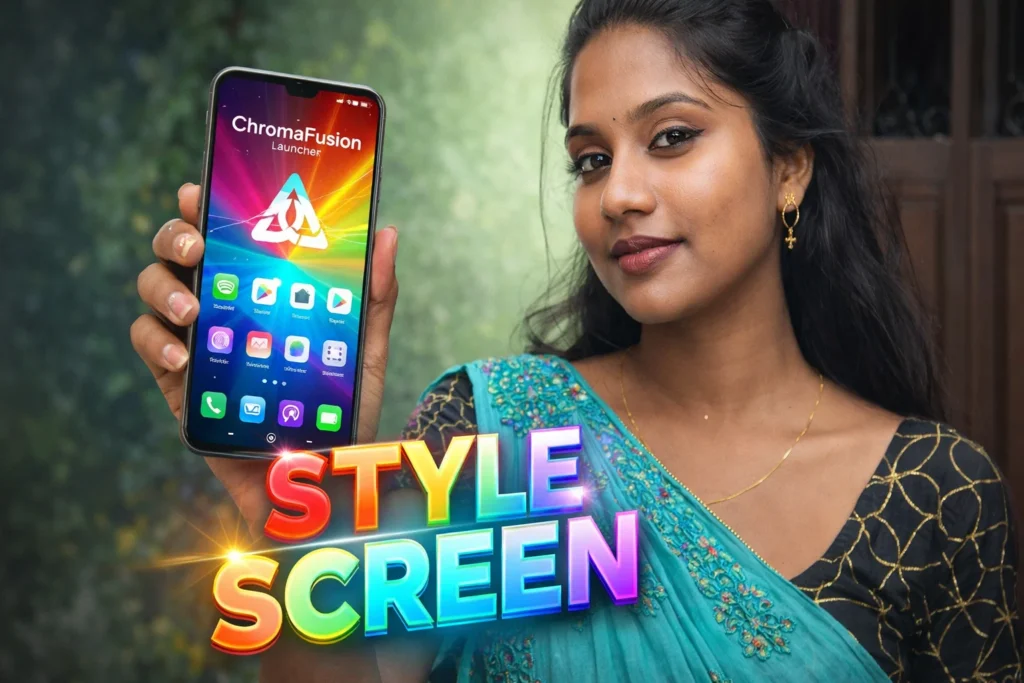
Smartphone home screens are where you spend most of your time — launching apps, checking widgets, and interacting with notifications. Most Android phones offer default launcher experiences with app grids, folders, and simple widgets. But for users who want more vibrant visuals, smooth animations, and modern layout innovations, third-party launchers have become essential. One of the newer names in 2026 is ChromaFusion Launcher — a launcher app that promises fluid interaction, colorful themes, and customizable layouts. But what is it actually, and how does it fit into everyday Android use? This article breaks down everything you need to know.
Quick Overview
| Feature | Explanation |
|---|---|
| What it is | A third-party Android launcher |
| Main focus | Customization & visual fusion of UX |
| Works on | Android devices (wide compatibility) |
| Main benefit | Personalized, dynamic home screen |
| Typical downside | May use more battery than stock launcher |
What ChromaFusion Launcher apps are actually used for
A launcher app replaces your phone’s existing home screen, app drawer, and often lock-screen aesthetics with a new interface. ChromaFusion Launcher specifically focuses on:
- Custom home screen layouts
- Colorful dynamic themes and wallpapers
- Smooth animations and transitions
- Enhanced widget integration
- App icons customization
- Gesture navigation tweaks
In 2026, Android users expect launchers not just to be functional, but also visually expressive. ChromaFusion aims to deliver a blend of vibrant visuals and utility — hence the “fusion” in the name.
How ChromaFusion Launcher works (simple explanation)
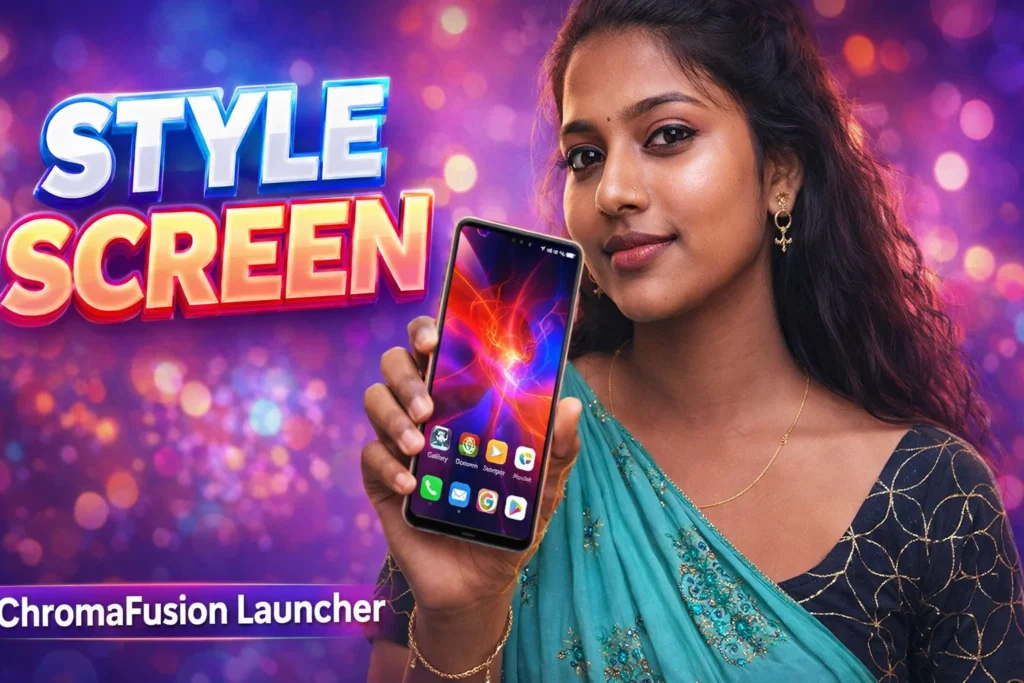
1. Default launcher replacement
After installation, Android will prompt you to set ChromaFusion as your default launcher. Once accepted:
- The home screen layout changes
- The standard app drawer may look different
- New gesture options appear
- Themes and colors become customizable
2. Theme and wallpaper selection
You can choose from built-in themes or import external wallpapers. The launcher dynamically adjusts:
- Color palettes
- Icon shapes
- Widget styles
- Animation speeds
3. Gesture and navigation tweaks
ChromaFusion allows custom gestures for:
- Swipe up/down
- Double tap
- Pinch
- Edge gestures
These can open app drawers, search, or custom shortcuts.
4. App drawer and folders
Users can:
- Customize grid size
- Change app sorting (alphabetical, recent)
- Create visually-rich folders with animation
The goal is personalization without losing performance.
Safety, privacy, and permission considerations
Being a launcher app, ChromaFusion primarily interacts with your phone’s interface — not your core personal data — but awareness still matters.
Common permissions
- Display over other apps
- Notification access (optional for badges)
- Storage access (to save/import themes)
- Contacts (optional for app shortcuts)
Privacy points
- Reputable launchers do not harvest messaging, camera, or location data without consent
- Always review permission requests before granting
- Android 2026 makes launcher permissions transparent
ChromaFusion should request only what it needs for personalization.
Pros and cons (balanced and realistic)
Advantages
✔ Strong visual customization
✔ Smooth animations and transitions
✔ Gesture personalization
✔ Dynamic themes that match wallpapers
✔ Improved home screen utility for some users
Disadvantages
✘ More battery use than stock launcher
✘ Some animations may affect performance on older devices
✘ Free versions often contain ads
✘ Settings may feel overwhelming for casual users
Third-party launchers always trade off some performance for customization.
When you should avoid using it
You might want to stick with the default launcher if:
- Battery life is your most important priority
- You prefer minimal, distraction-free UI
- You’re using a low-end or older device
- You dislike frequent customization updates
In these cases, the stock launcher usually offers more stable performance.
Who ChromaFusion Launcher is suitable for / not suitable for
Suitable for
- Users who enjoy personalization
- People who like creative layouts and themes
- Those with mid-range to high-end devices
- Users accustomed to gesture-based navigation
Not suitable for
- Users focused on battery efficiency
- People who prefer stock Android simplicity
- Devices with limited RAM or battery capacity
- Users who dislike constant visual change
Practical daily-use tips (Android in 2026)
- Customize gradually — start with color schemes, then gestures
- Disable heavy animations if performance feels slow
- Keep a system backup before major theme changes
- Use widgets that match your layout for cohesion
- Review battery settings — some launchers run as persistent services
Android’s built-in launcher management lets you switch back easily if needed.
FAQ
Do launcher apps affect app performance?
Not directly — but animations and effects may use more battery and RAM.
Can I switch back to the default launcher?
Yes — Android allows switching launchers any time.
Does this replace widgets?
No — you can still use Android widgets as usual.
Is personal data accessed by launchers?
Only if permissions are granted; launcher access is mainly visual.
Decision / Recommendation Table
| Usage Scenario | Recommendation |
|---|---|
| Want advanced customization | Highly suitable |
| Battery and performance priority | Not ideal |
| Creative home screen layouts | Good choice |
| Minimalist interface | Default launcher |
| Reader Recommendation (simple decision) | play.google.com |
personalized, not essential
ChromaFusion Launcher apps for Android in 2026 offer a vibrant — and highly customizable — alternative to standard home screens. They shine in personalization, dynamic themes, and gesture navigation. However, they do not inherently improve core phone functions or performance. Used thoughtfully and with appropriate permissions, they enhance visual experience and user control. If you value aesthetics and customization, ChromaFusion is worth trying; if you prioritize efficiency or simplicity, sticking with your default launcher may be best.
More Articles You May Like