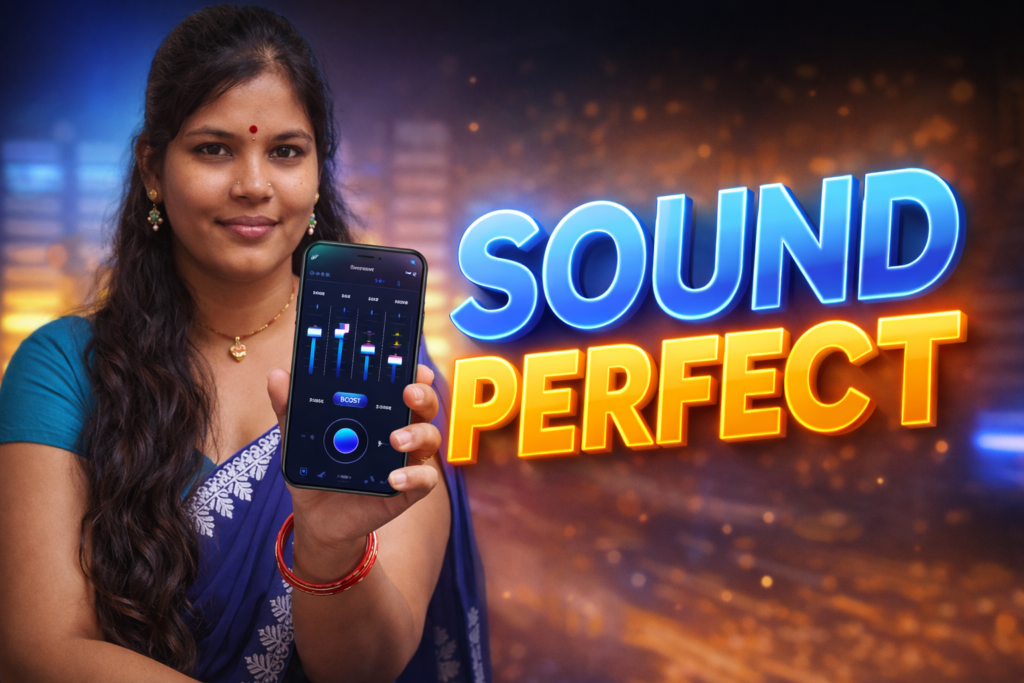
Most people listen to music, podcasts, or videos on their phones every day. Yet many Android users feel the sound is weak, muddy, or unbalanced—especially on budget earbuds, car speakers, or older phones. This is where an Equalizer music player booster for Android comes in. These tools promise better clarity, stronger bass, and louder output. But what do they actually do, how safe are they, and are they really useful in 2026? This article explains the reality—without hype—so you can decide responsibly.
Table of Contents
Quick Overview
| Aspect | Summary |
|---|---|
| Purpose | Adjust sound frequencies and perceived loudness |
| Works with | Music players, streaming apps, Bluetooth devices |
| Main benefit | Clearer audio tailored to your ears and devices |
| Main risk | Distortion or hearing strain if misused |
| Skill level | Beginner-friendly with basic audio awareness |
What this tool is actually used for
An equalizer music player booster is a software-based audio control layer. It sits between the audio source (music app, video app, game) and your phone’s speakers or connected headphones.
In practical terms, people use it to:
- Reduce harsh treble or muddy bass
- Boost vocals for podcasts or calls
- Make low-volume recordings easier to hear
- Adjust sound differently for headphones, car audio, or speakers
In 2026, Android audio systems are more capable than before, but hardware differences still matter. A simple equalizer can compensate for weak speakers or poorly tuned earbuds—within limits.
How it works (simple step-by-step)
Although interfaces vary, most equalizer boosters follow the same logic:
- Audio input detection
The app listens to system audio output, not individual files. - Frequency bands adjustment
Sound is split into ranges (bass, mids, treble). You raise or lower these bands using sliders. - Preset profiles
Common presets (Rock, Jazz, Voice, Bass Boost) apply pre-set curves for quick use. - Gain or loudness control
A booster increases overall output level, often with safeguards to reduce clipping. - Output to device
Adjusted sound is sent to speakers, wired headphones, or Bluetooth devices.
Modern Android versions handle audio routing better, but equalizers still rely on software processing—meaning results vary by device and Android skin.
Safety, privacy, and permission considerations
Audio tools are usually low-risk, but they still require awareness.
Permissions
Most equalizer apps need access to:
- Audio settings
- Foreground service (to run continuously)
They should not require contacts, storage scanning, or microphone recording for basic operation.
Privacy
Equalizers typically do not collect personal data. However, some may log device information for analytics. Always check:
- Privacy policy clarity
- Whether data is shared with third parties
Hearing safety
Boosting volume beyond hardware limits can:
- Cause distortion
- Damage speakers over time
- Increase risk of hearing fatigue
In 2026, many Android devices include built-in volume limit warnings—do not ignore them.
Pros and cons (balanced view)
Advantages
- Custom sound tailored to personal taste
- Improved clarity for podcasts and videos
- Helpful for older phones or basic earbuds
- Easy presets for non-technical users
Disadvantages
- Cannot fix poor-quality audio files
- Excessive boosting causes distortion
- Battery usage increases slightly
- Results differ across devices and brands
An equalizer improves balance, not magic quality.
When you should avoid using it
You may want to skip an equalizer booster if:
- Your phone already has a high-quality built-in audio tuner
- You use premium headphones with their own tuning app
- You often listen at maximum volume
- You experience ear discomfort or ringing
In these cases, less processing often means cleaner sound.
Who this is suitable for (and who it isn’t)
Suitable for
- Casual listeners wanting clearer audio
- Podcast and audiobook listeners
- Users with entry-level headphones
- Car audio users needing voice clarity
Not suitable for
- Audiophiles seeking studio accuracy
- Users sensitive to loudness changes
- Children using shared family devices without supervision
Practical daily-use tips (2026 context)
- Start with presets, then fine-tune slowly
- Keep bass boosts modest to protect speakers
- Use different profiles for headphones vs speakers
- Disable the booster when not listening to audio
- Re-check settings after Android system updates
Modern Android updates sometimes reset audio paths.
FAQ
Does an equalizer booster damage my phone?
Not directly. Damage occurs only if you push volume beyond safe limits consistently.
Will it work with streaming apps?
Most do, but behavior depends on Android version and app audio routing.
Is louder always better?
No. Balanced sound at moderate volume is safer and clearer.
Does it drain battery?
Slightly, because real-time audio processing uses CPU resources.
Decision and Recommendation Table
| Situation | Recommendation |
|---|---|
| Weak phone speaker | Use gently with low boost |
| Podcasts / voice | Focus on mid-range clarity |
| Music listening | Moderate tuning, avoid max boost |
| Kids using device | Avoid or lock settings |
| Reader Recommendation (simple decision) | Play.google.com |
Conclusion: a practical, cautious tool
An equalizer music player booster for Android can be genuinely useful in 2026 when used responsibly. It helps tailor sound to your ears and devices, but it is not a substitute for good hardware or high-quality audio. Keep adjustments modest, respect hearing safety, and treat it as a fine-tuning tool—not a volume weapon. Used wisely, it can improve everyday listening without unnecessary risk.
![What Are Volume Control (Lower or Boost) Apps for Android in 2026? [FULL VOLUME]](https://tnshorts.com/wp-content/uploads/2026/02/Volume-Control-Lower-or-Boost-apps-for-Android-768x512.webp "What Are Volume Control (Lower or Boost) Apps for Android in 2026? [FULL VOLUME] 3")