Many Android users feel their phone speaker volume is lower than expected. This often happens while watching videos, listening to music, gaming, or using the phone in noisy places.
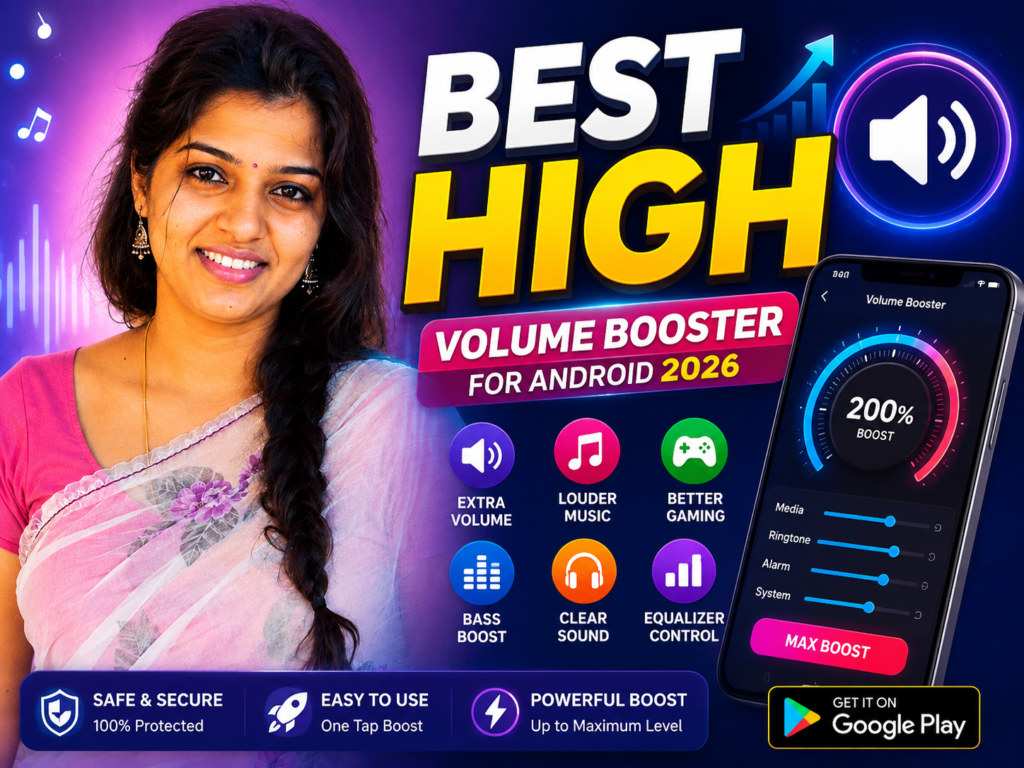
That is why many people search for volume booster for Android 2026.
Many users expect these apps to instantly make speakers extremely loud. The truth is simpler. Volume booster apps can improve audio output and sound tuning in some situations, but they cannot upgrade your phone’s physical speaker hardware.
This guide explains what volume booster apps really do, real benefits, limitations, common mistakes, and one useful Play Store app users can try.
What Is a Volume Booster App?
A volume booster app helps increase audio output through software adjustments.
Many apps include:
- sound amplification
- bass enhancement
- equalizer controls
- music tuning
- speaker optimization
- headphone sound adjustment
It works through audio processing rather than hardware changes.
Why People Use It
Users usually install volume booster apps because:
- phone sound feels low
- music volume seems weak
- video audio is hard to hear
- gaming sound needs improvement
- Bluetooth sound feels quieter than expected
Many people use these apps simply to improve daily listening experience.
How It Works (Simple Explanation)
A volume booster app changes sound processing and adjusts audio settings.
Depending on the app, it may:
- increase audio gain
- modify equalizer frequencies
- improve bass response
- adjust media output levels
- optimize sound clarity
Important thing to know:
These apps boost sound processing—not the actual speaker hardware.
Real Benefits
A good volume booster app may help:
✔ make music sound louder
✔ improve video sound clarity
✔ increase gaming audio
✔ improve headphone experience
✔ make low-volume content easier to hear
Many users notice better sound after adjusting settings carefully.
Things Most Users Do Not Know
No app can permanently increase speaker power.
Using maximum boost all the time can cause:
- distorted sound
- crackling audio
- reduced sound quality
- unnecessary speaker stress
Balanced sound settings usually give better results.
Safety Notes
Always install apps only from the official Google Play.
Avoid:
- unofficial APK files
- modified versions
- fake “500% louder” promises
- apps requesting unrelated permissions
Using extremely high volume for long periods may affect hearing comfort and speaker quality.
Common Mistakes Users Make
Many users move every slider to maximum immediately.
This often creates distorted sound instead of clearer audio.
Some users install multiple volume apps together, which can create sound conflicts.
Simple tuning usually works better than aggressive settings.
Who Should Use This
This may help:
- music listeners
- gaming users
- Bluetooth headphone users
- users watching videos regularly
- people who feel media volume is low
Who Should Avoid It
You may skip these apps if:
- your speaker already crackles
- phone hardware is damaged
- you expect major hardware upgrades
- battery efficiency matters most
Optional App to Try
You can try Volume Booster from the official Google Play.
Official Play Store:
Users use it for:
- boosting music sound
- improving media volume
- tuning speaker output
- enhancing audio experience
Simple tip most articles miss:
Before using any booster app, check:
Settings → Sound → Bluetooth settings
Sometimes volume problems come from settings—not weak speakers.
How to Uninstall
- Open Settings
- Go to Apps
- Select the volume booster app
- Tap Uninstall
You can also long press the app icon and remove it.
Quick Decision Summary
Use it if:
✔ media sound feels low
✔ music needs tuning
✔ headphones sound weak
Do not expect:
✘ hardware upgrades
✘ unlimited loudness
✘ perfect sound at maximum boost settings
FAQ Suggestions
Do volume booster apps really work on Android?
Yes, they can improve audio output and sound tuning, but they cannot upgrade the phone’s physical speaker hardware.
Can volume booster apps damage speakers?
Very high sound levels for long periods may create distortion and unnecessary speaker stress.
Why is my Android phone volume suddenly low?
Low sound can happen because of Bluetooth settings, equalizer changes, software updates, or speaker issues.
Is Volume Booster safe to use?
Yes, if downloaded from the official Google Play and after checking permissions carefully.
Can I uninstall a volume booster app later?
Yes. You can remove it anytime from Android settings or by long pressing the app icon.
Conclusion
Volume booster apps in 2026 can improve sound experience when used correctly.
The best results usually come from proper tuning—not extreme settings.
Smart adjustments often sound better than simply making everything louder.
![What Are Volume Control (Lower or Boost) Apps for Android in 2026? [FULL VOLUME]](https://tnshorts.com/wp-content/uploads/2026/02/Volume-Control-Lower-or-Boost-apps-for-Android-768x512.webp "What Are Volume Control (Lower or Boost) Apps for Android in 2026? [FULL VOLUME] 2")