
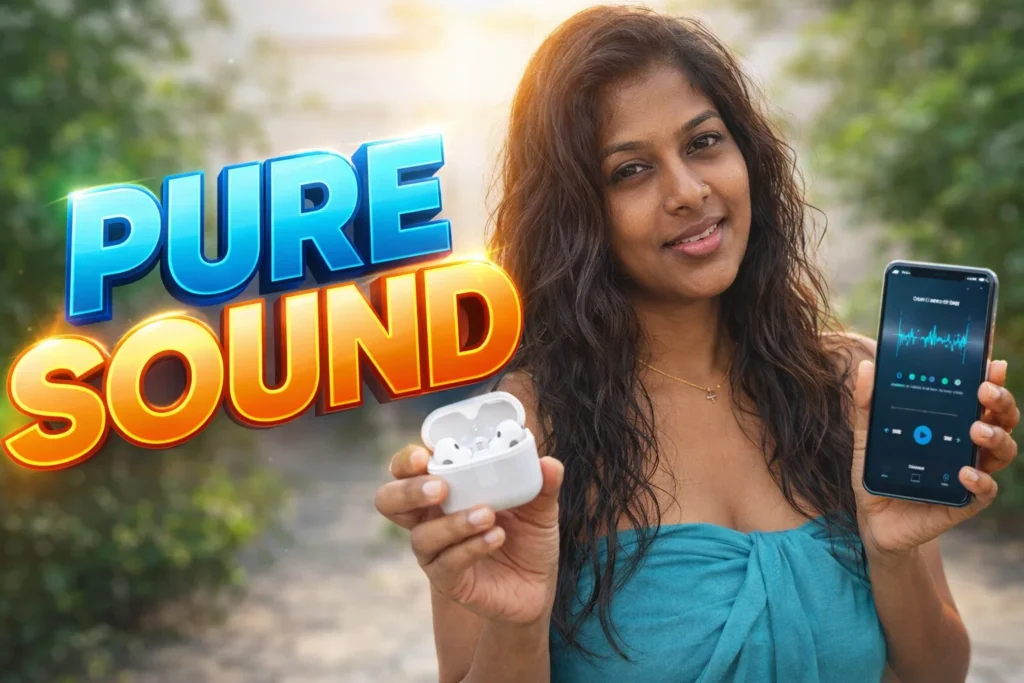
A phone that falls into water or gets exposed to rain, sweat, or moisture often seems fine at first. But hours later, the speaker sounds muffled, distorted, or unusually quiet. Many users panic, assuming permanent damage. In reality, trapped water or moisture inside the speaker grill is a common cause. This is where a Speaker Cleaner with Eject Water app for Android becomes relevant. In 2026, these apps are widely used as a first-step recovery tool—but they work only within specific limits that users must understand.
Quick Overview
| Aspect | Summary |
|---|---|
| Main purpose | Push water out of phone speakers |
| Method used | High-frequency sound vibration |
| Typical use case | After water exposure |
| Key benefit | Quick, non-invasive attempt |
| Main limitation | Cannot fix hardware damage |
What this app is actually used for
Speaker cleaner with eject water apps are designed to remove moisture trapped in a phone’s speaker chamber. Instead of opening the device or using heat, these apps play controlled sound frequencies that vibrate the speaker diaphragm.
People typically use these apps to:
- Clear water after accidental splashes
- Improve muffled speaker sound
- Restore volume clarity
- Reduce crackling or distortion
- Try recovery before visiting a service center
In 2026, these apps are considered a preventive and early-response solution, not a guaranteed repair.

How speaker cleaner & eject water apps work (step-by-step)
- Speaker activation
The app plays a specific sound through the speaker. - High-frequency vibration
Frequencies are chosen to create strong diaphragm movement. - Water displacement
Vibration pushes moisture outward through the speaker grill. - Short cleaning cycles
Sessions usually last 30 seconds to a few minutes. - Repeat if needed
Users may run multiple cycles for better results.
This process is entirely software-based and does not modify hardware settings.
Safety, privacy, and permission considerations
These apps are generally low-risk, but proper use matters.
Common permissions
- Audio output access
- Foreground service (while cleaning)
- No storage or contact access required
Privacy considerations
- No personal data needed
- No microphone access required
- Offline functionality in most apps
Safety notes
- Volume is intentionally loud—use briefly
- Avoid using headphones during cleaning
- Stop if speaker makes unusual noises
In 2026, Android’s audio protection systems prevent extreme damage, but caution is still important.
You May Also Like
![Phone Speaker Dust Cleaner Sound 2026 – Does It Really Work? [GET WATER]](https://tnshorts.com/wp-content/uploads/2026/04/Phone-Speaker-Dust-Cleaner-2026-300x157.png "Phone Speaker Dust Cleaner Sound 2026 – Does It Really Work? [GET WATER] 2") Phone Speaker Dust Cleaner Sound 2026 – Does It Really Work? [GET WATER]
Phone Speaker Dust Cleaner Sound 2026 – Does It Really Work? [GET WATER]
![Speaker Cleaner Water Remover App for Android 2026 [PERFECT CLEAN] – What It Does and When It Really Helps](https://tnshorts.com/wp-content/uploads/2026/04/Speaker-Cleaner-Water-Remover-App-for-Android-2026-300x200.webp "Speaker Cleaner Water Remover App for Android 2026 [PERFECT CLEAN] – What It Does and When It Really Helps 3") Speaker Cleaner Water Remover App for Android 2026 [PERFECT CLEAN] – What It Does and When It Really Helps
Speaker Cleaner Water Remover App for Android 2026 [PERFECT CLEAN] – What It Does and When It Really Helps
![Speaker Cleaner with Water Eject App Android 2026 [AUTO CLEAN] – What It Does and When It Helps](https://tnshorts.com/wp-content/uploads/2026/03/Speaker-Cleaner-with-Water-Eject-App-Android-2026-300x200.webp "Speaker Cleaner with Water Eject App Android 2026 [AUTO CLEAN] – What It Does and When It Helps 4") Speaker Cleaner with Water Eject App Android 2026 [AUTO CLEAN] – What It Does and When It Helps
Speaker Cleaner with Water Eject App Android 2026 [AUTO CLEAN] – What It Does and When It Helps
![Why Speaker Cleaner Water Eject Apps Reached 5M+ Installs on Android in 2026 [OUT WATER]](https://tnshorts.com/wp-content/uploads/2026/03/Speaker-Cleaner-Water-Eject-Apps-Android-2026-300x200.webp "Why Speaker Cleaner Water Eject Apps Reached 5M+ Installs on Android in 2026 [OUT WATER] 5") Why Speaker Cleaner Water Eject Apps Reached 5M+ Installs on Android in 2026 [OUT WATER]
Why Speaker Cleaner Water Eject Apps Reached 5M+ Installs on Android in 2026 [OUT WATER]
Pros and cons (honest and realistic)
Advantages
- Easy to use
- No physical tools required
- Works quickly for minor moisture
- Free or low-cost option
Disadvantages
- Ineffective for heavy water damage
- Cannot fix rust or corrosion
- Results vary by phone model
- Overuse may stress the speaker
These apps help with water, not with broken components.
When you should avoid using it
You should not rely on speaker cleaner apps if:
- The phone was submerged for a long time
- Speaker sound is completely gone
- There are charging or screen issues
- The phone overheats after water exposure
In such cases, powering off the device and seeking professional repair is safer.
Who these apps are suitable for / not suitable for
Suitable for
- Minor water exposure
- Rain or sweat-related moisture
- First response after spills
- Casual personal phone use
Not suitable for
- Saltwater damage
- Phones dropped into pools or oceans
- Long-term internal corrosion
- Devices with existing speaker damage
Practical daily-use tips (Android usage in 2026)
- Turn off Bluetooth before cleaning
- Remove phone cases
- Run cleaning immediately after exposure
- Keep phone upright during use
- Let the phone rest afterward
Modern Android phones have tighter seals, but speaker grills remain vulnerable.
FAQ
Do these apps really remove water?
They can help remove trapped moisture, not deep internal water.
Can this replace professional repair?
No. It is a first attempt, not a repair solution.
Is it safe to run multiple times?
Yes, but avoid excessive or continuous use.
Does it work on all phones?
Effectiveness depends on speaker design and water amount.
Decision / Recommendation Table
| Situation | Recommendation |
|---|---|
| Light water splash | Try immediately |
| Muffled sound | Worth testing |
| Full submersion | Avoid, seek repair |
| Speaker crackling | Limited benefit |
| Reader Recommendation (simple decision) | Play.google.com |
Conclusion: a helpful first step, not a cure
Speaker Cleaner with Eject Water apps for Android are practical tools in 2026 for dealing with minor water-related speaker issues. They are best used quickly, gently, and with realistic expectations. While they can restore clarity in some cases, they are not a substitute for professional repair when hardware damage occurs. Used responsibly, they offer a simple, non-invasive first response to an everyday smartphone problem.
More Articles You May Like
 What Is a Speaker Cleaner with Remove Water App for Android? (SOUND CLARITY 2026)
 What Is Speaker AUTO CLEAN App in 2026? How It Works & Limits
 Speaker Cleaner Water Remover (DUST SOUND 2026): What These Apps Actually Do, When They Help, and When They Don’t
![Mobile Phone Speaker Cleaner 2026 – How Modern Phones Clear Dust & Water from Speakers [FINE SPEAKER]](https://tnshorts.com/wp-content/uploads/2025/12/FINE-SPEAKER-–-Mobile-Phone-Speaker-Cleaner-Demonstration-Image-2026-300x200.png "Mobile Phone Speaker Cleaner 2026 – How Modern Phones Clear Dust & Water from Speakers [FINE SPEAKER] 9") Mobile Phone Speaker Cleaner 2026 – How Modern Phones Clear Dust & Water from Speakers [FINE SPEAKER]
Mobile Phone Speaker Cleaner 2026 – How Modern Phones Clear Dust & Water from Speakers [FINE SPEAKER]