
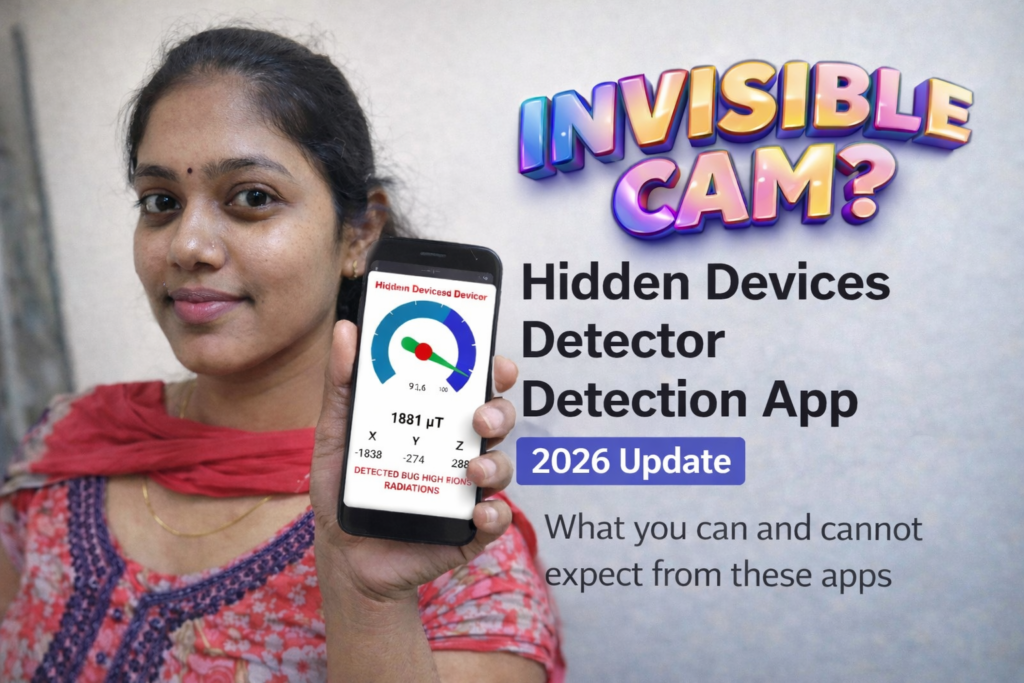
Concerns about hidden recording and tracking devices have increased as technology becomes smaller, cheaper, and easier to conceal. In 2026, many people search for clarity around hidden voice recorder devices, hidden audio recording devices, and tools that claim to help detect them.
This guide explains how a hidden devices detector detection app actually works, what risks are realistic, how Android system checks fit into detection, and where human judgment remains essential. The goal is informed awareness—not fear, assumptions, or misuse.
Table of Contents
Reader Overview
| Area | What This Guide Covers |
|---|---|
| Hidden devices | Audio recorders, GPS trackers, and disguised devices |
| Detection apps | How apps attempt detection and their limits |
| Android security | Device administrator and system-level checks |
| Real detection | Practical steps beyond apps |
| Legal safety | Boundaries, consent, and responsible action |
Why People Worry About Hidden Recording Devices
Most people do not encounter hidden surveillance in daily life. However, concerns typically arise in specific situations:
- Temporary or shared accommodation
- Personal disputes or stalking fears
- Vehicle access by third parties
- Child safety or custody tensions
- Workplace privacy uncertainty
Understanding context matters. Random fear leads to false assumptions, while informed checks reduce unnecessary stress.
Types of Hidden Devices People Search For
Hidden Voice Recorder Device
Small audio-only devices designed to record sound locally.
Often battery-powered and offline, which makes digital detection difficult.
Hidden Audio Recording Device
May activate automatically based on sound.
Often disguised as common household objects.
Recording Device Hidden in Plain Sight
Disguised as chargers, clocks, adapters, or décor items.
Visual inspection is often more effective than software detection.
Hidden GPS Tracking Device
More common than audio bugs.
Usually attached to vehicles or bags and may use Bluetooth or mobile networks.
How a Hidden Devices Detector Detection App Works in 2026
Detection apps do not scan physical spaces. They analyze signals and system behavior.
What These Apps Can Detect
- Nearby Bluetooth devices
- Unknown or persistent Wi-Fi connections
- Repeated background microphone or sensor access
- Suspicious Android device administrator entries
- Abnormal permission usage patterns
What These Apps Cannot Reliably Detect
- Offline audio recorders
- Passive listening devices
- Devices without wireless transmission
- Devices hidden inside walls or furniture
- Intent or legality of a detected device
This limitation is critical. Apps indicate signals, not proof.
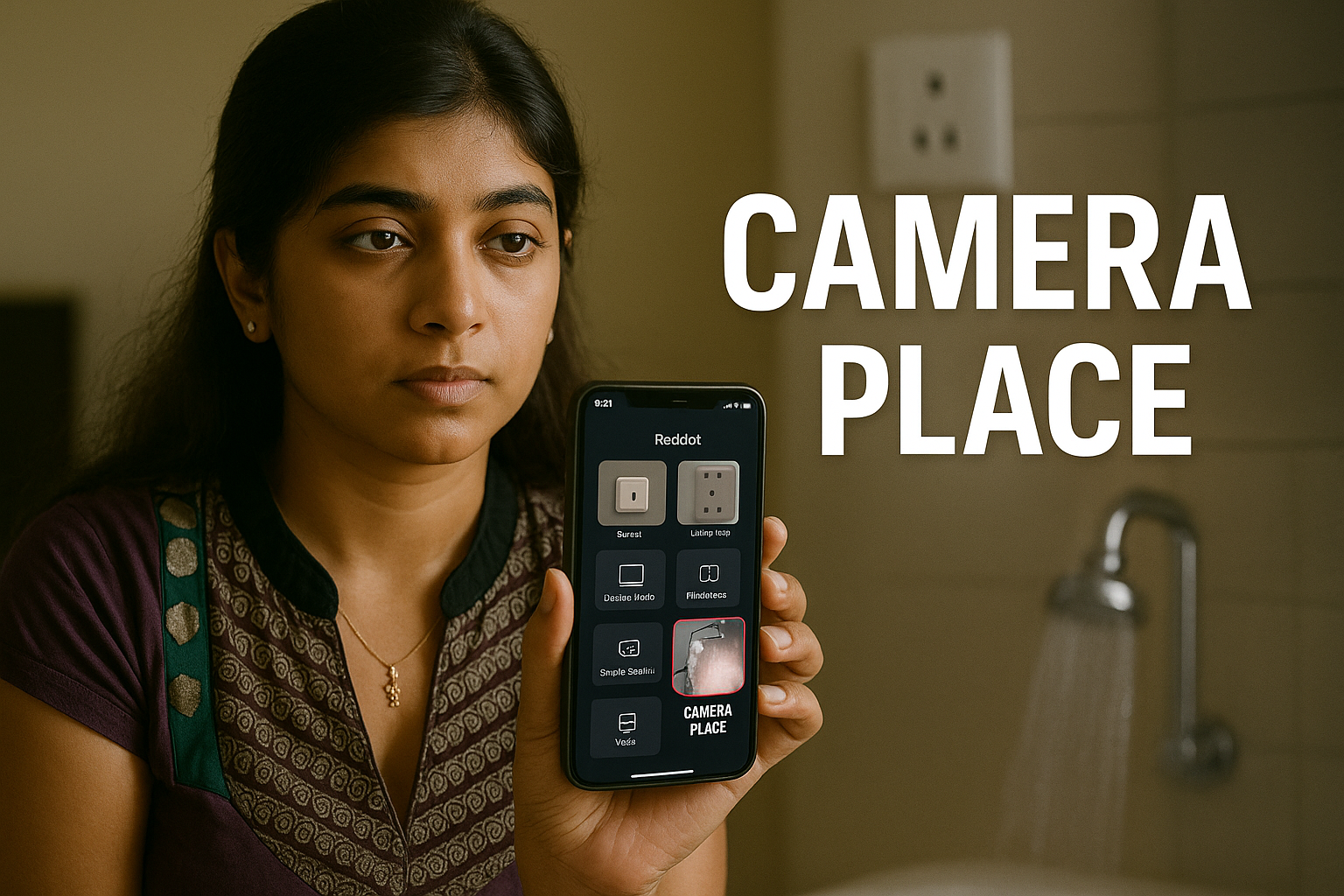
How to Find Hidden Device Administrator Access on Android
Some intrusive software hides behind administrator privileges.
Manual Check (Recommended)
- Open Settings
- Go to Security & Privacy
- Select Device admin apps
- Review every enabled item carefully
Red Flags
- Generic or unclear app names
- No visible app icon
- Admin access without a clear function
Do not remove system or workplace profiles without understanding their role.
How to See Hidden Devices in Device Manager
Android’s device manager displays:
- System administrators
- Enterprise or work profiles
- Security enforcement tools
A truly external hidden device will not appear here. This check only applies to software-based monitoring.
How to Detect a Hidden Listening Device (Reality-Based Approach)
Step 1: Physical Awareness
- Inspect outlets, chargers, and unfamiliar objects
- Look for recently added items
- Check vents, corners, and power points
Step 2: Network Observation
- Temporarily disable Wi-Fi
- Review connected devices on your router
- Watch for repeated reconnections
Step 3: App Signals (Supportive, Not Final)
Detection apps may highlight:
- Unknown Bluetooth identifiers
- Devices reconnecting frequently
- Continuous sensor access
These are indicators, not confirmation.
How to Find a Hidden GPS Tracking Device
GPS trackers are usually discovered through physical checks.
Common Locations
- Under car seats
- Inside bumpers
- Trunk linings
- Bags and backpacks
Signs
- Alerts from phone OS about unknown trackers
- Unusual Bluetooth proximity warnings
- Repeated location-related notifications
Professional inspection is recommended if suspicion remains.
Child Safety and Tracking Concerns (Clarification)
Searches like best child tracking device hidden often reflect fear, not malicious intent.
Important considerations:
- Secret tracking may violate local laws
- Transparent safety tools are safer than hidden ones
- Communication and education reduce risk more effectively than covert monitoring
Hidden tracking should never replace trust and consent.
Legal and Ethical Boundaries
Before acting on suspicion:
- Recording without consent may be illegal
- Searching someone’s belongings without permission may escalate conflict
- False accusations can cause lasting harm
If concern is serious:
- Document observations calmly
- Avoid confrontation without evidence
- Seek professional or legal advice if necessary
Decision Guide: What Makes Sense in Your Situation
| Situation | Reasonable Next Step |
|---|---|
| Short-term stay or rental | Visual inspection + network review |
| Phone feels compromised | Check permissions and admin access |
| Vehicle tracking concern | Physical inspection + OS alerts |
| Family or friend suspicion | Pause, verify, avoid assumptions |
| Strong indicators found | Seek expert or legal guidance |
Advantages and Limitations (Balanced)
Advantages
- Improves privacy awareness
- Helps identify unusual digital behavior
- Encourages better device hygiene
- Useful as an initial check
Limitations
- Cannot detect offline devices
- May trigger false alerts
- Requires user understanding
- Not a substitute for professional inspection
Hidden Devices Detector — Quick Overview
- Magnetic sensor-based signal change detection
- Camera-based infrared light scanning
- Radiation level indicators from device sensors
- Visual, sound, or vibration alerts for signal changes
Common Questions About Hidden Device Detection
Final Guidance
In 2026, privacy protection depends more on context and judgment than tools alone. A hidden devices detector detection app can highlight unusual signals, but it cannot confirm surveillance on its own. Responsible use—combined with calm verification and legal awareness—offers the safest path forward.
More Articles You May Like
![How to Find Hidden Cameras Using Mobile Phones 2026 – A Clear Safety Guide [CAMERA PLACE]](https://tnshorts.com/wp-content/uploads/2025/12/How-to-Find-Hidden-Cameras-Using-Mobile-Phones-2026-768x512.png "How to Find Hidden Cameras Using Mobile Phones 2026 – A Clear Safety Guide [CAMERA PLACE] 1") How to Find Hidden Cameras Using Mobile Phones 2026 – A Clear Safety Guide [CAMERA PLACE]
How to Find Hidden Cameras Using Mobile Phones 2026 – A Clear Safety Guide [CAMERA PLACE]
 Auto Detect Hidden Camera Detector 2025 – Detect Spy Cameras with 99.9% Accuracy 🔍
 🔒 Hidden Camera Scan & Device Finder: Your 2025 Guide to Complete Privacy Protection
 Room Camera: Hidden Spy Camera Detector App