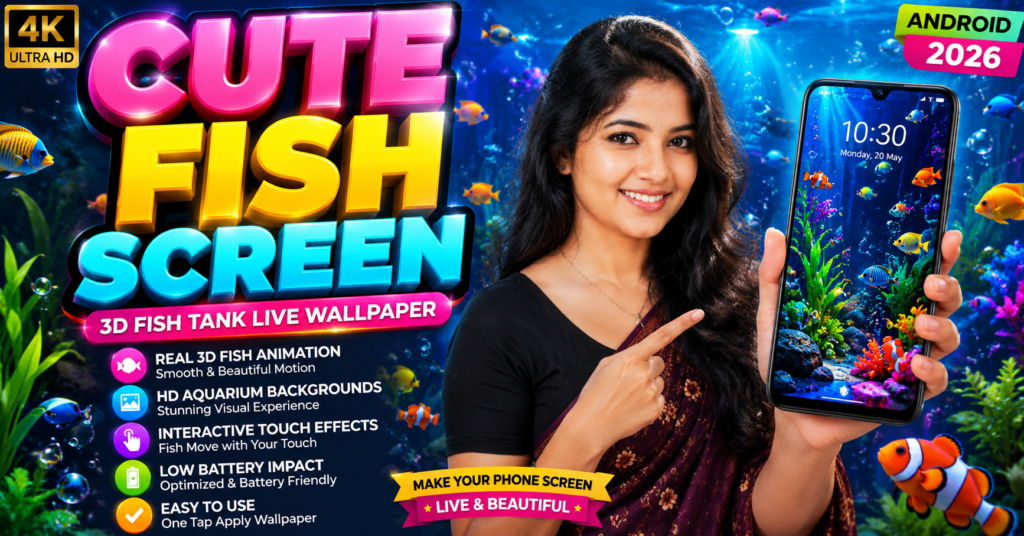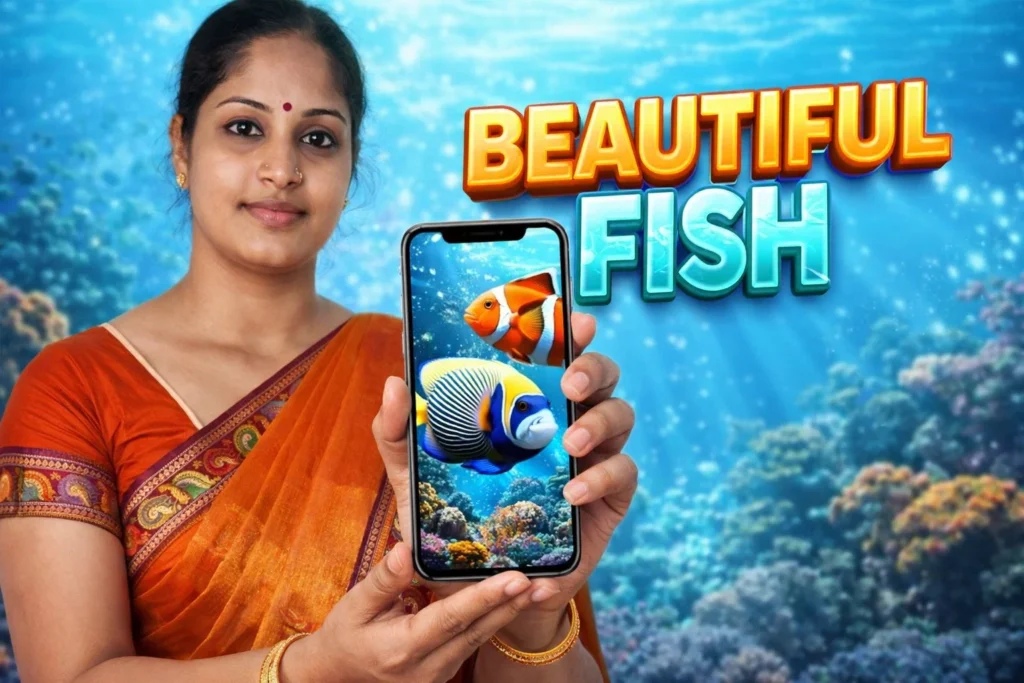
Many Android users enjoy customizing their phone’s appearance. Static wallpapers look good, but they remain completely still. Some users prefer something more dynamic — moving backgrounds that make the screen feel alive. That is where Fish Live Wallpaper 3D Apps Android 2026 come in. These apps turn your phone’s home screen into a digital aquarium where fish swim across the display with animated water effects. While they look simple, they rely on Android’s live wallpaper system, animation engines, and graphics rendering to create the illusion of a real underwater environment.
Understanding how these apps actually work helps you decide whether they are safe, lightweight, and suitable for daily use.
Quick Overview
| Feature | Details |
|---|---|
| Main Purpose | Animated aquarium-style phone wallpaper |
| Technology Used | Android live wallpaper engine |
| Visual Effects | 3D fish animation, water ripple effects |
| Internet Needed | Usually not required |
| Customization | Fish types, backgrounds, water effects |
| Battery Impact | Slightly higher than static wallpaper |
| Suitable For | Users who enjoy animated phone themes |
What Fish Live Wallpaper 3D Apps Are Used For
Fish live wallpaper apps belong to the Android personalization category. Their goal is not productivity or communication — they simply enhance the visual appearance of your phone.
Typical features include:
- Animated koi fish or tropical fish swimming across the screen
- Digital aquarium or pond backgrounds
- Interactive water ripple effects when touching the screen
- Bubble animations and underwater lighting
- Custom themes and fish types
Many apps simulate a small aquarium environment directly on the home screen so users can enjoy moving aquatic scenes whenever they unlock their phone.
These apps often mimic real aquariums with fish swimming slowly through animated water environments.
How Fish Live Wallpaper Apps Work (Step-by-Step)
Even though they look like simple wallpapers, these apps use several Android system components.
Step 1: Live Wallpaper Engine
Android includes a built-in Live Wallpaper framework.
Instead of showing a static image, the wallpaper runs a lightweight animation process in the background.
This allows:
- Moving objects
- Particle effects
- Real-time graphics rendering
Fish wallpaper apps use this engine to display animated scenes.
Step 2: 3D Animation Rendering
Most modern apps use:
- OpenGL graphics
- GPU acceleration
- Layered animation frames
This makes the fish appear to swim smoothly across the screen.
Some wallpapers create realistic underwater environments with fish, coral reefs, and bubbles moving naturally.
Step 3: Interactive Touch Effects
Many fish wallpaper apps respond when you touch the screen.
Typical interactions include:
- Water ripple effects
- Fish moving away from your finger
- Bubble animations appearing
Some apps allow users to create realistic ripple waves simply by tapping the screen.
Step 4: Customization Settings
Users can usually adjust settings such as:
- Number of fish
- Fish species
- Water color
- Background scenery
- Animation speed
Some apps even allow adding clocks, emoji, or other decorative elements on top of the aquarium background.
Step 5: Applying the Wallpaper
Once configured:
- Open the wallpaper app
- Choose the aquarium theme
- Tap Set as Live Wallpaper
- Select Home Screen or Home + Lock Screen
The Android system then runs the animation automatically in the background.
Safety, Privacy & Permission Considerations
Fish live wallpaper apps generally require very few permissions compared with many other Android apps.
However, users should still check:
1. Storage Permission
Some apps allow importing custom backgrounds or images.
2. Internet Access
Used mainly for:
- downloading new wallpapers
- showing ads
- updating themes
3. Advertising SDKs
Free wallpaper apps often include advertisements.
4. System Resource Usage
Animated wallpapers constantly render graphics, which can slightly increase battery and GPU usage.
Advantages of Fish Live Wallpaper Apps
1. Visually Attractive Phone Screen
The main benefit is a beautiful animated background that makes the device feel unique.
2. Relaxing Visual Experience
Aquarium themes often create calm, relaxing visuals similar to watching a fish tank.
3. Interactive Effects
Touch interactions like water ripples add fun to normal phone usage.
4. Customizable Themes
Users can change fish types, colors, and underwater environments.
Limitations and Disadvantages
1. Higher Battery Consumption
Live wallpapers use more power than static images because animation runs continuously.
2. Slight Performance Impact
Older or low-end devices may experience small performance drops.
3. Advertisements
Free wallpaper apps often show ads in settings screens.
4. Limited Practical Use
These apps provide visual customization only — they do not improve device performance or functionality.
When You Should Avoid Using It
You may want to avoid live fish wallpapers if:
- Your phone has limited battery capacity
- You use an older Android device with low GPU performance
- You prefer minimalistic or distraction-free screens
- You want the longest possible battery life
Static wallpapers consume significantly fewer resources.
Who This Is Suitable For
Suitable For
- Users who enjoy customizing their phone appearance
- People who like aquarium or nature-style themes
- Android users with mid-range or powerful devices
- Users who want animated home screens
Not Suitable For
- Devices with very limited battery life
- Performance-sensitive devices used for gaming or heavy work
- Users who prefer simple minimal wallpapers
Real-World Example
Imagine unlocking your phone and seeing colorful koi fish slowly swimming across the screen while bubbles rise in the background.
When you touch the display:
- small ripples appear in the water
- fish react by moving slightly away
- the aquarium environment continues to animate
This simple effect makes the phone feel more interactive compared with a normal static wallpaper.
Frequently Asked Questions (FAQ)
1. Do fish live wallpapers require internet
Most do not require internet after installation. Internet is usually used only for downloading themes or displaying ads.
2. Will it slow down my phone?
On modern Android devices the impact is usually minimal, but very old phones may experience slower performance.
3. Do these apps work on the lock screen?
Many live wallpaper apps support both home screen and lock screen.
4. Can I customize the fish or aquarium?
Yes. Many apps allow changing fish types, backgrounds, and animation effects.
5. Are fish live wallpapers safe?
Most are safe personalization apps, but users should still review permissions and developer reputation.
Decision / Recommendation Table
| Situation | Recommended? | Reason |
|---|---|---|
| You enjoy animated wallpapers | Yes | Creates dynamic phone background |
| Your device has good battery | Yes | Minimal performance impact |
| You prefer simple static themes | No | Animation may feel distracting |
| Older or low-performance phone | Not ideal | Live wallpapers use more GPU |
| You want visual customization | Yes | Aquarium themes are interactive |
Reader Recommendation (Simple Decision)
If you want a simple aquarium-style animated background with fish swimming across your phone screen, you can explore:
Always check app permissions and settings before applying a live wallpaper.
Final Thoughts
Fish Live Wallpaper 3D Apps Android 2026 are part of the Android personalization ecosystem that allows users to transform their phone screen into an animated aquarium environment. Using the Android live wallpaper framework, these apps render moving fish, water effects, and interactive animations directly on the home screen.
While they can make a device visually attractive and relaxing to use, they do consume slightly more battery and system resources than static wallpapers. For users who enjoy customization and interactive themes, fish live wallpapers offer a simple way to make their device feel more lively and unique.
More Articles You May Like