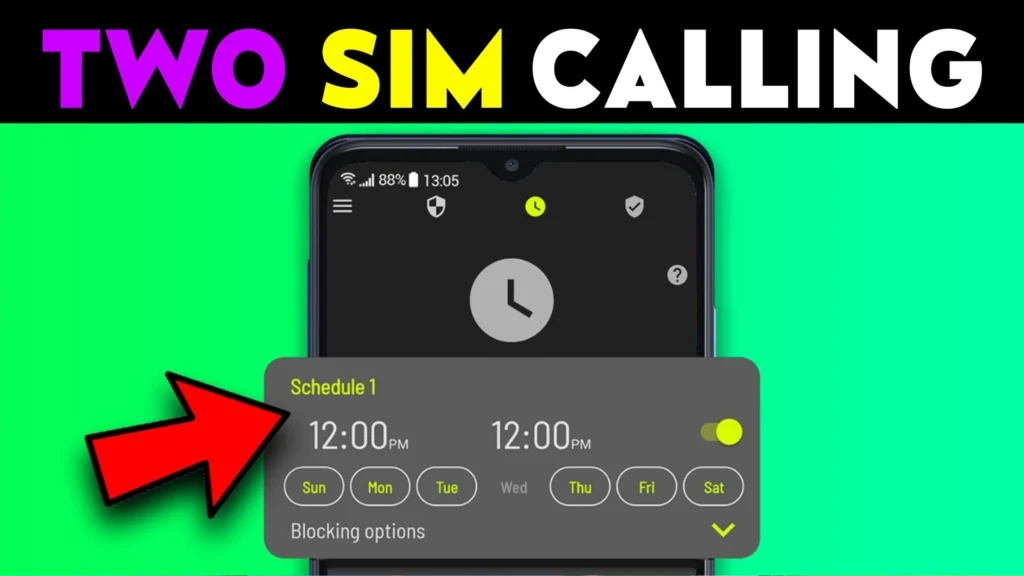
Phone calls and text messages were meant to connect people, but for many users they have become a constant source of interruption. Spam calls, promotional messages, robocalls, scam attempts, and unwanted contacts can disrupt work, sleep, and peace of mind. Even with built-in Android filters, nuisance communication still slips through. This is where Call Blocker and SMS Blocker apps for Android play an important role. In 2026, these apps are widely used to regain control over who can reach you and when.
Quick Overview
| Aspect | Summary |
|---|---|
| Main purpose | Block unwanted calls and SMS |
| Common targets | Spam, telemarketers, scams |
| Blocking methods | Number lists, rules, keywords |
| Key benefit | Fewer interruptions |
| Main limitation | Not 100% accurate |
What call blocker and SMS blocker apps are actually used for
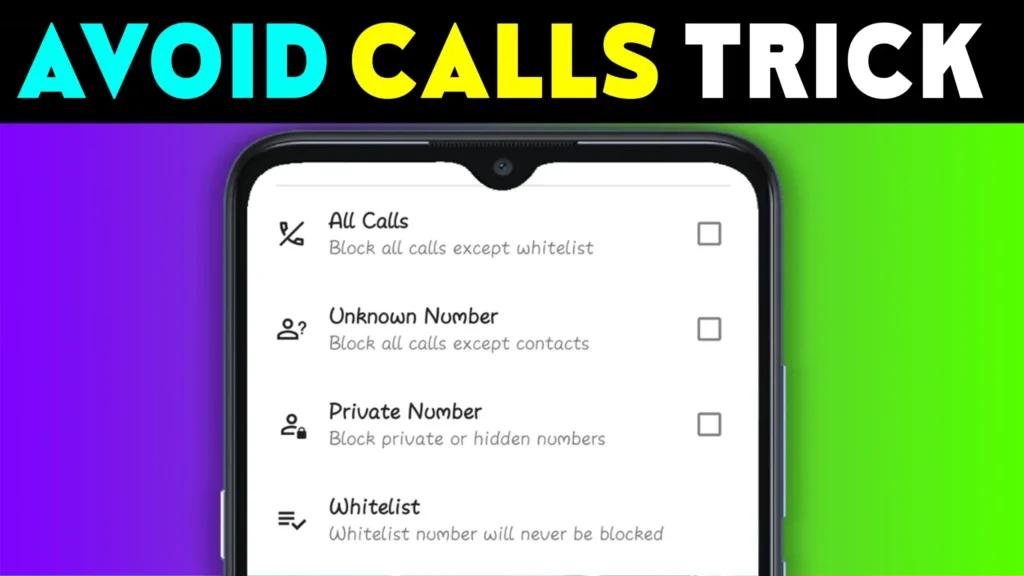
Call and SMS blocker apps allow users to filter incoming communication based on rules defined by the user or maintained by the app. Instead of answering or deleting spam manually, the app handles it automatically.
In real-world usage, people rely on these apps to:
- Block known spam numbers
- Stop promotional SMS messages
- Silence unknown callers
- Prevent repeated scam attempts
- Maintain a clean call and message inbox
In 2026, these apps are commonly used alongside Android’s built-in spam protection for stronger filtering.
How call blocker and SMS blocker apps work (step-by-step)
- Call and message monitoring
The app checks incoming calls and SMS in real time. - Rule matching
Numbers or messages are compared against block rules. - Automatic blocking or silencing
Calls may be rejected or muted; SMS may be hidden. - Log storage
Blocked activity is stored in a separate log for review. - User control
Users can unblock numbers or adjust rules anytime.
Modern Android versions require user consent for these functions, improving transparency and safety.
Safety, privacy, and permission considerations
Because these apps interact with calls and messages, permissions matter.
Common permissions
- Phone call access
- SMS access
- Contact access (optional, for whitelisting)
Privacy considerations
- Some apps analyze numbers locally
- Others use cloud-based spam databases
- Message content may be scanned for keywords
Security note
- Reputable apps do not store personal messages
- Avoid apps that demand unnecessary permissions
In 2026, Android clearly labels call- and SMS-related permissions, making it easier to identify misuse.
Pros and cons (balanced view)
Advantages
- Reduced spam and scam exposure
- Better focus and peace of mind
- Customizable block rules
- Useful for elderly or busy users
Disadvantages
- Legitimate calls may be blocked
- Some apps require SMS access
- Ads in free versions
- Dependence on number databases
Blocking improves comfort, not absolute security.
When you should avoid using them
You may want to avoid or limit call/SMS blocker apps if:
- You expect calls from unknown numbers
- You run a business phone
- You rely on OTP messages frequently
- You already have strict system-level filtering
In such cases, lighter filtering or manual review may be safer.
Who these apps are suitable for / not suitable for
Suitable for
- Personal phone users
- Elderly users
- People receiving frequent spam
- Secondary or family phones
Not suitable for
- Customer support phones
- Business or sales lines
- Emergency-critical devices
- Users who need all calls
Practical daily-use tips (Android usage in 2026)
- Whitelist important contacts
- Review blocked logs weekly
- Use keyword blocking carefully
- Keep OTP senders unblocked
- Update spam databases regularly
Android updates may reset default call apps, so recheck settings after system upgrades.
FAQ
Can these apps block WhatsApp or app calls?
No. They work only for regular calls and SMS.
Do they stop scam calls completely?
They reduce spam significantly, but not 100%.
Is SMS reading safe?
Yes, if the app is reputable and transparent.
Can I unblock a number later?
Yes. Most apps keep detailed logs.
Decision / Recommendation Table
| User need | Recommendation |
|---|---|
| Reduce spam calls | Strongly recommended |
| Business phone | Use carefully |
| Elderly user | Very suitable |
| OTP-heavy usage | Configure cautiously |
| Reader Recommendation (simple decision) | Play.google.com |
Conclusion: control your communication, wisely
Call Blocker and SMS Blocker apps for Android help users reclaim control over their phones in 2026. They are effective tools for reducing spam, scams, and unnecessary interruptions—but they require thoughtful setup and regular review. When used responsibly, alongside Android’s built-in protections, they can greatly improve daily phone experience without compromising important communication.
More Articles You May Like