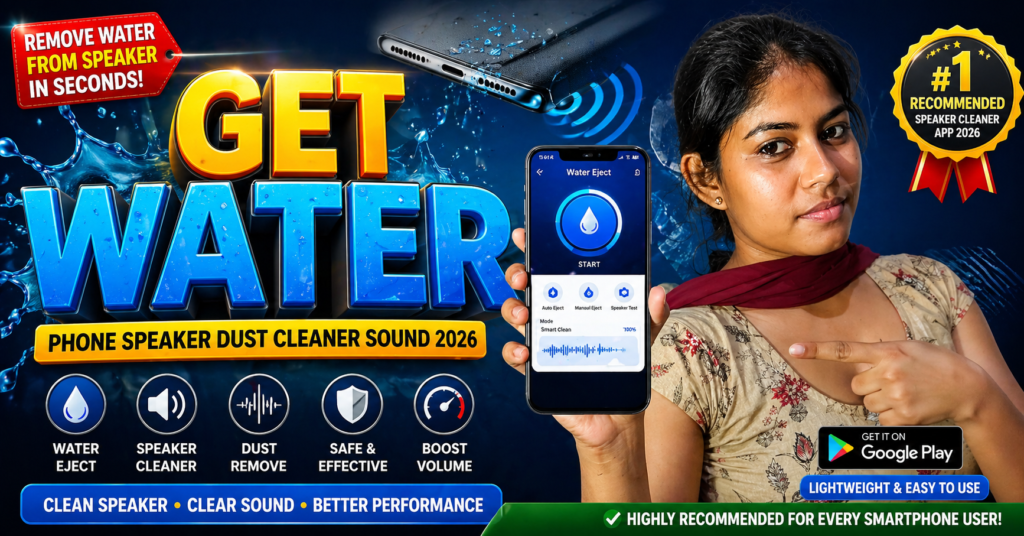
Dust, moisture, and tiny particles entering the speaker grill are some of the most common reasons why phone speakers become muffled. In 2026, mobile phone speaker cleaner tools—both built-in and app-based—have become an essential part of smartphone maintenance. These tools use a special speaker cleaner sound to push out trapped particles and restore audio clarity without opening the phone.
This guide explains how mobile speaker cleaning works, when to use it, what speaker cleaner sound really is, and what to avoid to keep your phone safe.
Table of Contents
Quick Summary Table: Mobile Speaker Cleaning Methods (2026)
| Cleaning Method | How It Works | Best For | Success Chance |
|---|---|---|---|
| Speaker Cleaner Sound | Plays high-frequency waves to push dust/moisture out | Water drops, muffled sound | High |
| Air Vibration Method | Rapid wave pulses shake off small particles | Light dust | Medium |
| Manual Drying | Allows moisture to evaporate naturally | After rain or accidental splash | Medium |
| Soft Brush Cleaning | Cleans surface dust without pressure | Outer grill dust | Low |
What Is Phone Speaker Cleaner Sound?
A phone speaker cleaner sound is a high-frequency audio signal designed to push out dust, debris, and moisture from the speaker grill.
It works by:
- Vibrating the speaker membrane
- Moving trapped water droplets outward
- Releasing dust stuck inside the mesh
- Restoring sound clarity without needing tools
Most speaker cleaner sounds are:
- 165 Hz to 300 Hz for moisture removal
- 800 Hz to 1200 Hz for dust clearing
- Wave sweeps that shift frequencies automatically
The cleaning audio forces particles to exit through the speaker gaps, similar to how some smartwatches eject water.
How Mobile Phone Speaker Cleaner Works in 2026
Smartphone manufacturers now include more advanced internal protection, but dust and water still reach the speaker grill. Speaker cleaner tools in 2026 rely on:
1. Air Pressure Vibrations
The speaker rapidly moves back and forth to shake off particles.
2. Frequency Sweeping
The audio shifts from low to high tones to dislodge different types of debris.
3. Repeated Wave Pulses
Short bursts help break moisture surface tension so water can be expelled.
4. Safe Volume Control
Modern tools automatically keep the sound within safe limits, protecting the speaker membrane.
When to Use a Mobile Speaker Cleaner
Use it when you notice any of these signs:
- Muffled or low volume
- Cracking noise at high volume
- Water exposure (rain, splash, sweat)
- Dust build-up from outdoor use
- Reduced clarity during calls or music
Speaker cleaner tools are effective especially immediately after moisture enters the speaker grill.
When NOT to Use a Speaker Cleaner Sound
Avoid it in the following situations:
- If the phone is extremely wet inside
- If the speaker grill is physically damaged
- If the sound is distorted due to hardware failure
- If there is visible mud or sticky material
- If the phone has been submerged for long hours
In such cases, allow natural drying or contact a technician.
Types of Speaker Cleaner Sounds Used in 2026
1. Water-Removal Tone
A consistent low-frequency sound that vibrates water outward.
2. Dust Removal Tone
A sharper wave pattern that forces particles to shift.
3. Multi-Stage Sweep
Moves from low to high frequencies in cycles for deeper cleaning.
4. Pulse Mode
Short bursts of air vibration to shake off tough debris.
Each of these methods is designed to be safe for everyday use.
Are Speaker Cleaner Sounds Safe?
Yes—when used correctly.
In 2026, speaker cleaner tools include protections such as:
- Auto volume limit
- Cooling pause between cycles
- Gentle vibration patterns
- Built-in wave calibration
These prevent the speaker from overheating or vibrating excessively.
How to Improve Cleaning Results
To get the best outcome:
- Hold the phone with the speaker facing downward
- Do not cover the speaker grill
- Avoid using at maximum volume repeatedly
- Run the cleaning tone 2–3 times if water is stubborn
- Use a soft cloth to wipe the surface afterwards
✅ Bonus Section: Speaker Cleaner App – Phone Speaker Cleaner Pro
Phone Speaker Cleaner Pro – App Overview (2026)
🔍 Additional Clean Summary
You can place this paragraph right after the card for improved crawler understanding:
Phone Speaker Cleaner Pro is a utility tool designed to help remove dust, moisture, and muffled sound from mobile speakers using controlled sound frequencies. It offers both automatic and manual modes, frequency adjustments from 20Hz to 10,000Hz, and step-by-step cleaning guidance. The app includes moisture removal assistance, multiple cleaning tones, and a simple interface suitable for daily use. It supports all major Android brands and maintains a clear user-safety note for proper use.
More Articles You May Like