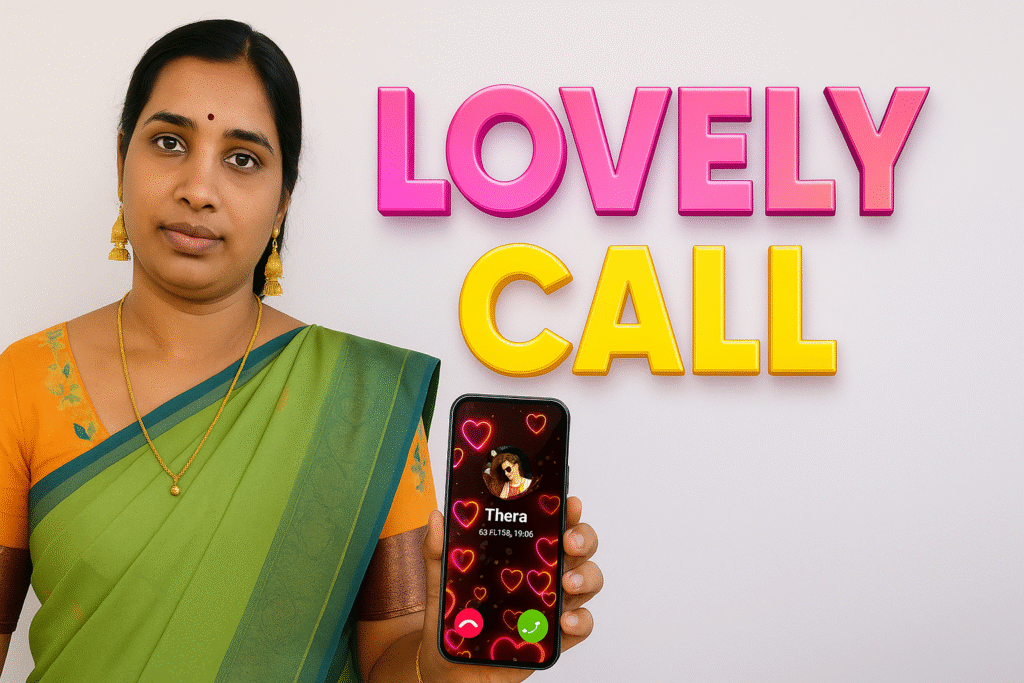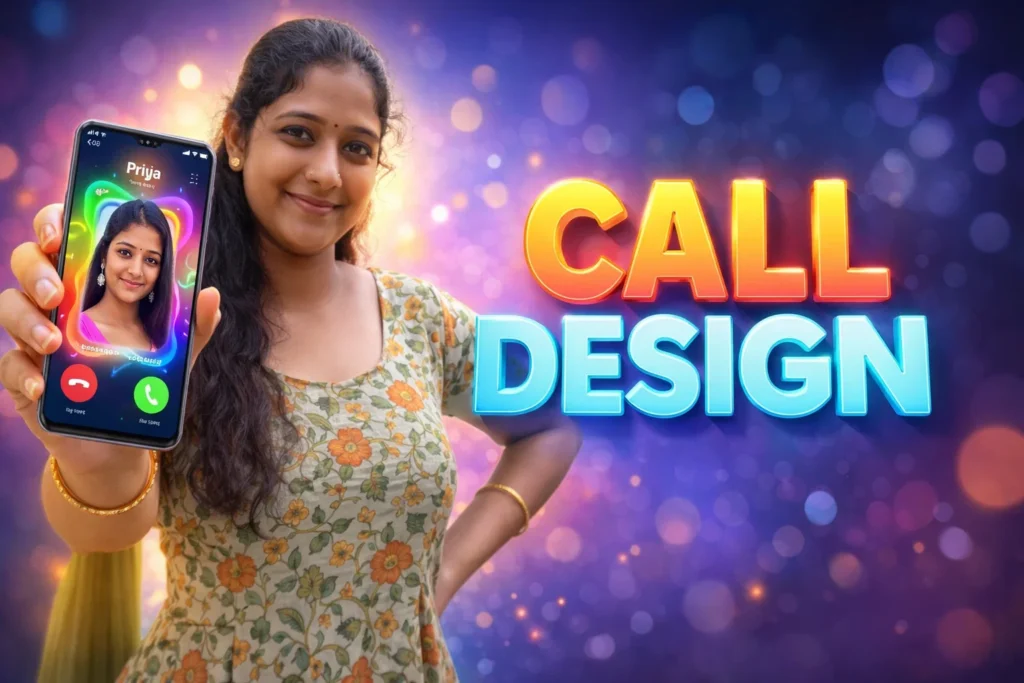
Incoming calls and message alerts are functional — they let us know someone is trying to reach us. But many Android users want more: personalized visuals, vibrant call screens, or distinctive ringtones that stand out from standard Android tones. This is where Color Call Screen & Ringtone apps come in — apps that customize the look and sound of phone call screens and alerts. In 2026, as phones become more visual and interactive, these apps have evolved beyond simple themes to offer creative personalization tools. But what do they actually do, and why do people continue to use them? This article explains their real role, how they work, and when they are (and are not) useful.
Quick Overview
| Feature | What It Means in 2026 |
|---|---|
| Purpose | Customize incoming call visuals and sounds |
| Works with | Standard call interface + notification sounds |
| Main benefit | Personalization and recognition |
| Limitation | Limited functional impact |
| Skill level | Very easy |
What Color Call Screen & Ringtone apps are used for
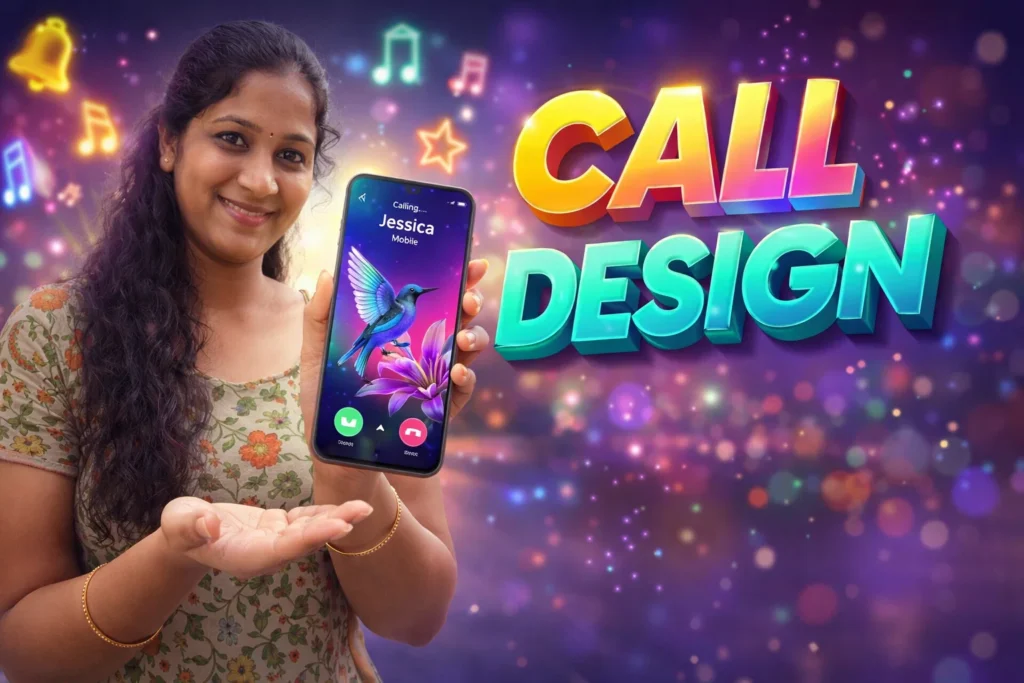
These apps let users replace default Android call screens and alert sounds — often with vivid backgrounds, animated themes, or custom ringtones.
Common ways people use them include:
- Bright color themes for incoming calls
- Animated call screen effects
- Personalized ringtones for contacts
- Heartbeat or playful tones instead of defaults
- Different tones for different contacts or apps
In 2026, personalization remains a strong user desire: phones are not just tools, they’re extensions of individual expression.
How these apps work (simple explanation)
1. Theme and sound selection
Users browse a library of:
- Background themes (static or animated)
- Ringtones, message tones, alert sounds
2. Assign customization
You may assign:
- A default call screen theme
- Specific ringtone per contact
- Different tones for messages or app alerts
3. Call screen display
When a call arrives:
- The themed background or animation appears
- The chosen ringtone plays (instead of default)
4. System integration
Android allows these visual and audio changes within guidelines; modern versions (Android 13, 14, 15+) handle permissions and overlays safely.
Safety, privacy, and permission considerations
Color call screen apps are usually low-risk, but permissions still matter.
Common permissions
- Phone (to detect incoming calls and apply themes)
- Contacts (only if assigning per-contact visuals)
- Storage access (for downloaded themes or sounds)
- Notification access (for message alert tones)
Privacy notes
- Good apps process everything locally
- Some apps may track theme preferences or download logs
- Never grant unrelated permissions (camera, location) unless required
In 2026, Android clearly indicates which permissions are needed for call and tone customization, helping users make informed choices.
Why people install these apps
Color call screen and ringtone apps are NOT functional upgrades — they are style tools. People install them because:
✔ They like vibrant or themed call visuals
✔ They want different ringtones per contact
✔ They enjoy animated or 3D call screens
✔ Standard Android themes feel too plain
It’s about personal experience — not core phone performance.
Pros and cons (honest and balanced)
Advantages
- Personalizes your incoming calls and alerts
- Helps differentiate callers with visuals or sounds
- Often easy and fun to use
- Works on almost all Android phones
Disadvantages
- No real improvement in call quality
- Some themes may slow older phones
- Free versions often include ads
- Animated effects may use more battery
These apps enhance appearance, not function.
When you should avoid using them
Avoid or limit use if:
- You prefer minimal or distraction-free UI
- Battery life is a priority
- You have a low-end device that struggles with animations
- You dislike frequent ads
In such situations, default call screens and simple tones usually work just fine.
Who these apps are suitable for / not suitable for
Suitable for
- Users who enjoy vibrant personalization
- People who love themed visuals for calls
- Those with new high-resolution screens
- Users who change ringtones frequently
Not suitable for
- Users who prefer clean, professional UI
- Phones with low battery or poor performance
- People without customization interest
Practical daily-use tips (Android in 2026)
- Use static backgrounds if battery life matters
- Avoid very loud ringtones in quiet environments
- Assign specific tones for important contacts
- Review permissions before granting access
- Update tones and themes seasonally (e.g., Valentine’s, festivals)
Android’s customization capabilities remain flexible in 2026, but system stability should always come first.
FAQ
Do these apps affect call quality?
No. They only change visuals and sounds — call voice quality remains the same.
Do I need special permissions?
Yes — phone access and contacts (if customizing per contact). Only grant what is necessary.
Will these themes work on all Android versions?
Most will, but behavior may vary on custom skins (One UI, MIUI, etc.).
Can these apps change message tones too?
Yes — many support message and other alert tones.
Decision / Recommendation Table
| User need | Recommendation |
|---|---|
| Personalization | Great option |
| Minimal UI | Not recommended |
| Better call quality | Not applicable |
| Unique ringtones | Very suitable |
| Reader Recommendation (simple decision) | play.google.com |
Conclusion: aesthetic, not functional
Color Call Screen & Ringtone apps for Android in 2026 play a visual and personalized role. They make incoming calls and alerts more expressive and tailored to your taste, but they do not enhance call reliability or phone performance. Used responsibly — with focused permissions and thoughtful visuals — they can make your daily phone interactions feel more enjoyable without compromising safety or stability.
More Articles You May Like