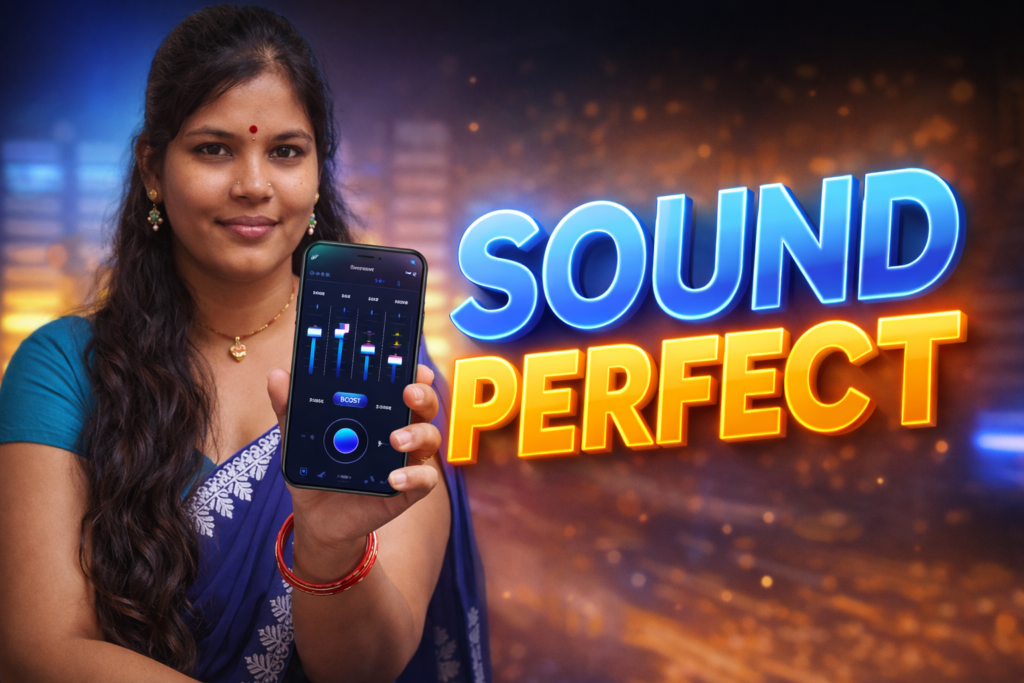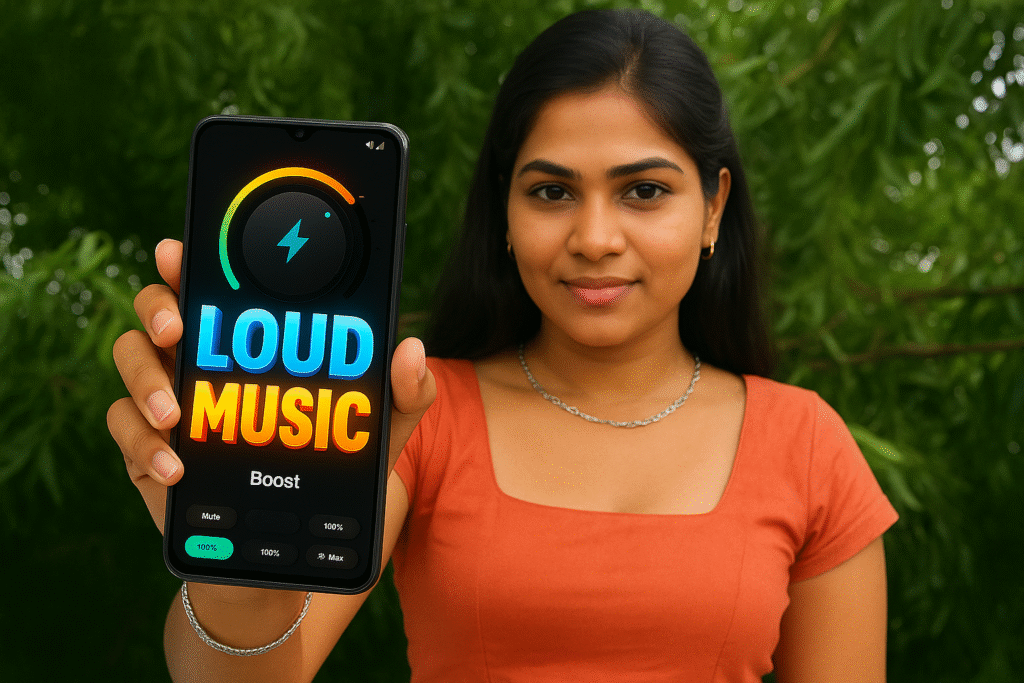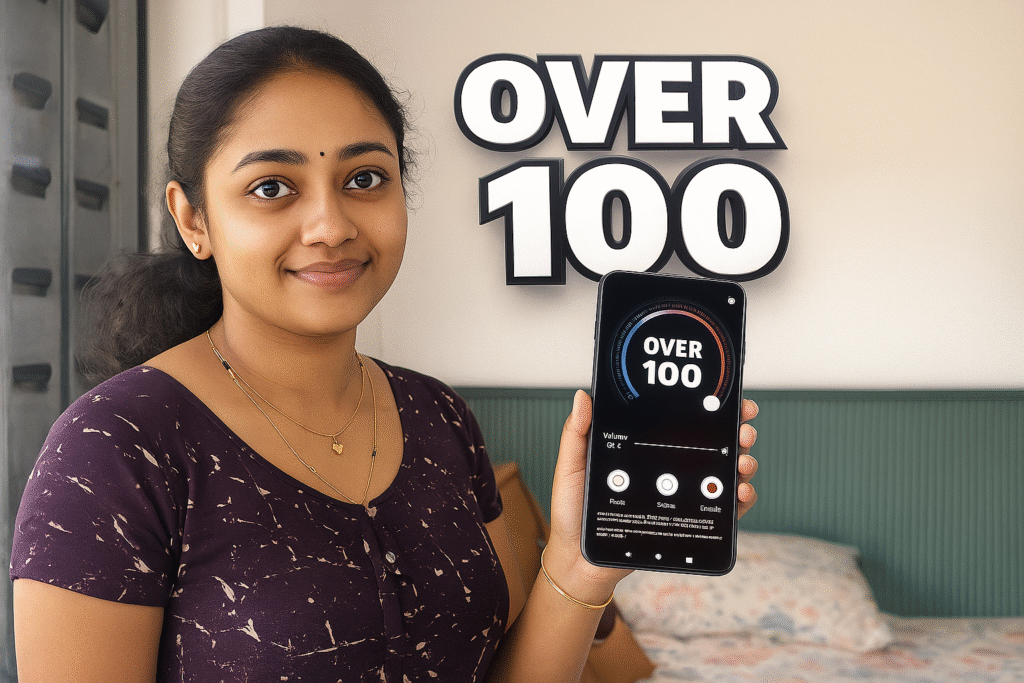
Have you ever felt the audio volume on your Android phone is either too low for noisy places or too high when you only need a slight boost? Maybe music sounds uneven across apps, or podcasts suddenly become quieter than videos. While Android’s built-in volume controls do a fair job, they don’t always offer the granular range or precise tuning some users want. This is where Volume Control Lower or Boost apps for Android come in. In 2026, these apps give users more refined control over sound levels system-wide—or per app—but with important limitations and safety considerations you should understand.
Quick Overview
| Feature | What It Means |
|---|---|
| Main purpose | Adjust volume beyond default sliders |
| Typical use | Boost soft audio or reduce loud audio |
| Works with | Music, videos, calls, notifications |
| Key benefit | Fine-tuned sound control |
| Main limitation | Cannot increase hardware limits |
What volume control apps are actually used for
Volume control apps provide additional sound adjustments beyond Android’s built-in interface. Instead of three or four default volume levels (media, calls, notifications), these apps let users:
- Boost lower audio levels to make quiet recordings clearer
- Reduce excessively loud sounds for comfort
- Fine-tune volume on a per-app basis
- Adjust sometimes hidden or system-wide gain settings
- Handle inconsistent audio across services
In 2026, more Android phones come with multiple audio domains and tighter system-level controls. Volume control apps work with these systems to provide extra sound personalization.
How volume control (lower or boost) apps work (simple explanation)
1. System integration
These apps request access to Android’s audio streams (media, navigation, call, notification).
2. Software amplification or attenuation
Instead of changing hardware amplifier settings, they apply software gain or attenuation. This is done by:
- Increasing audio signal levels (boost)
- Reducing audio beyond Android’s normal minimum (lower)
3. Per-app volume profiles
Some apps can detect which app is playing sound and apply custom volume presets.
4. Presets and sliders
Users see sliders or profiles like “Soft Voice Boost,” “Podcast Clarity,” or “Night Mode”.
5. Real-time adjustment
Changes apply immediately to audio output through speakers or Bluetooth.
These apps do not alter hardware amplifier circuitry; they act as audio preprocessors between the source and output.
Safety, privacy, and permission considerations
Because volume control apps handle audio and system settings, awareness of permissions and risks is important.
Common permissions
- Audio modification
- Accessibility service (for per-app control)
- Foreground service (to stay active)
- System overlay (optional for controls)
Privacy considerations
- Reputable apps do not access personal data
- Some apps may collect usage stats or diagnostics
- Avoid apps that request unrelated permissions (contacts, messages)
Security & hardware safety
- Boosting software gain beyond safe limits can cause:
- Speaker distortion
- Speaker damage (over time)
- Hearing damage at high volumes
Android 2026 includes audio safety thresholds; many good apps respect these and refuse unsafe amplification.
Pros and cons (balanced and realistic)
Advantages
- Fine-grained control over volume levels
- Helps balance audio across apps
- Useful in noisy environments
- Can reduce loud audio where needed
- Profile presets simplify use
Disadvantages
- Cannot override physical hardware limits
- Boosting too much causes distortion
- Battery use increases slightly
- Requires careful setup for best results
Volume apps help refine audio; they don’t create power out of thin air.
When you should avoid using these apps
Avoid relying on volume control apps when:
- You use very low-quality speakers or earbuds
- You already max out hardware volume safely
- You depend on accurate sound (for music production)
- You share your phone with children without monitoring
- You have hearing sensitivity conditions
In these scenarios, software volume tweaks may degrade clarity more than help.
Who these apps are suitable for / not suitable for
Suitable for
- Users needing gentle volume boosts
- People who listen to diverse audio sources
- Devices with uneven app sound levels
- Users who prefer fine-tuned audio control
Not suitable for
- Audiophiles seeking lossless sound quality
- Users with hearing impairment (consult specialists first)
- Devices with known speaker hardware issues
Practical daily-use tips (Android usage in 2026)
- Start with modest boosts before extreme ones
- Lower media volume late at night to protect hearing
- Use Bluetooth and speaker profiles separately
- Match volume levels across streaming, calls, and videos
- Revert to default controls during system updates
Modern Android handles audio routing well; volume control apps should complement—not replace—built-in sound management.
FAQ
Can these apps make my speaker louder than the hardware limit?
No. They can apply software amplification, but hardware limits remain.
Will boosting volume damage speakers?
Excessive boost over time can stress small speakers.
Do they work on Bluetooth audio?
Yes, but results vary by device and codec.
Are these apps safe to use offline?
Yes, local audio control does not require internet.
Decision / Recommendation Table
| Need | Recommendation |
|---|---|
| Better audio balance | Good choice |
| Real hardware loudness increase | Not possible |
| Night comfort (lower volume) | Suitable |
| Accurate music listening | Use with caution |
| Reader Recommendation (simple decision) | Play.google.com |
Conclusion: refined control, not magic amplification
Volume Control Lower or Boost apps for Android in 2026 help users fine-tune audio beyond default sliders. They are useful when audio is uneven or too low for casual listening—but they cannot override physical speaker capabilities. Used responsibly, they improve comfort and consistency; misused, they risk distortion or hardware strain. Think of these apps as precision sound tools, not volume power tools.
More Articles You May Like