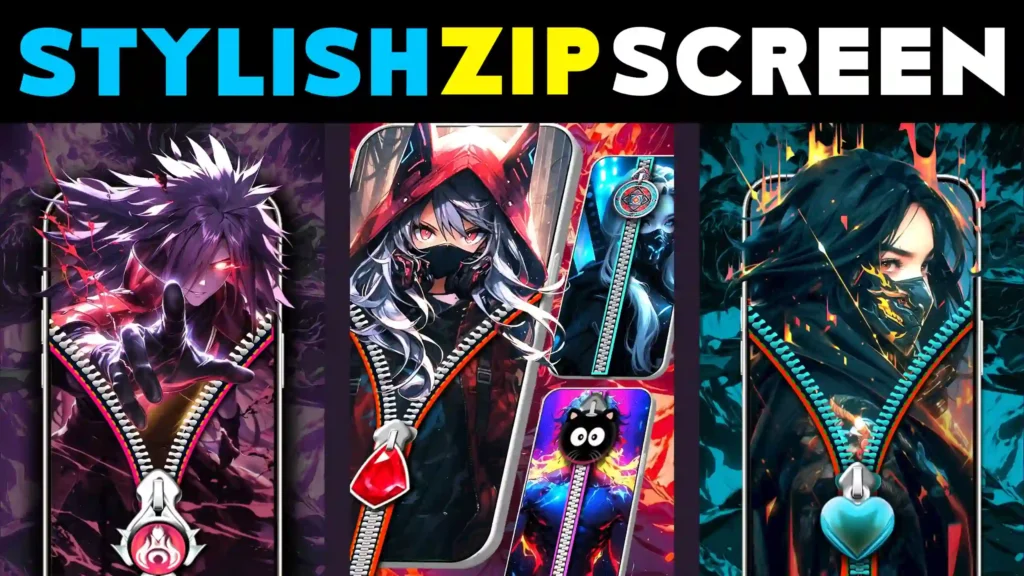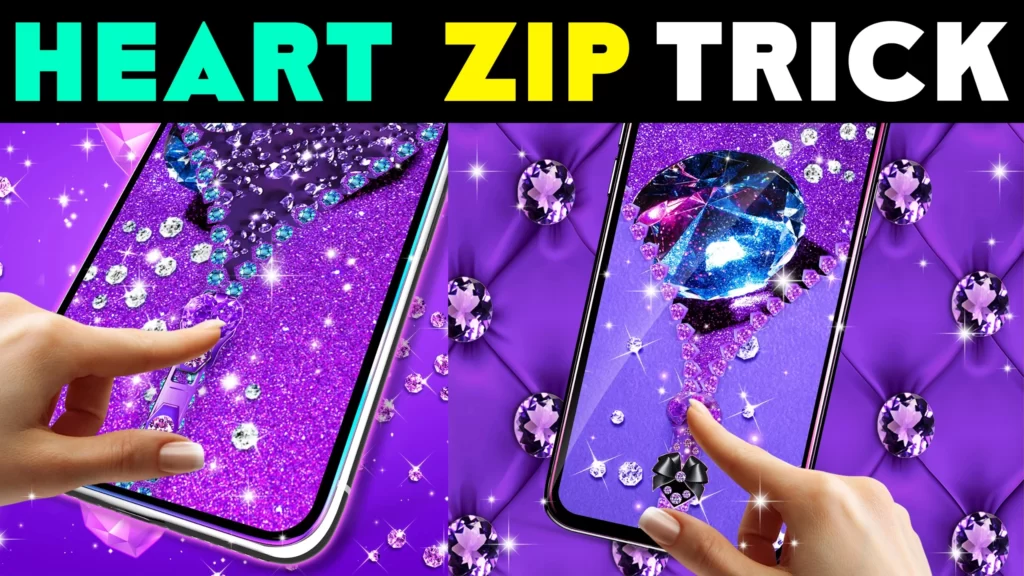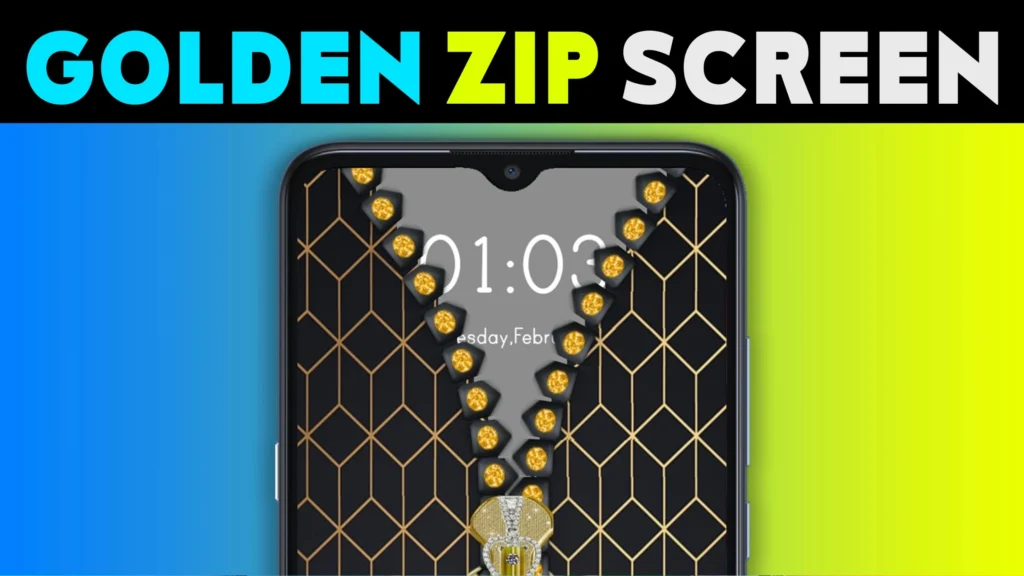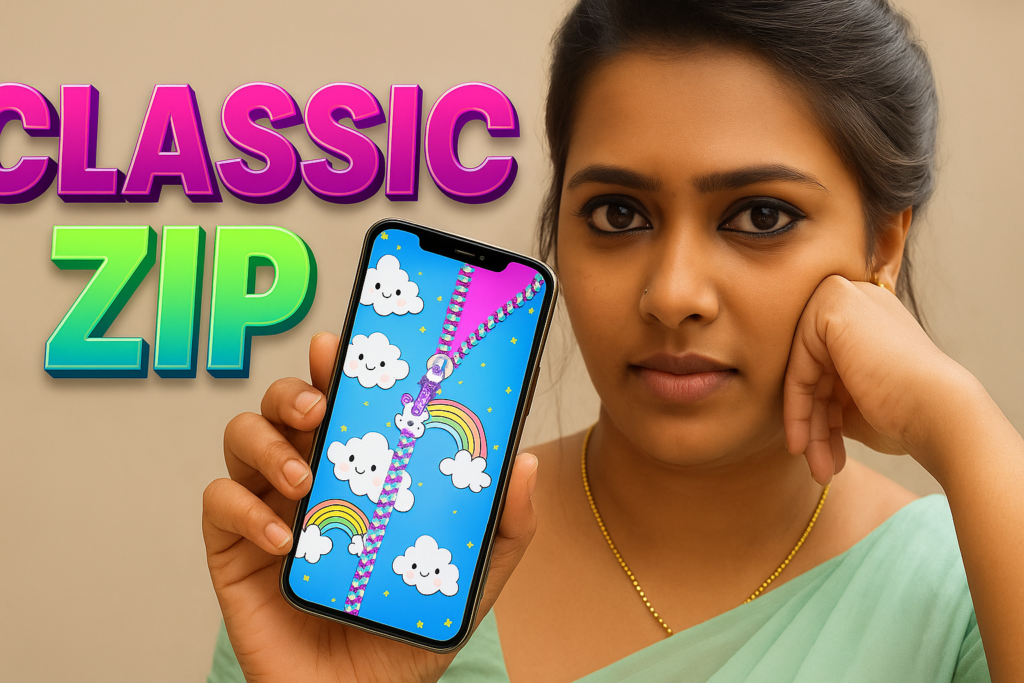
A zipper lock screen is a fun Android lock screen style where you “unzip” the screen to unlock your phone. In 2026, zipper lock screens are popular because they look different from normal swipe or PIN screens and allow personal customization like photos, hearts, diamonds, and cool neon themes. Many users want a zipper lock screen for style, but they also want to know if it is safe, whether it affects battery, and how to use it correctly.
This guide explains what a zipper lock screen is, how to set it up, which zipper style fits your taste, and when you should avoid using it.
Table of Contents
What Is a Zipper Lock Screen?
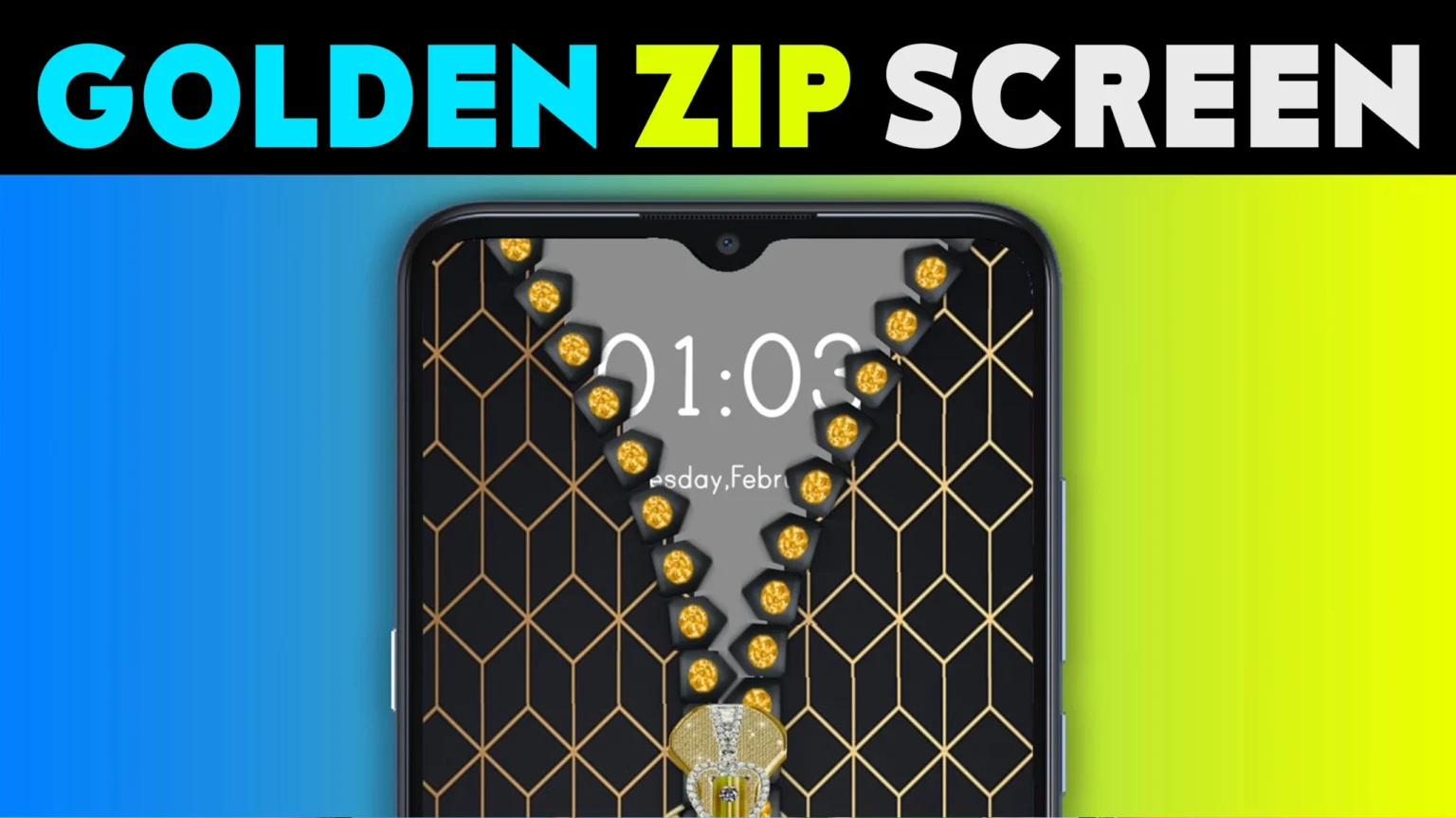
A zipper lock screen is a lock screen interface that shows a zipper (often vertical). You drag the zipper pull to unlock. Some versions include:
- Custom background photo (your image)
- Heart zipper, diamond zipper, or neon zipper styles
- Sound/vibration effects
- Extra widgets like clock, date, battery, notifications (depends on the app)
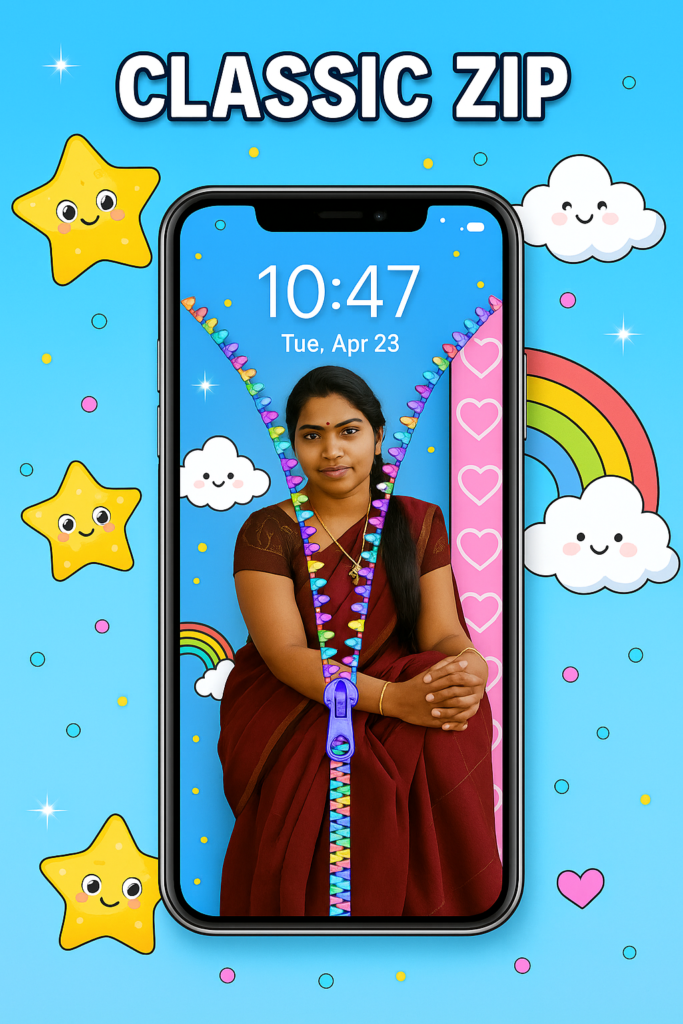
Quick Summary Table: Best Zipper Styles in 2026
| Style | Best For | Why People Like It | Small Note |
|---|---|---|---|
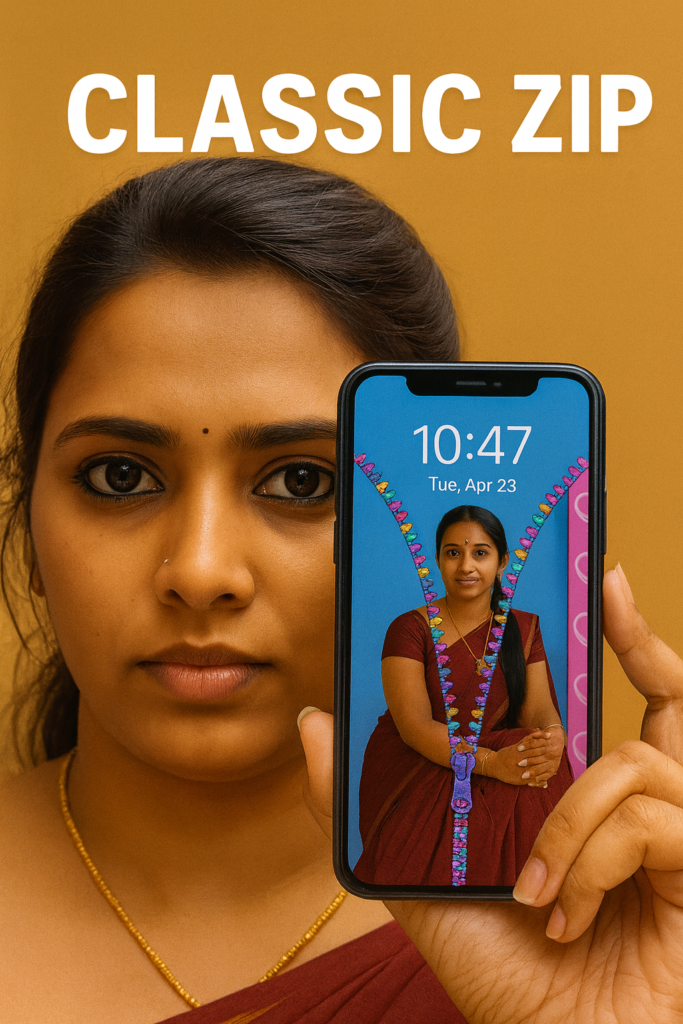
| My Photo Zipper Lock Screen | Personal look | Your own image + zipper effect feels unique | Use a bright, clear photo for best results |
| Heart Zipper Lock Screen | Cute theme | Soft colors, romantic designs, aesthetic vibe | Choose simple layout to avoid clutter |
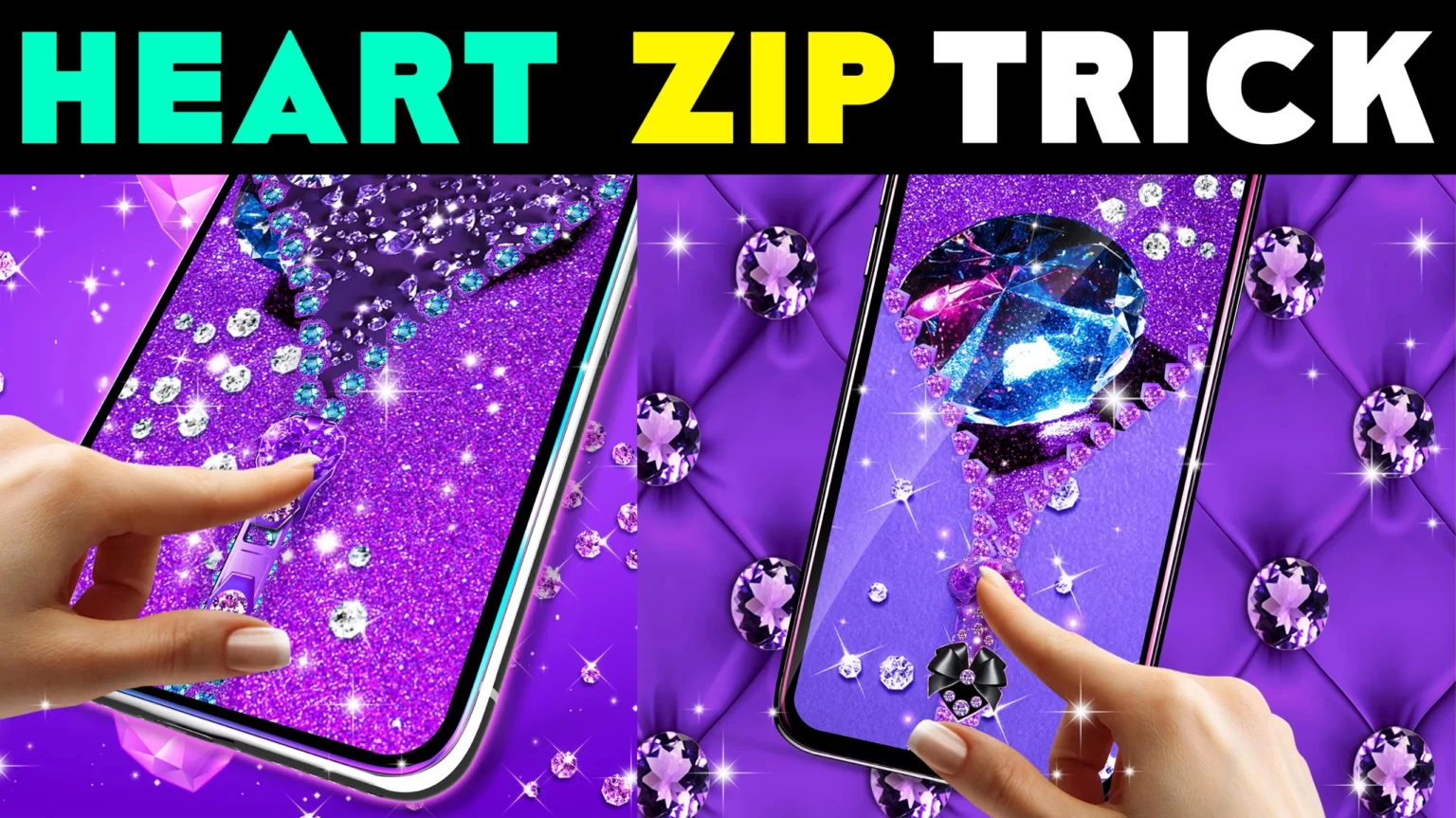
| Diamond Zipper Lock Screen | Premium look | Glossy zipper + sparkle effects | Reduce animations if phone is slow |
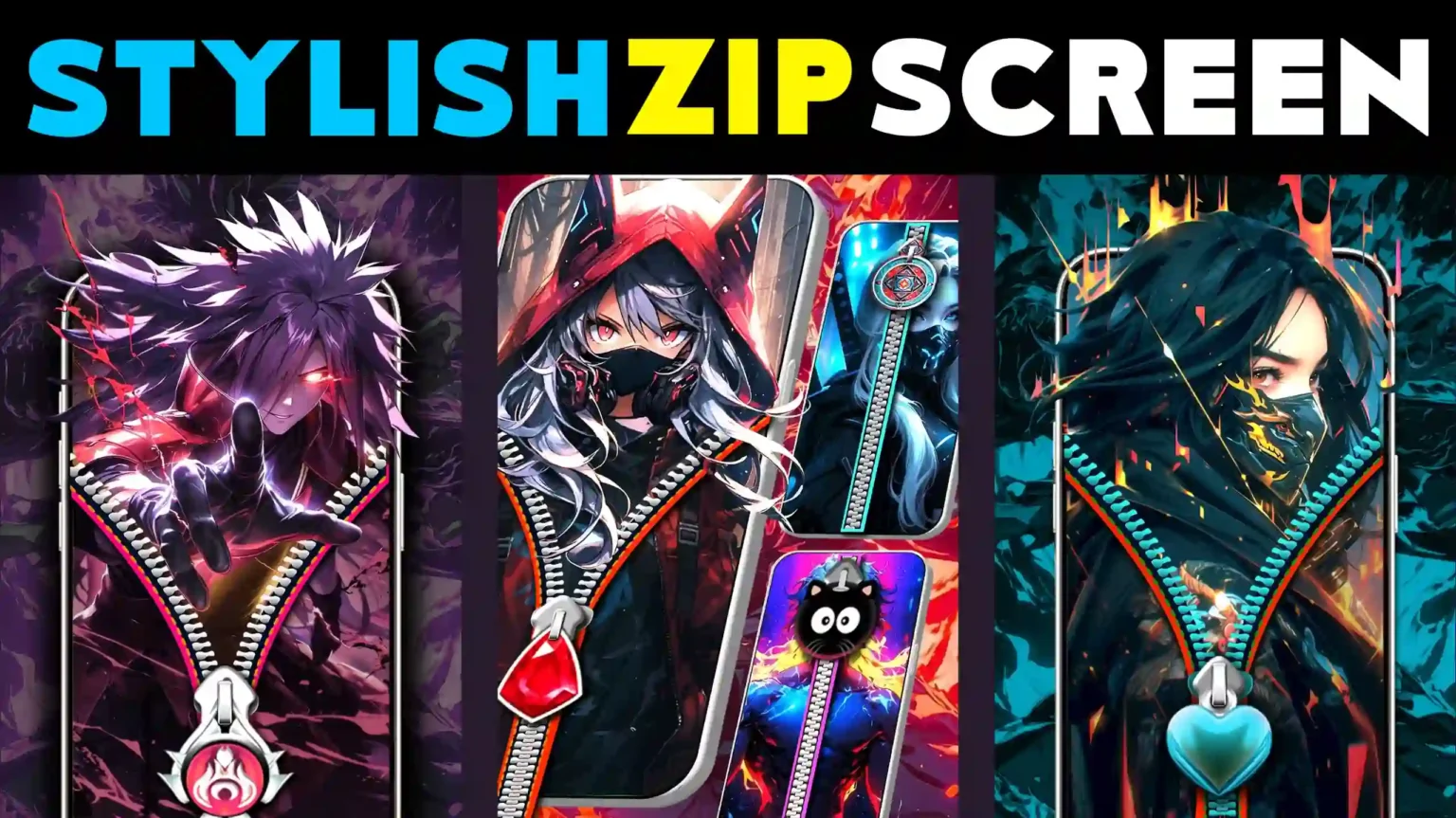
| Cool Zipper Lock Screen | Modern style | Neon, cyber, dark mode themes | Keep readability high for clock and icons |
How a Zipper Lock Screen Works
Most zipper lock screen apps work like this:
- You install the lock screen app and enable it.
- The app shows a zipper interface on top of the lock screen.
- You drag the zipper pull to unlock.
- It may then open your home screen or your main lock method (PIN/pattern), depending on your security settings.
Important: Some zipper lock screens are only visual. Real security still depends on your phone’s built-in lock options.
Is Zipper Lock Screen Safe in 2026?
A zipper lock screen is safe when you treat it as a style layer, not as your only protection.
Use it safely like this
- Keep your phone’s PIN / pattern / password / fingerprint enabled
- Use zipper lock screen mainly for appearance
- Avoid giving unnecessary permissions (see below)
Avoid it if
- The app asks for unusual permissions that do not match lock screen needs
- The app causes random ads on lock screen or changes phone settings
- Your phone becomes slow or battery drains quickly
How to Set Up Zipper Lock Screen Properly
Follow this simple setup:
- Turn on your phone’s normal screen lock (PIN or fingerprint).
- Install a zipper lock screen app.
- Set your theme (photo / heart / diamond / cool).
- Test unlock:
- If it unlocks without your PIN/fingerprint, change settings so your real lock stays active.
- Restart the phone once and test again.
This ensures style + security both work.
My Photo Zipper Lock Screen: Best Setup Tips
If you want a my photo zipper lock screen, these tips make it look premium:
- Use a high-resolution photo
- Avoid very dark pictures (clock becomes hard to read)
- Keep the zipper color contrasting with the photo
- Choose a clean font for time/date
Heart Zipper Lock Screen: When It Looks Best
A heart zipper lock screen looks best when:
- Background is pastel or light gradient
- Zipper and pull icon are simple
- Animations are minimal (smooth on all phones)
It is ideal for users who want a cute lock screen without heavy effects.
Diamond Zipper Lock Screen: Premium Look Without Lag
A diamond zipper lock screen often includes sparkle effects. To avoid lag:
- Reduce particle effects
- Turn off unnecessary sound effects
- Avoid “heavy live wallpaper” backgrounds if your phone heats up
You still get the premium look while keeping performance stable.
Cool Zipper Lock Screen: Modern Themes for 2026
A cool zipper lock screen usually means:
- Dark mode backgrounds
- Neon highlights
- Tech/cyber designs
- Minimal icons
Choose this if you want a modern phone appearance and better battery on OLED screens (when using darker backgrounds).
Quick Table: What to Enable and What to Avoid
| Setting | Recommended | Why |
|---|---|---|
| Phone PIN/Fingerprint | Enable | Real security stays active behind the zipper effect |
| Lock screen notifications | Hide sensitive content | Protect messages from being visible |
| Extra animations | Low / Off | Better battery and smoother performance |
| Unneeded permissions | Avoid | Less risk and fewer background activities |
Pros and Cons (Clear and Honest)
Pros
- Stylish and different unlocking experience
- Easy personalization (photo, heart, diamond, cool themes)
- Can make old phones feel fresh
Cons
- Some apps may be heavy (battery/lag)
- Not a replacement for real phone security
- Too many effects can reduce readability
My Recommendation (2026)
If you want a zipper lock screen in 2026:
- Choose a simple theme with clean design
- Keep your phone security lock enabled
- Prefer apps that clearly explain settings and do not overload with effects
- Use my photo zipper lock screen only with clear images for best look
📊 Quick Summary Table: Zipper Styles vs Use Cases (2026)
| Zipper Style | Best Use Case | Who Will Like It | Design Tip |
|---|---|---|---|
| My Photo Zipper Lock Screen | Personalized phone look | Users who want their own photo on lock screen | Use a bright, high-resolution image for clarity |
| Heart Zipper Lock Screen | Cute & aesthetic theme | Teenagers, couples, soft-theme lovers | Keep icons minimal to avoid clutter |
| Diamond Zipper Lock Screen | Premium, glossy appearance | Users who like luxury-style designs | Reduce sparkle effects on low-end phones |
| Cool Zipper Lock Screen | Modern, stylish look | Dark-mode and tech-theme users | High contrast text improves readability |
| Kawaii Zipper Lock Screen | Fun and playful customization | Anime & cartoon theme fans | Match zipper color with background |
✅ Bonus App Card
Kawaii Zipper Lock Screen (2026) — Bonus App Overview
For strong security, keep your phone’s built-in screen lock (PIN/Pattern/Fingerprint) enabled. Lock screen apps are best used for style and customization, not as the only security layer.
✅ FAQ
Q1: What is a zipper lock screen?
A zipper lock screen is a lock screen style where you drag a zipper pull to unlock, often with customizable themes and wallpapers.
Q2: Is a zipper lock screen safe in 2026?
It is safe when used as a visual style layer while keeping your phone’s built-in PIN, fingerprint, or pattern lock enabled.
Q3: How do I set up a zipper lock screen properly?
Enable your normal screen lock first, then activate the zipper lock screen app, choose a theme, and test unlock behavior after restarting your phone.
Q4: Which zipper lock screen style is best?
My photo zipper lock screens are best for personalization, heart themes for cute looks, diamond themes for premium style, and cool zipper styles for modern dark themes.
Q5: Do zipper lock screens drain battery?
They can if the app uses heavy animations or live wallpaper effects. Using simple themes and reducing effects helps performance.
Conclusion
A zipper lock screen is a stylish way to customize your Android phone in 2026. Whether you choose a my photo zipper lock screen, heart zipper lock screen, diamond zipper lock screen, or a cool zipper lock screen, the best results come from keeping the design clean and maintaining your phone’s real security lock.