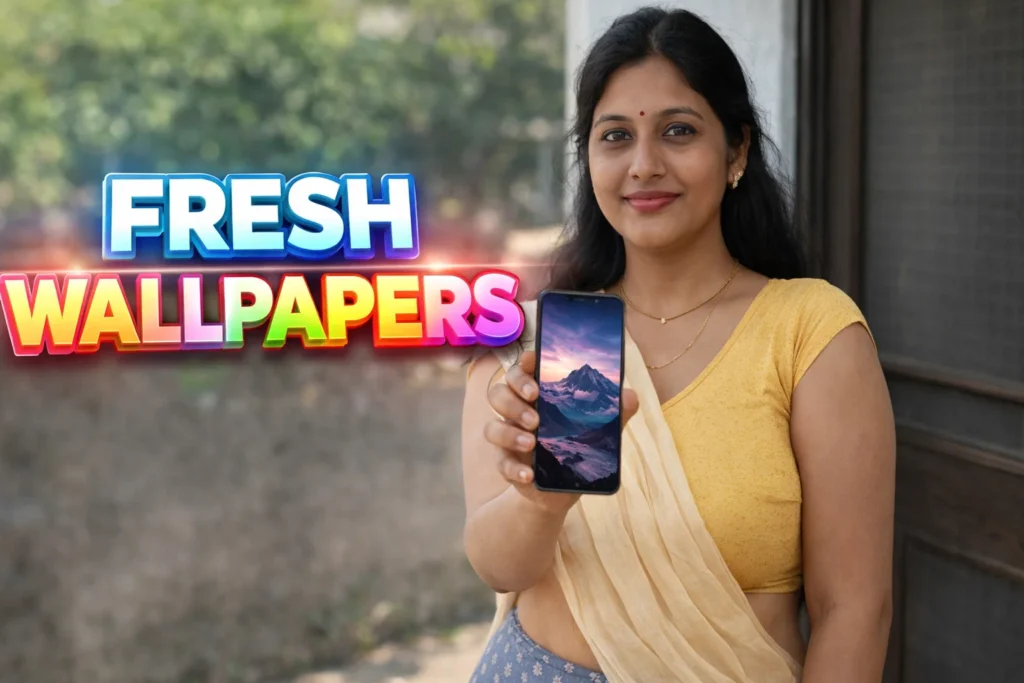
Modern Android phones now come with high-resolution AMOLED and OLED displays, high refresh rates, and powerful graphics capabilities. Yet many users still rely on low-quality or stretched wallpapers that do not match their screen quality. This results in dull colors, pixelation, or cropped images that reduce the visual appeal of the device. To solve this, 4K Wallpapers apps for Android have become increasingly popular. In 2026, these apps are designed to deliver ultra-high-resolution wallpapers that fully utilize modern smartphone displays—when used correctly.
Quick Overview
| Aspect | Summary |
|---|---|
| Main purpose | Provide ultra-high-resolution wallpapers |
| Typical resolution | 4K and above |
| Common use | Home & lock screen customization |
| Key benefit | Sharper visuals on modern displays |
| Main limitation | Higher storage and battery impact |
What 4K wallpaper apps are actually used for
4K wallpaper apps provide access to a curated collection of high-resolution images optimized for smartphones. These wallpapers are designed to scale properly without losing clarity or sharpness.
Users commonly use these apps to:
- Match wallpaper quality with high-resolution screens
- Avoid blurry or stretched images
- Enhance AMOLED color depth and contrast
- Personalize phones with modern visuals
- Change wallpapers without manual resizing
In 2026, such apps are especially popular among users of flagship and mid-range Android phones with large displays.
How 4K wallpaper apps work (step-by-step)
- Wallpaper browsing
Users browse categories such as nature, abstract, minimal, or stock-style images. - Resolution matching
The app adjusts wallpapers to fit the device’s screen ratio. - Preview mode
Users can preview how the wallpaper looks on home and lock screens. - One-tap application
The selected image is applied directly as wallpaper. - Optional downloads
Wallpapers may be saved locally for offline use.
Most 4K wallpaper apps operate without modifying system files, making them safe and reversible.
Safety, privacy, and permission considerations
Although visually focused, wallpaper apps still require attention to permissions.
Common permissions
- Storage access (for downloads)
- Internet access (to load images)
- Set wallpaper permission
Privacy considerations
- Some apps track wallpaper views or downloads
- Ads are common in free versions
- No access to personal data is required
In 2026, Android limits background access, reducing privacy risks from wallpaper apps.
Pros and cons (balanced view)
Advantages
- Extremely sharp and detailed visuals
- Better use of high-resolution screens
- Easy customization without editing tools
- Wide variety of categories
Disadvantages
- Large image sizes consume storage
- Higher battery usage on live or animated wallpapers
- Ads in free apps
- Overkill for low-resolution devices
4K wallpapers enhance visuals but are not essential for every phone.
When you should avoid using 4K wallpaper apps
You may want to avoid or limit these apps if:
- Your phone has limited storage
- Battery life is already a concern
- Your display resolution is low
- You prefer minimal or static designs
In these cases, standard HD wallpapers are often sufficient.
Who these apps are suitable for / not suitable for
Suitable for
- Users with AMOLED or OLED displays
- Flagship and mid-range phone owners
- Users who enjoy visual customization
- Photography and design enthusiasts
Not suitable for
- Budget or older phones
- Users focused on battery saving
- Work phones needing minimal visuals
Practical daily-use tips (Android usage in 2026)
- Choose static 4K wallpapers over live ones
- Avoid frequent wallpaper changes
- Delete unused downloaded images
- Match wallpaper brightness with dark/light mode
- Use system battery optimization settings
Modern Android systems handle high-resolution images better, but moderation still helps.
FAQ
Do 4K wallpapers drain battery?
Static wallpapers have minimal impact; live ones may use more power.
Will 4K wallpapers slow my phone?
Not usually, unless storage or RAM is limited.
Do I need a 4K screen to use them?
No, but high-resolution screens benefit the most.
Can I crop wallpapers manually?
Most apps handle cropping automatically.
Decision / Recommendation Table
| User need | Recommendation |
|---|---|
| High-quality visuals | Strongly recommended |
| Battery saving | Use static images |
| Low-end device | Avoid |
| Custom phone design | Suitable |
| Reader Recommendation (simple decision) | Play.google.com |
Conclusion: visual quality with sensible use
4K Wallpapers apps for Android help users fully enjoy modern smartphone displays in 2026. They are best suited for devices with high-resolution screens and sufficient storage. While they significantly enhance visual appeal, users should balance quality with performance and battery considerations. Used thoughtfully, these apps can make a phone feel premium without affecting everyday usability.
More Articles You May Like