![⭐ Voice Changer App – Auto Tuner 2026 Complete Guide to Modern Voice Processing, Auto-Tune, and Creative Audio Effects [CHANGE VOICE]](https://tnshorts.com/wp-content/uploads/2025/12/⭐-Voice-Changer-App-–-Auto-Tuner-2026-Complete-Guide-to-Modern-Voice-Processing-Auto-Tune-and-Creative-Audio-Effects-CHANGE-VOICE-1024x683.png)
Voice editing on smartphones has evolved rapidly. What used to require professional audio tools can now be done easily through a single app. Voice Changer App – Auto Tuner, developed by ElQube Tech, is one of the most advanced mobile voice processors available today, blending auto-tune technology, creative sound effects, and professional reverb in a simple interface.
In 2026, content creation, entertainment videos, voiceovers, short-form audio clips, and funny edits are more popular than ever. This app helps users reshape their voice, create unique sound styles, apply auto-tune, and transform recordings in just a few taps — making it useful for both fun and real projects.
This article explains how the app works, its technical capabilities, what makes its auto-tuner unique, and how to use its effects effectively.
Voice Changer App – Auto Tuner (2026) — Quick Overview
What the Voice Changer App – Auto Tuner Does
At its core, the app allows users to:
- Record voice
- Import existing audio
- Apply real-time auto-tune
- Add creative effects
- Adjust pitch, tempo, speed
- Add reverb for studio-like sound
- Export recordings in high quality
While many voice changers focus only on funny effects, this app also functions as a vocal tuner, offering more detailed sound control for singing and narration.
Understanding Auto-Tune (Simple Explanation)
Auto-tune works by analyzing your voice frequency and correcting notes toward the nearest musical pitch.
Inside the app:
- Your voice is captured
- The algorithm detects pitch
- The tuner shifts your voice to match correct notes
- The output becomes smoother and more musical
This makes it ideal for:
- Singing practice
- Cover songs
- Short musical recordings
- Creative vocal edits
Technical Breakdown: How the App Processes Sound
Although simple for users, the app uses complex audio processing internally:
1. Real-Time Pitch Detection
The app scans your voice waveform to identify pitch in milliseconds.
2. Frequency Shifting
When you apply effects such as male→female or chipmunk, the app changes frequency curves.
3. Time Stretching
This allows changing speed (fast/slow) without distorting clarity.
4. Reverb Engine
Reverb simulates different acoustic spaces:
- Small room
- Large hall
- Echo chamber
It adds realism and depth to recordings.
5. Digital Effects Layer
Effects like wind, rain, cartoon, baby voice, and monster voice use layered DSP filters.
These techniques ensure professional-grade results while still being easy to use.
Main Features Explained (in Mixed Style)
1. Auto-Tuner Engine
This is the standout feature.
Users can:
- Tune vocals
- Correct off-notes
- Enhance singing quality
- Add robot-style auto-tuned effects
It works well whether you are speaking or singing.
2. Voice Recording & Editing
Record directly inside the app:
- Low noise processing
- Volume normalization
- Clean waveform display
- Easy re-record options
After recording, effects can be added instantly.
3. Import Your Own Audio
Users can load:
- Voice notes
- Music clips
- Recorded speeches
- Dialogues
- Any saved audio file
This makes the app useful for editing ringtones, story voices, and project audio.
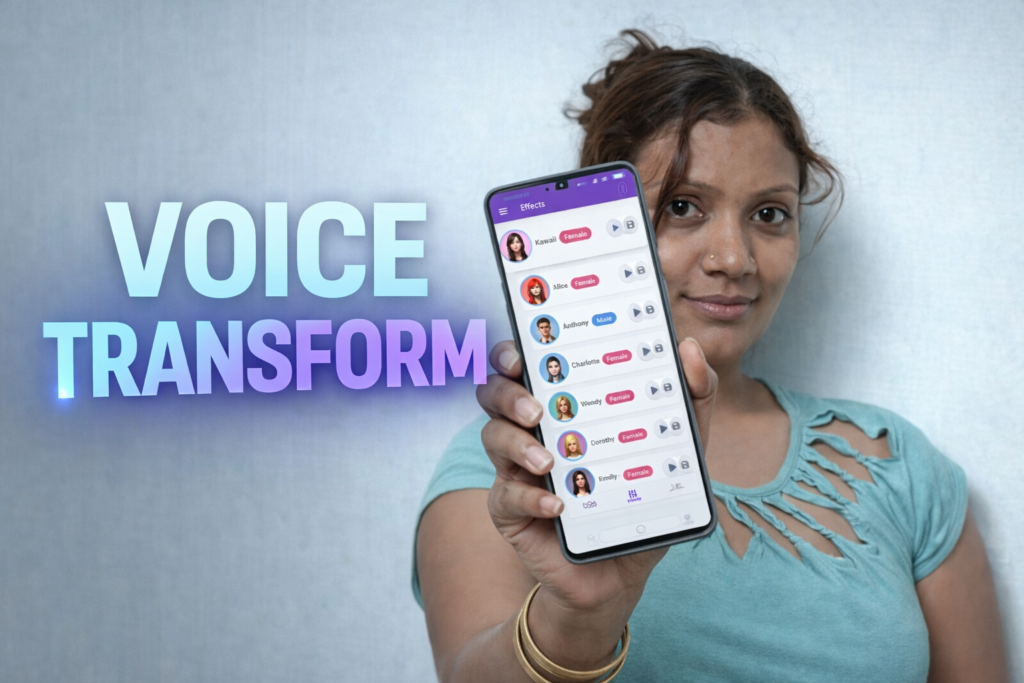
4. Change Voice to Male/Female/Child
The app offers a full gender/tone voice transformation engine, including:
- Female Voice
- Male Voice
- Child Voice
- Old Man Voice
- Cartoon/Chipmunk Voice
- Animal/Beast-like Voices
Each uses frequency warping + formant shifting.
5. Add Creative Sound Effects
Some available effects include:
- Rain or wind background
- Helium balloon
- Deep monster voice
- Robot/Vocoder voice
- Radio/old-style effects
- Speed-up or slow-motion voices
These make the app ideal for fun and content creation.
6. Reverb and Echo
Reverb makes your voice sound:
- Wider
- Richer
- More spacious
Great for singing and presentations.
Echo adds layered repeats for dramatic impact.
7. Edit Tempo, Speed & Volume
Users can:
- Speed up narration
- Slow down storytelling
- Increase bass
- Boost clarity
- Balance audio softness
These tools make voice clips more professional.
Where This App Is Useful
1. Entertainment
For fun voice changes, pranks, and sharing with friends.
2. Singing & Music
Auto-tune helps beginners practice singing notes.
3. Content Creation
Perfect for:
- Reels
- Shorts
- YouTube tutorials
- Voiceovers
4. Stage Performances & Skits
Users can record dialogue with effects for school/college events.
5. Phone Ringtones & Alerts
Create your own:
- Alarm tones
- Notification sounds
- Ringtones
6. Professional Voice Work
While still simple, the app supports clear output suitable for basic professional use.
When to Be Careful
Avoid using voice changers for:
- Impersonation
- Misleading content
- Harmful pranks
- Sensitive situations
The app is designed for safe creativity only.
Tips for Best Audio Quality
- Record in a quiet room
- Keep the phone 10–15cm away
- Reduce background noise
- Speak clearly
- Try multiple effects before exporting
Small adjustments result in better recordings.
Voice Changer App – Auto Tuner (2026) is a solid combination of entertainment and technical voice processing. Its auto-tune engine, reverb features, and creative sound effects make it useful for singers, creators, students, and anyone who enjoys experimenting with sound.
It strikes a strong balance between simplicity and high-quality effects, making it a reliable tool for both fun and serious audio work on Android devices.
More Articles You May Like