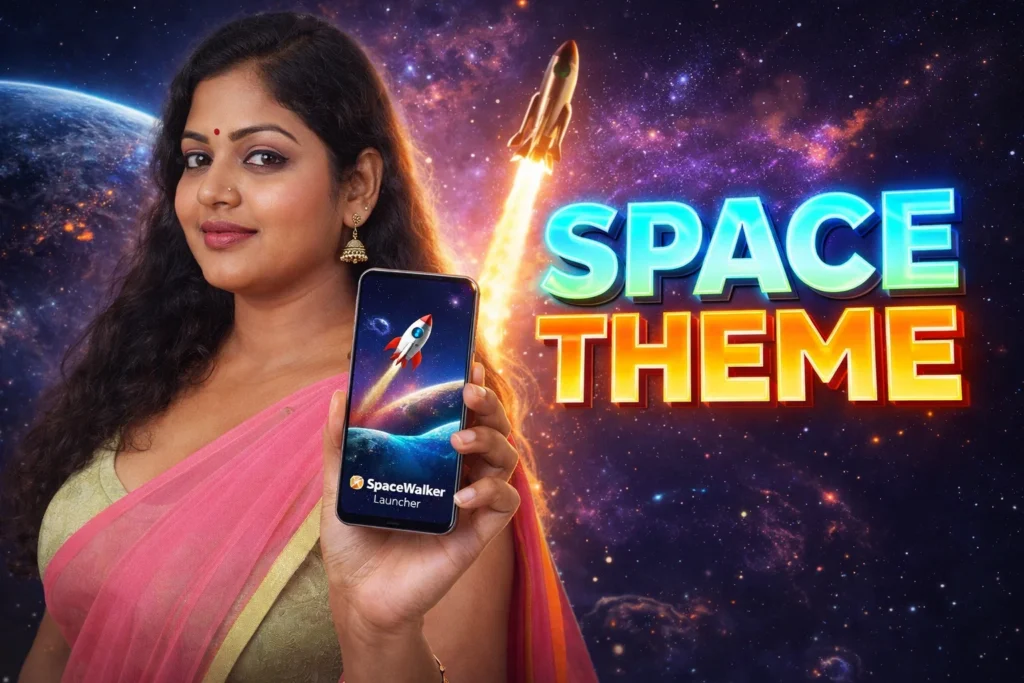
Many Android users want their phone to look more unique than the default home screen. Instead of using a normal launcher, they install apps like SpaceWalker Launcher to add a space-themed design, new icons, widgets, and extra privacy tools. In 2026, SpaceWalker Launcher is mainly used by people who want a futuristic home screen with astronaut and planet-style themes.
Quick Overview
| Feature | Details |
|---|---|
| Main Purpose | Change the Android home screen style |
| Theme Style | Space, astronaut, galaxy |
| Extra Features | Widgets, icon packs, app lock |
| Internet Needed | Only to download themes |
| Works With | Most Android 8.0+ phones |
| Privacy Tools | Hide apps and app lock |
| Suitable For | Users who enjoy customization |
What SpaceWalker Launcher Is Used For
SpaceWalker Launcher replaces the normal Android home screen with a new design.
Users install it to:
- use a space-themed launcher
- change app icons and wallpaper
- add weather and clock widgets
- hide private apps
- lock important apps with a password
The app includes more than 100 wallpapers, multiple themes, and dozens of icon packs with space-inspired styles.
How SpaceWalker Launcher Works
Step 1: Install and Set as Default Launcher
After opening the app:
- Choose SpaceWalker Launcher
- Set it as the default home screen
- The phone changes to the new launcher style
Step 2: Choose a Theme
The app includes different themes such as:
- astronauts
- planets
- galaxy backgrounds
- dark space style
There are around 15 built-in themes and over 100 wallpapers available.
Step 3: Customize Icons and Widgets
You can change:
- app icon shape
- icon color
- icon pack
- widget style
The launcher supports around 35 icon packs and allows weather, clock, and calendar widgets on the home screen.
Step 4: Use Extra Features
SpaceWalker Launcher also includes:
- app hiding
- app lock
- notification badges
- control center shortcut
- grid or list view for apps
The app can hide selected apps and protect them with a password. It also allows a swipe-down control center for music and settings.
Why Users Install SpaceWalker Launcher in 2026
1. Users Want a Different Home Screen
Many Android phones look similar. A launcher makes the phone feel more personal.
2. Space Theme Is Popular
Galaxy, astronaut, and dark futuristic styles remain popular in 2026.
3. More Features Than Default Launcher
Most default launchers do not include:
- app hiding
- app lock
- extra icon packs
- large theme collection
4. No Root Needed
SpaceWalker Launcher works without changing the Android system or rooting the phone. It supports Android 8.0 and higher.
Limitations to Know
- may use more battery than the default launcher
- older phones may feel slower
- some themes may require internet download
- too many widgets can make the screen crowded
For smoother performance, use fewer widgets and lighter wallpapers.
Who Should Use This App
Suitable for
- users who enjoy space themes
- people who want more customization
- users who want app hiding and lock features
Not suitable for
- very old Android phones
- users who prefer a simple default screen
- people who want maximum battery life
Decision / Recommendation Table
| Situation | Recommended? | Reason |
|---|---|---|
| Want a futuristic home screen | Yes | Space theme looks unique |
| Need app lock and hidden apps | Yes | Built-in privacy tools |
| Old phone with low RAM | Not ideal | Launcher may slow device |
| Prefer simple Android screen | No | Default launcher is easier |
| Like widgets and icon packs | Yes | Many customization options |
Reader Recommendation (Simple Decision)
If you want a space-themed Android launcher with wallpapers, widgets, app lock, and icon packs, you can explore SpaceWalker Launcher.
It is best for users who enjoy customization and want a more futuristic home screen.
Final Thoughts
SpaceWalker Launcher App for Android 2026 is mainly designed for users who want a different-looking home screen with a space and galaxy theme. It combines wallpapers, icon packs, widgets, app hiding, and app lock in one launcher.
For users who enjoy customization, it offers more features than the default Android launcher, but it works best on newer phones with enough battery and performance.
More Articles You May Like