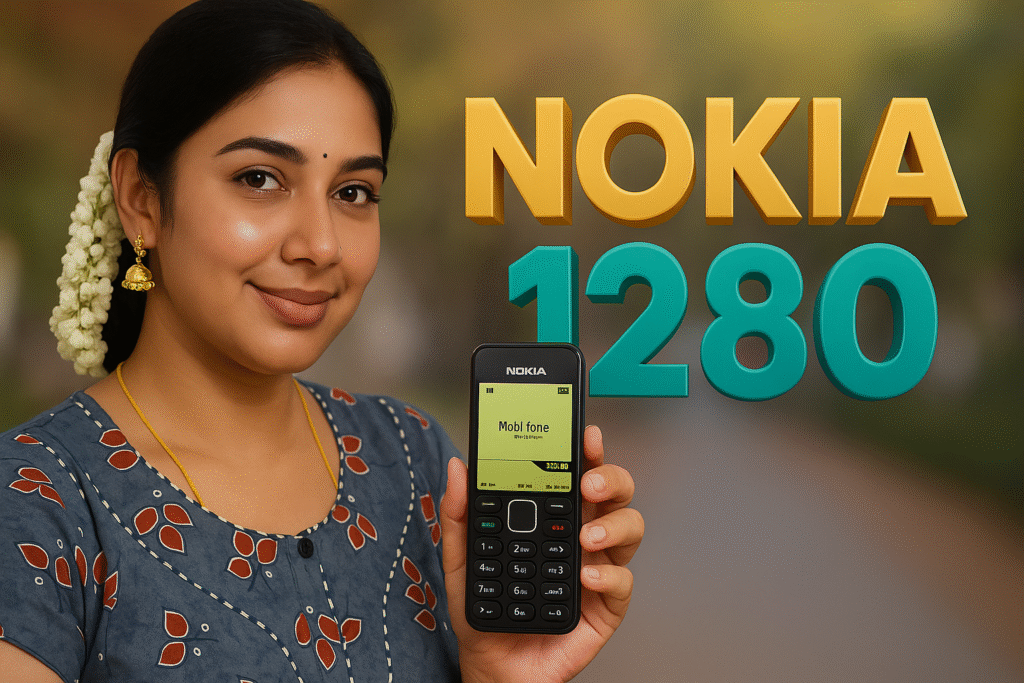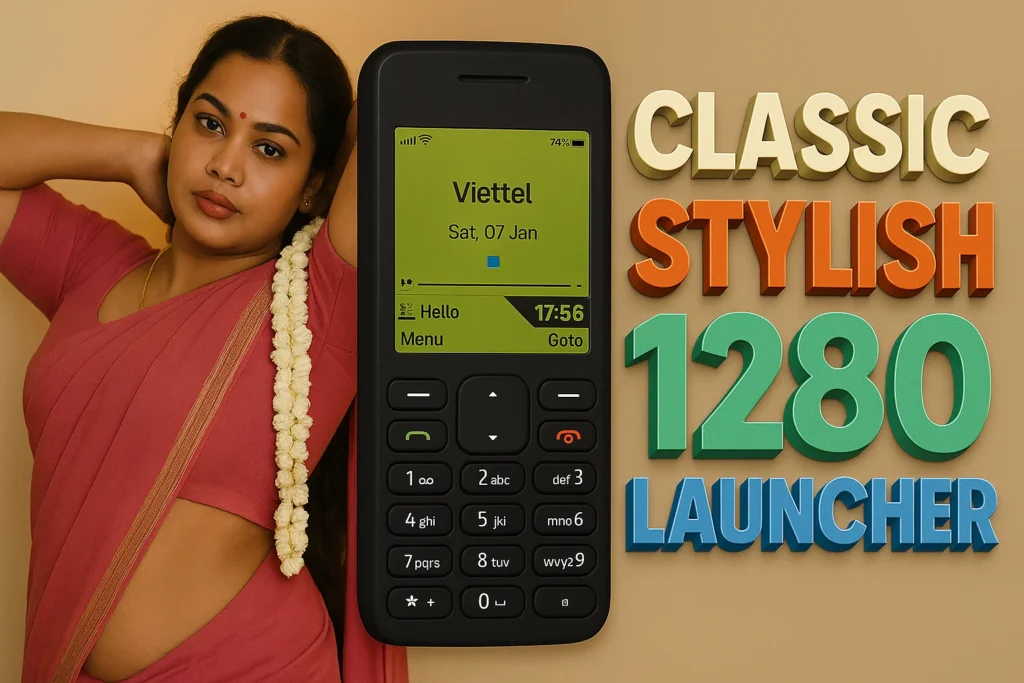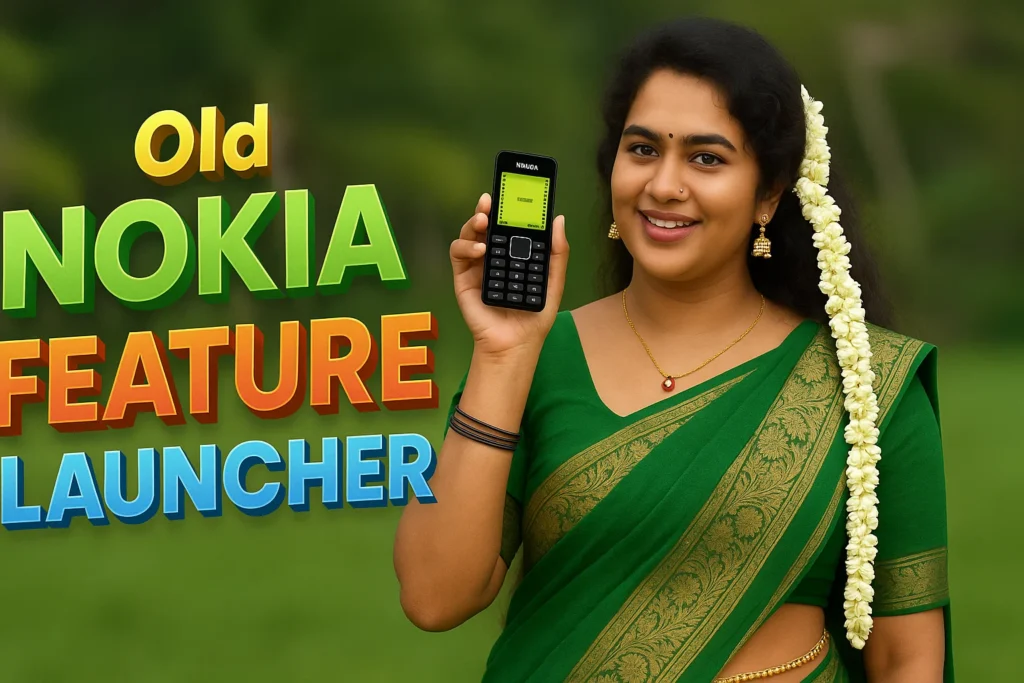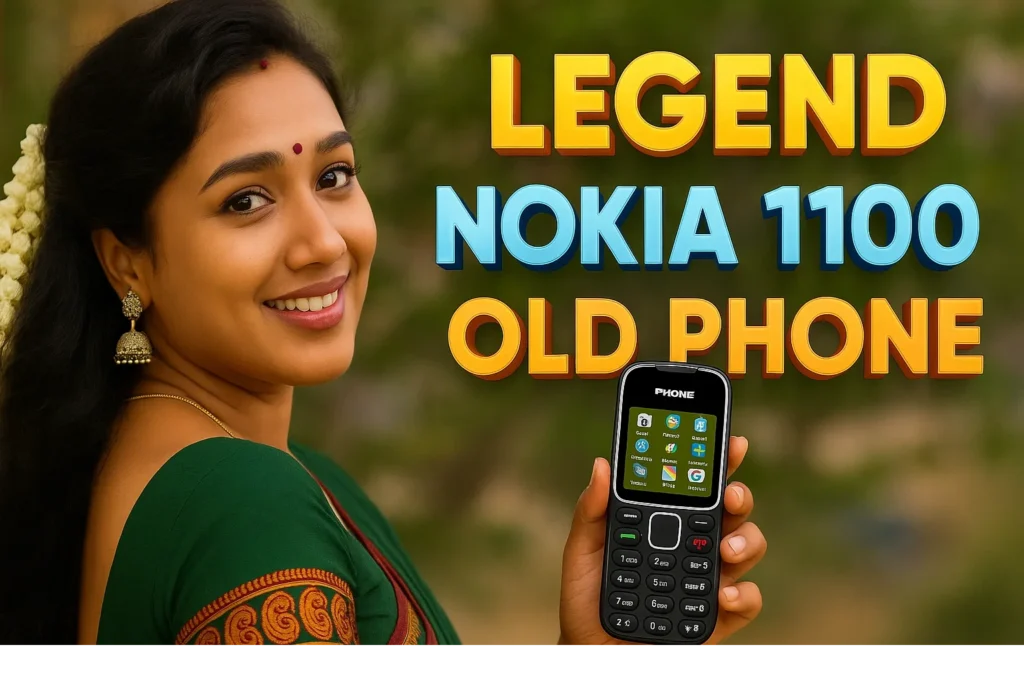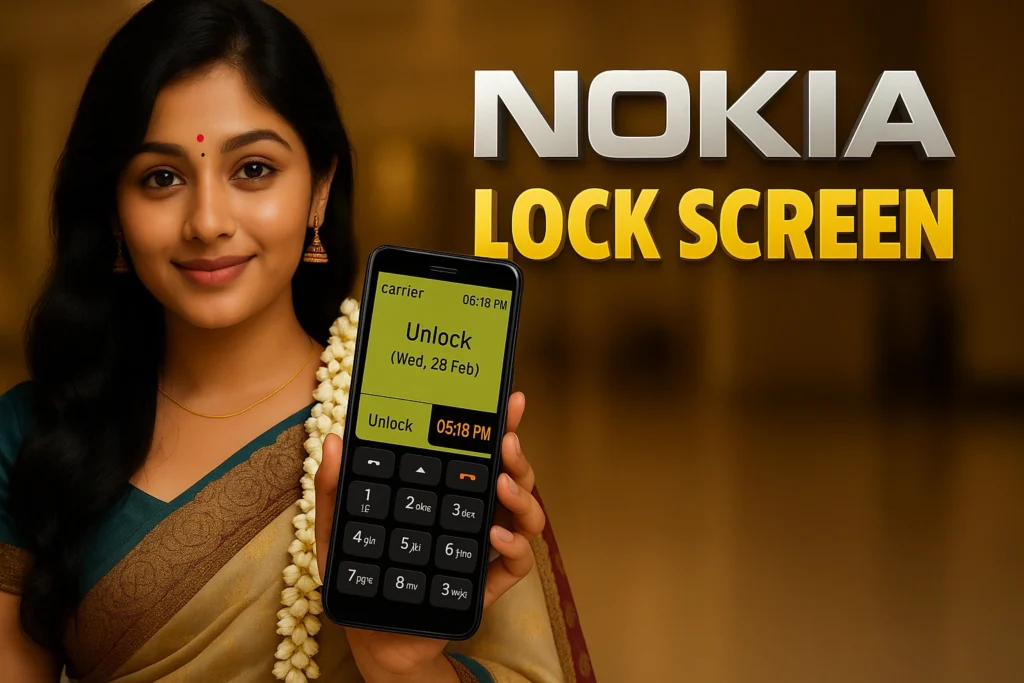
Our smartphones have become more complex over time—with gestures, widgets, folders, notification badges, and many layered screens. For some users, especially those who grew up with classic feature phones, this complexity adds stress rather than convenience. Many miss the clear menus, simple keys, and familiar navigation of old Nokia phones. This is where Nokia Classic Phone Launcher apps for Android come in. In 2026, these launchers recreate the look, feel, and usability of classic Nokia interfaces while running on modern Android devices—in a way that blends nostalgia with practical simplicity.
Quick Overview
| Aspect | Summary |
|---|---|
| Purpose | Bring Nokia-style UI to Android |
| Main features | Classic menus, simple navigation |
| Best for | Nostalgic or simplicity-first users |
| Primary benefit | Easy-to-use interface |
| Main limitation | Limited modern UI features |
What a Nokia classic phone launcher is actually used for
A Nokia Classic Phone Launcher replaces the standard Android home screen with an interface inspired by old Nokia phones. Instead of app grids and widgets, users see a list or menu structure that mimics classic Nokia models—easy-to-read text labels, minimal icons, and simple scrolling.
In daily use, people choose these launchers to:
- Reduce visual overload
- Access apps through straightforward menus
- Feel nostalgic for classic mobile experiences
- Help seniors or non-technical users navigate their device
- Avoid constant notifications and distractions
In 2026, these launchers are often used not only for nostalgia, but as digital simplicity tools.
How Nokia classic phone launcher apps work (step-by-step)
- Launcher installation
The user installs the Nokia Classic Launcher app. - Default launcher setup
Android prompts the user to set it as the default home launcher. - Classic interface activation
The screen transitions from modern UI to a classic-style menu. - Menu-driven navigation
Most features are accessed through lists and button-like icons. - Optional customization
Font size, background color, sound effects, and menu layout can be adjusted.
These launchers do not modify system files; they work at the UI layer.
Safety, privacy, and permission considerations
Although these apps are visual customization tools, users should still be aware of permissions.
Common permissions
- Access to installed apps
- Notification access (optional for suppression)
- Phone and contacts (optional, for direct calling shortcuts)
Privacy considerations
- Reputable apps do not collect personal data
- Some apps may request analytics or crash reporting
- Ads may appear in free versions
Security note
- These launchers are not security tools
- They do not control authentication or unlock methods
Android in 2026 enforces clear permission prompts, so users know exactly what the app can and cannot access.
Pros and cons (balanced view)
Advantages
- Simple, distraction-free interface
- Easy navigation for seniors or first-time users
- Menu-based structure avoids clutter
- Light on animations and system resources
Disadvantages
- No modern widgets or home screen customization
- Not ideal for multitasking users
- Limited quick access features
- Some apps may show ads
These launchers prioritize simplicity over modern UI richness.
When you should avoid using a Nokia classic phone launcher
Avoid these launchers if:
- You rely on widgets for productivity
- You enjoy gesture-based navigation
- You need quick access to app shortcuts
- You use split-screen and multitasking heavily
In such cases, a standard or minimal modern launcher may be more suitable.
Who these apps are suitable for / not suitable for
Suitable for
- Seniors and non-tech users
- Users wanting a distraction-free phone
- Nostalgia lovers
- Parents setting up a simple phone for kids
Not suitable for
- Power users
- Users needing advanced productivity features
- Gamers
- Users who depend on modern shortcuts and widgets
Practical daily-use tips (Android usage in 2026)
- Adjust text size for readability
- Disable unnecessary notifications
- Organize essential apps in simple menus
- Use ringtone and sound effects for tactile feedback
- Revert to default launcher during updates if needed
Android allows easy switching between launchers, so users can test multiple styles.
FAQ
Do these launchers change message and call features?
No. They change the home interface only.
Can I still access all installed apps?
Yes—apps remain installed and accessible.
Will notifications still be shown?
Yes, but they may be simplified or hidden depending on settings.
Are these launchers safe?
Generally yes, when permissions are limited and clear.
Decision / Recommendation Table
| User need | Recommendation |
|---|---|
| Simple interface | Highly recommended |
| Nostalgic experience | Very suitable |
| Widgets and shortcuts | Not ideal |
| Productivity launcher | Avoid |
| Reader Recommendation (simple decision) | play.google.com |
Conclusion: when simplicity matters most
Nokia Classic Phone Launcher apps are designed to make Android phones feel simple, familiar, and easy to navigate—especially for users who feel overwhelmed by modern mobile interfaces. In 2026, they are best viewed as personalization tools, not replacements for full Android navigation. When used thoughtfully, they provide a distraction-free user experience that fans of classic phones will enjoy.
More Articles You May Like