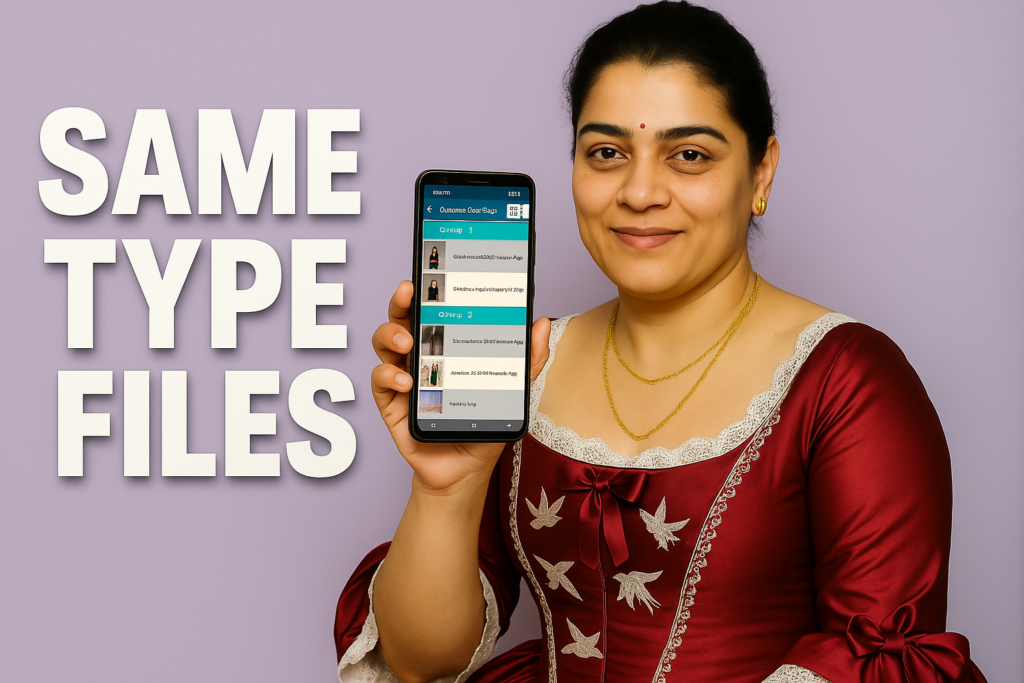
Smartphones store thousands of photos, videos, downloads, documents, and app data every month. Over time, devices begin to slow down because of duplicate files—multiple copies of the same image, repeated downloads of the same video, or duplicate folders created automatically by apps.
In 2026, managing storage space is more important than ever. With higher-resolution photos and larger apps, unnecessary duplicates can reduce available space and make phones run slower. Delete Duplicate Files, developed by Pro Data Doctor Pvt. Ltd., is designed to solve this exact problem safely and efficiently.
This article explains how duplicate files affect Android devices, how the app works internally, and why intelligent duplicate removal is essential for maintaining storage health.
Table of Contents
What Causes Duplicate Files on Android?
Most duplicate files are accidental. They usually appear because:
- Messaging apps save the same photo multiple times
- Cloud apps create local backups
- Users download the same file more than once
- Editing apps generate copies of photos and videos
- Shared media is saved repeatedly in different folders
- File managers export or duplicate content during transfers
These leftover copies take up space but serve no purpose. Over time, they accumulate and reduce available memory, slow down system processes, and cause longer loading times in gallery and file apps.
Why Duplicate Removal Is Important in 2026
Android devices now handle larger media files:
- 4K and 8K videos
- High-resolution images
- Social media cache
- Project files from editing apps
Even a few duplicates can take hundreds of MBs. A device filled with unnecessary files leads to:
- Slow performance
- Storage warnings
- Gallery loading delays
- Backup failures
- Reduced app performance
Duplicate removal is no longer optional — it’s a necessary part of maintaining a healthy device.
⭐ Discover-Style Overview Box: Delete Duplicate Files — Key Highlights (2026)
Delete Duplicate Files – Quick Overview (2026)
| App Size | 8 MB |
| Scanning Method | Filename + Metadata + Content Match |
| Storage Supported | Internal + SD Card |
| Duplicate Types | Photos, Videos, Audio, Docs, Files |
| User Control | Select All, Keep Original, Manual Check |
How the App Finds Duplicate Files (Technical Explanation)
The app uses a three-step scanning system to identify exact matches:
1. Filename Comparison
First, it checks files with identical names. This stage is fast and catches basic duplicates.
2. Metadata Matching
Next, it compares:
- File size
- Creation date
- Modified date
- File format
This step identifies files that look identical but have different names.
3. Content-Based Matching
The app uses a content signature algorithm to compare internal file data.
This ensures files are truly duplicates even if:
- Names are different
- Metadata changed
- Apps renamed or exported files
This is more advanced than regular hash-matching because it focuses on content similarity rather than exact binary signatures.

Features Explained in Simple and Professional Detail
✔ Full Storage Scan & Custom Folder Selection
Users can:
- Scan the entire phone
- Scan only SD card
- Scan selected folders
This helps locate duplicates inside deep or hidden directories.
✔ Duplicate Photos, Videos, Audio, Documents
The app supports:
- JPEG, PNG, HEIC
- MP4, MKV, MOV
- MP3, WAV, AAC
- PDF, DOCX, and more
Every major file type can be identified.
✔ Intelligent Duplicate Selection
The app gives three control modes:
- Select All Originals – keeps the newest copies
- Select All Duplicates – deletes repeated items
- Manual Selection – choose one by one
This prevents accidental deletion of important files.
✔ Move or Copy Instead of Delete
You can move duplicates to another folder before removing them.
This is helpful for:
- Backup purposes
- Temporary review
- Organizing large file collections
✔ Offline Use
The app requires no internet connection.
All scanning happens locally for privacy.
✔ Notification After Scanning
Once a scan is complete, users receive a clear summary of:
- Total duplicates found
- Total space recoverable
- File categories affected
Benefits of Using Delete Duplicate Files App in 2026
1. Frees Up Large Amounts of Storage
Even small duplicate photos add up.
The app helps recover:
- GBs of wasted space
- Cache folders
- Repeated media downloads
2. Boosts Phone Performance
With fewer files:
- Gallery loads faster
- File managers respond quicker
- Apps run more smoothly
3. Organizes Storage Automatically
Clutter-free storage improves workflow and makes it easier to find files.
4. Prevents System Lag
Old or duplicate files often slow down scanning, indexing, and search operations.
5. Helps During Backups
Cloud backups become faster because fewer unnecessary files are uploaded.
When to Use This App
Use Delete Duplicate Files when:
- Phone storage is almost full
- Gallery has repeating images
- You downloaded the same file multiple times
- Messaging apps saved multiple copies
- You transferred files from another phone
- You want a cleaner, faster system
When to Avoid or Be Careful
Avoid bulk deletion if:
- You store manual backups
- Edited photos have similar versions
- Work files have identical names with different content
The app gives manual control, but users should still check previews.
Final Thoughts
Delete Duplicate Files remains one of the most efficient tools for Android users who want fast, accurate duplicate detection without complexity. Its blend of metadata scanning, content analysis, offline processing, and full user control makes it suitable for everyday users as well as professionals managing large storage systems.
In 2026, with file sizes larger than ever, this type of cleaning tool is essential for maintaining healthy storage and smooth device performance.
More Articles You May Like