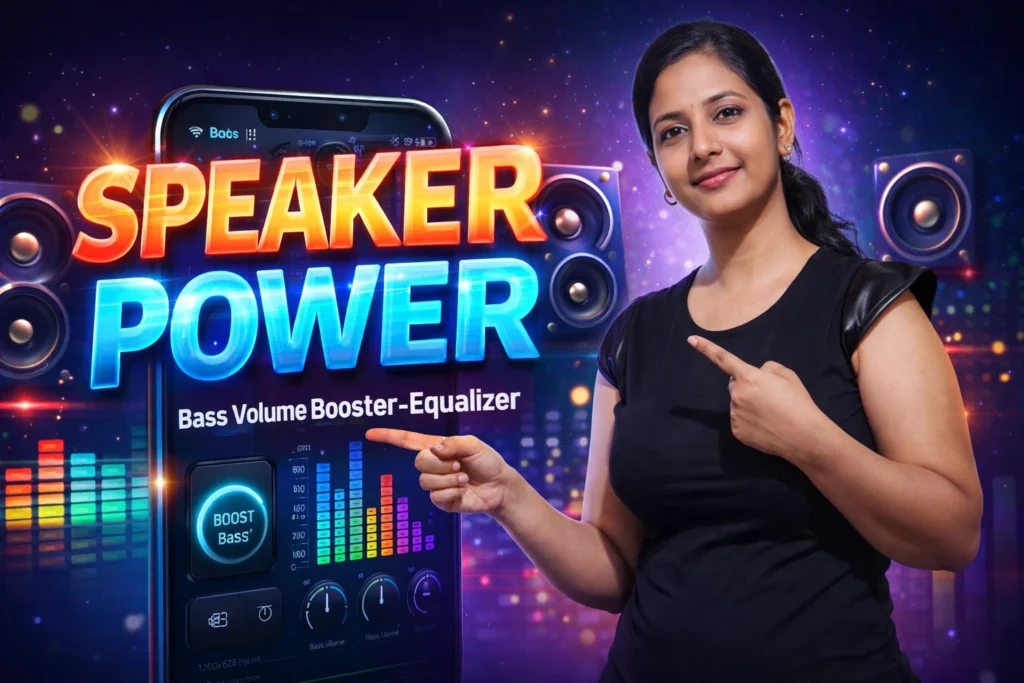
Your Android phone may have excellent hardware — but sometimes music, videos, or speakers still feel too quiet or lacking in depth. Standard system volume controls only provide basic loudness settings, and many users are left wanting more rich bass or custom sound profiles. This is where Bass Volume Booster-Equalizer apps come in. In 2026, these apps aim to improve sound clarity, add punchy bass, and let users fine-tune audio settings. But what do they actually do, and do they really work? Let’s explore the true role, how they function, their limitations, and when they should (or should not) be used.
Quick Overview
| Feature | Reality (2026) |
|---|---|
| Main purpose | Adjust sound output via software |
| Works with | Speakers, headphones, Bluetooth |
| Key effect | Bass reinforcement & equalization |
| Main limitation | Cannot override physical hardware limits |
| Best use | Personal music/audio customization |
What bass volume booster-equalizer apps are actually used for
These apps let users adjust sound profiles beyond Android’s standard volume sliders. By using software processing, they aim to:
- Boost bass frequencies
- Improve clarity in music and videos
- Offer customizable equalizer presets
- Let users tailor sound for headphones or speakers
- Create different profiles for genres (rock, pop, hip-hop)
In 2026, higher-end Android phones include more advanced native sound controls, but many users still want even deeper control — especially for older or mid-range devices.
How these apps work (simple explanation)
1. Audio signal interception
The app takes the audio stream before it reaches speakers or headphones.
2. Software equalization
Using digital signal processing (DSP), the app:
- Increases or decreases specific frequency bands
- Adds bass or treble adjustments
- Applies sound enhancement algorithms
3. Output modified audio
The processed sound is then sent to:
- Built-in speakers
- Wired headphones
- Bluetooth audio devices
4. Presets & user settings
Most apps allow selecting presets or custom equalizer curves.
Important truth:
➡️ These apps do not physically change your speaker hardware; they modify sound mathematically before playback.
Do these apps really work?
Yes — to an extent — but with important limitations.
Where they perform well
✔ Custom equalizer profiles enhance clarity
✔ Boosted bass feels richer on headphones
✔ Works well with music and video apps
✔ Easy control for casual users
Where they don’t work
✘ Cannot make tiny speakers physically louder
✘ Excessive boost can distort sound
✘ May conflict with some system audio services
✘ Some Bluetooth codecs may limit effects
These tools enhance software sound shaping — not hardware power.
Safety, privacy, and permission considerations
Bass booster and equalizer apps interact with audio streams, but their permission requirements are usually minimal.
Common permissions
- Audio modification
- Storage access (optional for presets or backups)
- Notification access (rare, for app controls)
Privacy notes
- Most apps process audio locally
- Avoid apps requesting unrelated sensitive access (contacts, SMS, camera)
Android 2026 requires explicit user consent for audio-related permissions, helping visibility.
Pros and cons (balanced)
Advantages
✔ Enhanced bass and audio profiles
✔ Custom presets for different genres
✔ Works with music, videos, podcasts
✔ Useful for headphone sound improvement
Disadvantages
✘ Limited by speaker or headphone hardware
✘ Overboosting can distort audio
✘ Some apps require ongoing foreground service
✘ Free versions include ads
These apps are about audio shaping, not hardware amplification.
When you should avoid using these apps
You may want to avoid bass booster-equalizer apps if:
- Your priority is battery saving (some run in background)
- You prefer minimal sound processing
- Your device already has advanced sound tuning
- You dislike apps that always run in the foreground
In these cases, native sound profiles or system equalizers usually suffice.
Who these apps are suitable for / not suitable for
Suitable for
- Music lovers wanting specific sound profiles
- Users with mid-range headphones or speakers
- People who watch videos frequently
- Users who listen to diverse music genres
Not suitable for
- Minimalist users who dislike extra apps
- Devices with built-in advanced audio suites
- Users who want pure hardware-based sound
- People with hearing sensitivity to boosted bass
Practical daily-use tips (Android 2026)
- Start with small boosts — avoid distortion
- Set separate profiles for headphones vs speakers
- Use EQ presets for genres (pop, rock, jazz)
- Disable app when switching audio devices
- Keep volume moderate to protect hearing
Modern Android handles audio routing efficiently, but external processing still requires thoughtful setup.
FAQ
Will these apps make my phone louder than max volume?
Not physically — they shape sound; maximum loudness is still hardware-limited.
Are these apps safe to use?
Yes, when permissions are minimal and audio is processed locally.
Do they improve battery life?
No — audio processing may slightly increase usage.
Can they work with Bluetooth audio?
Yes, but effects may vary by codec (SBC, AAC, LDAC, etc.).
Decision / Recommendation Table
| User need | Recommendation |
|---|---|
| Custom sound profiles | Strongly recommended |
| Loudness beyond hardware limits | Not possible |
| Headphone audio enhancement | Highly suitable |
| Minimal setup | Default sound settings sufficient |
| Reader Recommendation (simple decision) | play.google.com |
audio enhancement, not magic volume
Bass Volume Booster-Equalizer apps for Android in 2026 are effective tools for shaping sound — tweaking bass, balancing frequencies, and tailoring audio to individual preference. They work best with music and headphone listening when used responsibly. However, they cannot magically increase hardware speaker output or override physical limitations. When used wisely, with careful adjustment and minimal distortion, they can significantly enhance the listening experience without compromising audio quality or device safety.
More Articles You May Like