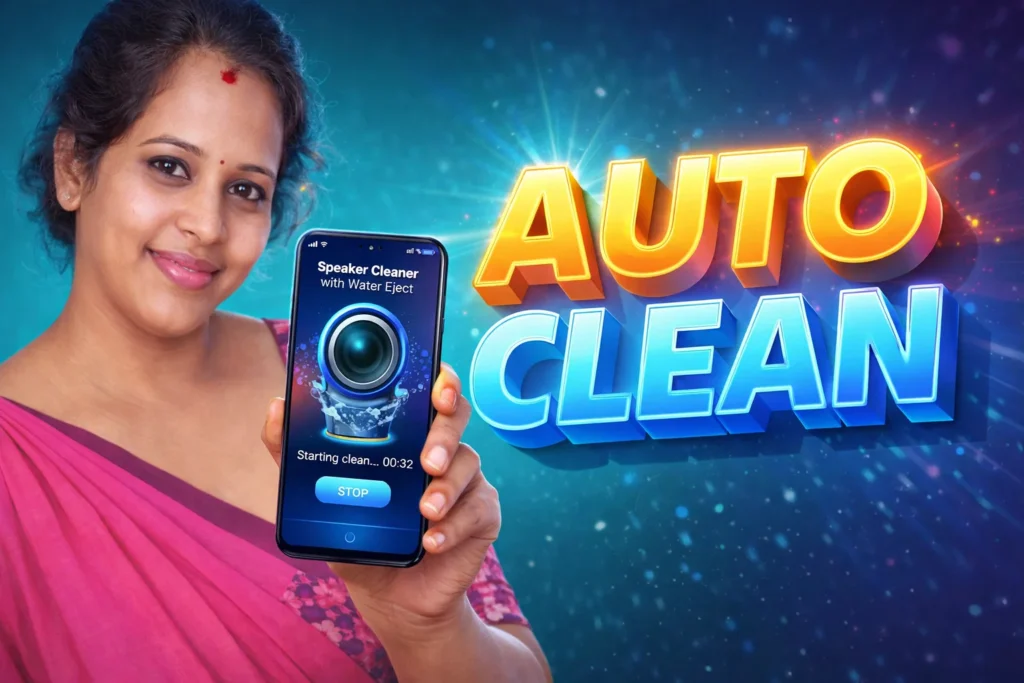
If your phone speaker sounds muffled after rain, a splash of water, or dust buildup, a Speaker Cleaner Water Remover app can sometimes help. These apps play special sound frequencies through the phone speaker to create vibrations that push out small water droplets and dust. In 2026, many Android users install these apps after accidentally getting their phone wet.
Quick Overview
| Feature | Details |
|---|---|
| Main Purpose | Remove water and dust from speaker |
| Works By | Playing sound frequencies and vibrations |
| Common Use | After rain, water splash, or muffled sound |
| Cleaning Modes | Automatic and manual |
| Internet Needed | No, after installation |
| Time Needed | Usually 30–90 seconds |
| Suitable For | Mild water or dust inside speaker |
What a Speaker Cleaner Water Remover App Is Used For
These apps are mainly used when the phone speaker becomes:
- quieter than normal
- muffled
- distorted
- crackling after contact with water
Instead of opening the phone or using unsafe methods, the app plays a low or high-frequency sound that makes the speaker vibrate. This can help remove small water droplets trapped near the speaker grille.
Many apps also include a dust-cleaning mode for lint, pocket dust, or small dirt particles.
How These Apps Work
Step 1: Open the App
Most speaker cleaner apps include:
- automatic cleaning mode
- manual frequency mode
- speaker test sound
Automatic mode is easier for most users.
Step 2: Turn the Phone Speaker Downward
For best results:
- remove any case if possible
- disconnect earphones
- hold the phone with the speaker facing down
This helps water move out instead of staying inside.
Step 3: Start the Cleaning Sound
The app plays a strong sound for around 30 to 80 seconds.
Some apps use a fixed sound. Others allow you to change the frequency manually from around 0–8000 Hz.
As the speaker vibrates, small water droplets may come out of the speaker opening.
Step 4: Test the Sound Again
After cleaning, most apps include a test tone or music sound.
If the speaker still sounds muffled, you can repeat the process 2–3 times.
When These Apps Can Help
A speaker cleaner app may help if:
- the phone was exposed to rain
- a few drops of water entered the speaker
- the sound became lower after washing the phone
- dust or lint is blocking the speaker opening
These apps work best for small amounts of water and dust. They are not a repair tool for serious damage.
Important Limitations
Speaker cleaner apps cannot fix every problem.
They may not help if:
- the speaker is physically damaged
- a large amount of water entered the phone
- the phone no longer turns on
- there is corrosion inside the speaker
If your phone still sounds bad after several cleaning attempts, the speaker may need professional repair.
Also, some apps promise “200% louder sound” or instant repair. In reality, they only help remove water and dust. They do not permanently increase the speaker’s power.
Who Should Use This App
Suitable for
- users with muffled sound after water exposure
- people who dropped the phone in light rain
- users with dusty or blocked speaker holes
Not suitable for
- phones with severe water damage
- broken speakers
- users expecting a complete hardware repair
Decision / Recommendation Table
| Situation | Recommended? | Reason |
|---|---|---|
| Speaker sounds muffled after rain | Yes | Water may be trapped inside |
| Small amount of dust in speaker | Yes | Cleaning sound may help |
| Speaker stopped working completely | No | Likely hardware damage |
| Large water exposure or full submersion | Maybe | Try app first, then repair if needed |
| Want louder sound without water issue | No | App is mainly for cleaning |
Reader Recommendation (Simple Decision)
If your phone speaker sounds muffled after water or dust exposure, you can try Speaker Cleaner Water Remover.
Try the automatic cleaning mode first. If the sound does not improve after 2–3 attempts, the phone may need professional repair.
How to Uninstall
If you no longer need the app:
- Open Android Settings
- Go to Apps
- Find the speaker cleaner app
- Tap Uninstall
You can remove the app safely at any time because it does not store important files or hidden content.
Final Thoughts
Speaker Cleaner Water Remover App for Android 2026 can be useful when a phone speaker sounds muffled after small amounts of water or dust get inside. The app works by playing sound frequencies that vibrate the speaker and help push out trapped moisture.
It is a simple first step before visiting a repair shop, but it should not be treated as a complete fix for serious speaker damage.
More Articles You May Like