Smartphone speakers are exposed to water more often than most users realize. Rain, accidental splashes, washing phones under taps, sweat, or even high humidity can introduce moisture into speaker grilles. When this happens, many users search for a speaker cleaner water remover solution, often expecting an instant fix through an app.
This article explains, in practical and realistic terms, how speaker cleaner water remover apps work in 2026, what problems they can address, where their limitations begin, and how users should respond to water-affected speakers safely.
Table of Contents
Quick Reader Overview
| Topic | What This Section Explains |
|---|---|
| Water in speakers | Why audio becomes muffled or distorted |
| Cleaning apps | How vibration-based water removal works |
| Effectiveness | Situations where apps help vs fail |
| Safety steps | What to do before and after using an app |
| Misconceptions | Common false expectations clarified |
| Decision guide | When to stop using apps and seek repair |
Why Water Affects Smartphone Speakers
Smartphone speakers are not open holes. They are protected by fine mesh, acoustic membranes, and internal chambers designed to balance sound quality and water resistance.
When water enters:
- Sound waves are partially blocked
- Airflow through the mesh is reduced
- Speaker vibration becomes uneven
- Moisture mixes with dust and residue
This often results in:
- Lower volume
- Crackling or buzzing sound
- Distorted audio at certain frequencies
- One speaker sounding weaker than the other
In many cases, the speaker hardware is still intact—the issue is obstruction, not damage.
What Is a Speaker Cleaner Water Remover App?
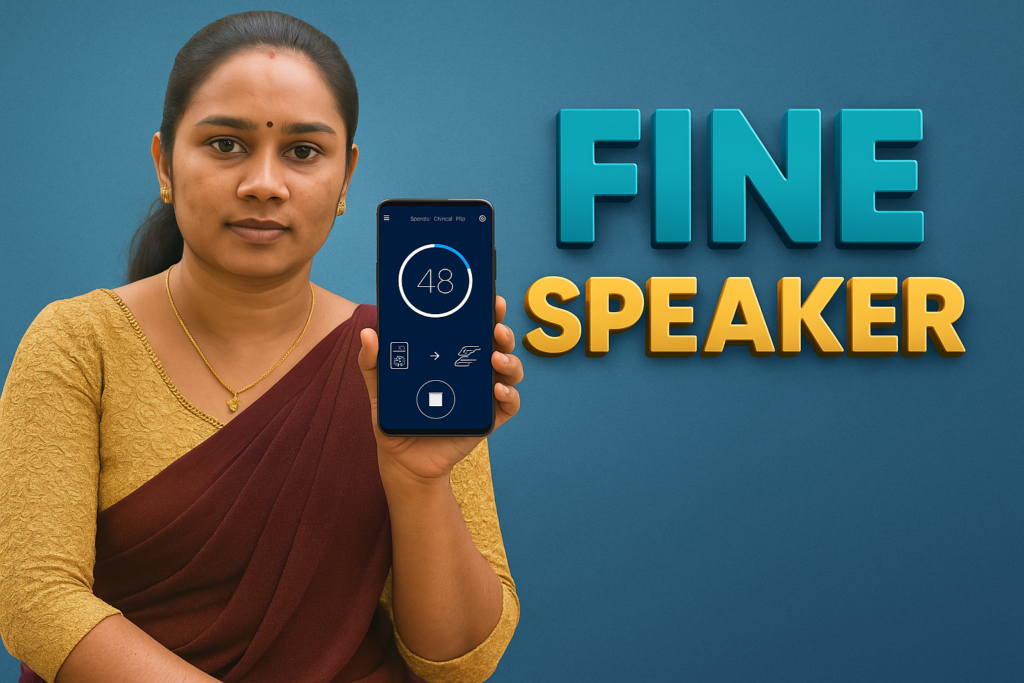
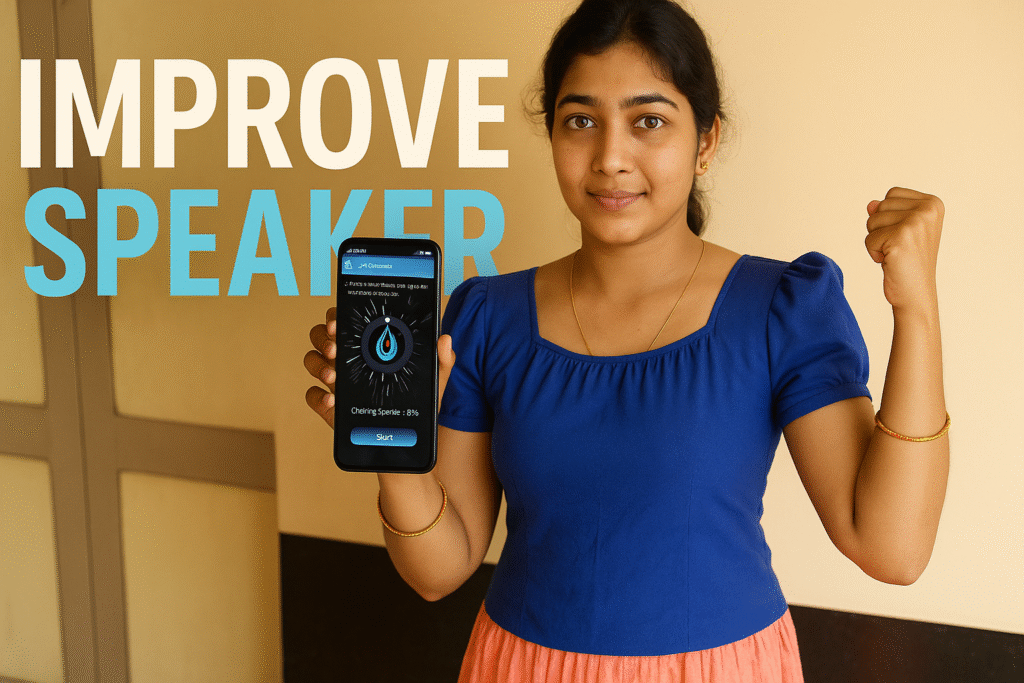
A speaker cleaner water remover app is a software tool that plays specially selected sound frequencies through your phone’s speaker. These frequencies cause the speaker membrane to vibrate more strongly than normal audio playback.
The intention is to:
- Dislodge trapped water droplets
- Push moisture toward the grille opening
- Restore airflow through the mesh
This technique is commonly described as sound-based water ejection.
How Speaker Cleaner Water Remover Apps Work (Step by Step)
- The app plays a low-frequency or oscillating tone
- Speaker membrane vibrates with higher displacement
- Water droplets respond to vibration and movement
- Some moisture may exit through the grille
This process does not “suck” water out. It relies purely on mechanical vibration.
Why Low Frequencies Are Used
Low-frequency sounds:
- Move the speaker cone more aggressively
- Create stronger air pressure changes
- Are less likely to cause sharp distortion
Higher frequencies vibrate faster but with smaller movement, making them less effective for moving water.
Speaker Cleaner Water Remover App vs Physical Drying
| Method | What It Does | Limitations |
|---|---|---|
| Natural air drying | Allows evaporation | Slow, depends on environment |
| Silica / dry environment | Absorbs moisture | Not immediate |
| Vibration-based app | Moves trapped droplets | Limited reach |
| Heat sources | Accelerates drying | Can damage components |
Apps are best viewed as a support method, not a replacement for drying time.
When a Speaker Cleaner Water Remover App Can Help
Apps may help when:
- Exposure was light (splash, drizzle)
- Water entered recently
- Speaker mesh is not clogged with residue
- Sound distortion is mild
In these cases, vibration can improve clarity.
When These Apps Do NOT Help
Apps cannot help when:
- Water reached internal circuits
- Speaker membrane is damaged
- Corrosion has started
- Speaker coil is shorted
- Device was submerged for long periods
In such cases, continued vibration may worsen damage.
Important Reality Check (Must Read)
Speaker cleaner water remover apps:
✔ Can assist with minor moisture obstruction
✔ Can improve sound clarity in some cases
❌ Cannot repair damaged speakers
❌ Cannot reverse corrosion
❌ Cannot dry internal boards
❌ Cannot guarantee results
They are not repair tools.
Speaker Cleaner Water Remover APK: What Users Should Know
Many users search for speaker cleaner water remover apk versions outside official app stores.
Important considerations:
- APK files may be outdated
- Security updates may be missing
- Permissions may be unclear
- App behavior can vary across devices
From a safety perspective, verified app sources reduce risk.
Speaker Cleaner and Water Remover: Common Myths
“One tap will remove all water”
Water removal depends on:
- Quantity of moisture
- Speaker design
- Time since exposure
No app can guarantee full removal.
“Louder sound works better”
Excessive volume can:
- Strain speaker coils
- Increase distortion
- Cause long-term damage
Controlled frequency matters more than loudness.
“Apps fix hardware damage”
They do not. Physical damage requires physical repair.
Safe Steps Before Using Any Speaker Cleaner App
- Power off the phone if recently exposed
- Gently wipe external moisture
- Do not charge immediately
- Avoid shaking aggressively
- Let the phone sit for some time
- Use vibration-based cleaning cautiously
Patience is more effective than repeated stress.
How Long Should You Use a Speaker Cleaner App?
Short cycles are safer:
- 20–30 seconds per cycle
- Pause between attempts
- Stop if sound worsens
Repeated continuous use can strain speakers.
Signs That You Should Stop Using Apps
Stop and seek help if:
- Sound becomes harsher
- Volume decreases further
- Speaker rattles
- Phone heats abnormally
These indicate potential hardware issues.
Decision Micro-Table: What Action Makes Sense?
| Situation | Best Action |
|---|---|
| Light splash, mild muffling | Try vibration-based cleaning once |
| Phone fell into water | Power off and dry first |
| No improvement after attempts | Stop and wait or repair |
| Distortion persists days later | Professional inspection |
Why Speaker Grilles Trap Water Easily
Speaker grilles are designed to:
- Block dust
- Resist splashes
- Maintain acoustic balance
Water surface tension causes droplets to cling to mesh openings, making removal harder than expected.
Role of Dust and Residue
Water alone may evaporate, but:
- Dust mixed with water forms residue
- Residue blocks airflow
- Apps cannot remove solid buildup
This explains why older devices respond less effectively.
What About Waterproof Phones?
Water-resistant ratings:
- Reduce water entry
- Do not eliminate moisture risk
- Do not prevent muffled sound
Speaker cleaning apps may still help slightly, but results vary.
Using Speaker Cleaner Apps Repeatedly: Is It Safe?
Occasional use is generally fine. However:
- Daily use is unnecessary
- Repeated stress shortens speaker lifespan
- Apps should not be used as routine maintenance
They are for situational use only.
Speaker Cleaner Water Remover App vs Manual Methods
| Method | Risk Level | Effectiveness |
|---|---|---|
| App vibration | Low (if used moderately) | Limited |
| Air drying | Very low | Slow but safe |
| Compressed air | Medium | Risk of pushing water deeper |
| Heat | High | Can cause permanent damage |
Practical User Recommendation
A speaker cleaner water remover app should be treated as:
- A temporary assistance tool
- A support step, not a fix
- A last step after drying, not the first reaction
Overreliance increases risk.
Speaker Cleaner: Water Eject — Quick Overview
- Sound-based vibration to help move light water from speaker grilles
- Speaker vibration patterns aimed at loosening dust or debris
- Manual frequency and duration controls
- Test sound option to compare audio before and after
- Headphone sound testing and balance tones
Speaker Cleaner Water Remover – Common Questions (2026)
Final Perspective (2026)
In 2026, speaker cleaner water remover apps remain useful for specific, limited scenarios. They are not universal solutions and should never replace proper drying, patience, or professional repair when needed.
Understanding their capabilities—and their limits—helps users protect their devices without causing additional damage.
More Articles You May Like