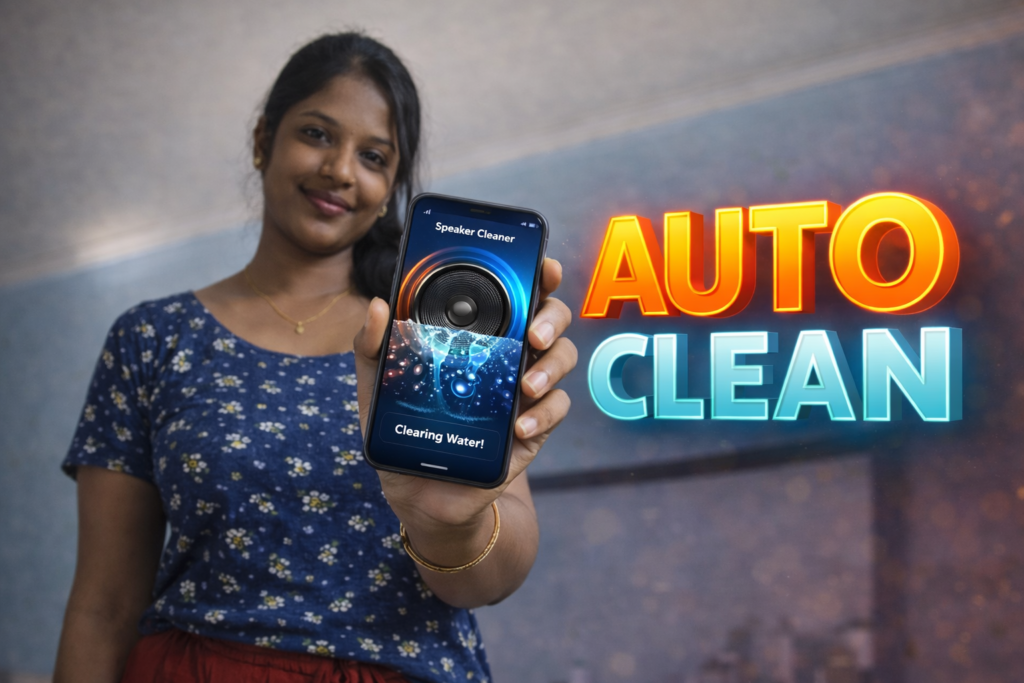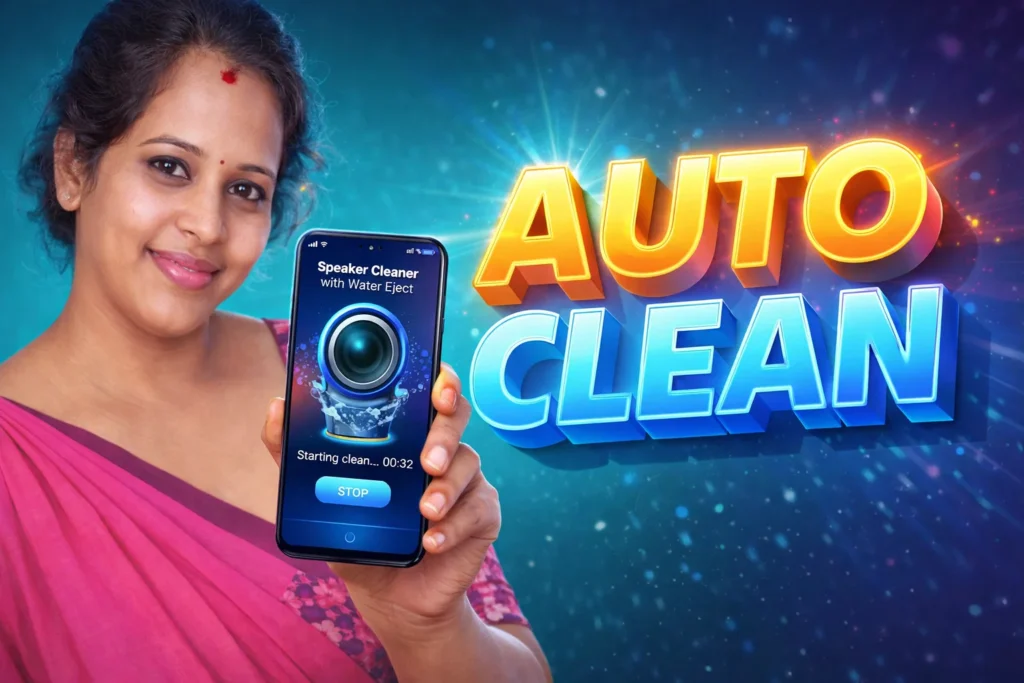
Many Android users notice that their phone speaker sounds low, unclear, or muffled after the phone comes into contact with water. This can happen after rain, accidental splashes, or even using the phone in a humid bathroom. Because of this, many people install Speaker Cleaner with Water Eject App Android 2026 to try to remove trapped water from the speaker.
These apps play special sound frequencies that create vibration in the speaker. The vibration may help push small amounts of water or dust out of the speaker opening.
Quick Overview
| Feature | Details |
|---|---|
| Main Purpose | Remove water from phone speaker |
| Method | Plays sound frequency |
| Works With | Phone speaker |
| Internet Needed | No |
| Water Removal | May help with light moisture |
| Extra Features | Volume test, sound cleaner |
| Guarantee | Not always successful |
What Speaker Cleaner Apps Are Used For
These apps are mainly used when:
- speaker sounds muffled
- sound becomes low after water exposure
- there is slight moisture inside speaker grill
- dust may be blocking the speaker
The app plays a loud vibration tone through the speaker. This may move water droplets out of the speaker hole.
Some apps also include:
- speaker test
- volume check
- automatic cleaning mode
- manual frequency control
How Water Eject Apps Work
The working method is simple.
Step 1: Open the App
After opening the app, choose:
- automatic cleaning
- manual sound mode
- water eject mode
Step 2: Play Cleaning Frequency
The app plays a special low-frequency sound.
This sound causes the speaker to vibrate strongly.
The vibration may help push water outward.
Step 3: Repeat for a Few Seconds
Most apps run for:
- 10 seconds
- 30 seconds
- 1 minute
If needed, you can repeat the process.
Step 4: Check the Speaker Again
After cleaning, test the speaker sound.
If the sound becomes clearer, some moisture may have been removed.
When These Apps Actually Help
Speaker cleaner apps may help when:
- only a small amount of water entered
- the phone is water-resistant
- the speaker still works normally
- the sound became muffled recently
These apps are most useful for light moisture, not serious water damage.
When They Do NOT Work
These apps usually do not help if:
- the phone has serious water damage
- water entered deep inside the phone
- the speaker is already damaged
- the phone stopped working completely
In these cases, repair may be needed.
Safety Tips Before Using
Before using the app:
- remove phone case
- keep speaker facing downward
- gently dry outside with soft cloth
- do not shake phone strongly
- do not use heat or hair dryer
Too much heat can damage the phone.
Who Should Use These Apps
Suitable for
- users with muffled speaker after water splash
- phones with slight moisture
- users wanting quick speaker test
Not suitable for
- phones with major water damage
- speakers that already stopped working
- users expecting guaranteed repair
Decision / Recommendation Table
| Situation | Recommended? | Reason |
|---|---|---|
| Speaker sounds low after water splash | Yes | Water eject may help |
| Small amount of moisture | Yes | Vibration can remove droplets |
| Phone fully dropped in water | Not enough | May need repair |
| Speaker completely dead | No | Hardware damage possible |
| Need quick test at home | Yes | Easy first attempt |
Reader Recommendation (Simple Decision)
If your phone speaker sounds muffled after coming into contact with water, you can try a speaker cleaner and water eject app such as Speaker Cleaner with Water Eject.
Always try the cleaning sound soon after the water exposure, because it works best when the moisture is still fresh.
Final Thoughts
Speaker Cleaner with Water Eject App Android 2026 can sometimes help remove small amounts of water from a phone speaker by using strong sound vibration. It is a useful first step when the speaker becomes muffled after light water exposure.
However, these apps cannot repair real hardware damage. If the speaker still sounds weak after several attempts, the safest option is to let the phone dry fully or have it checked professionally.
More Articles You May Like