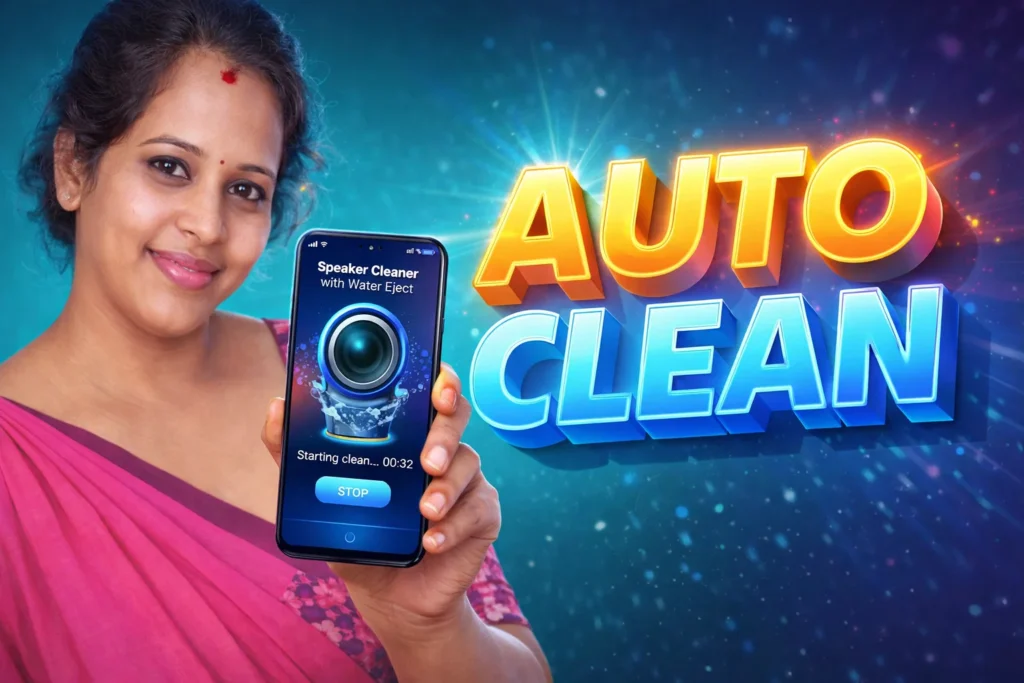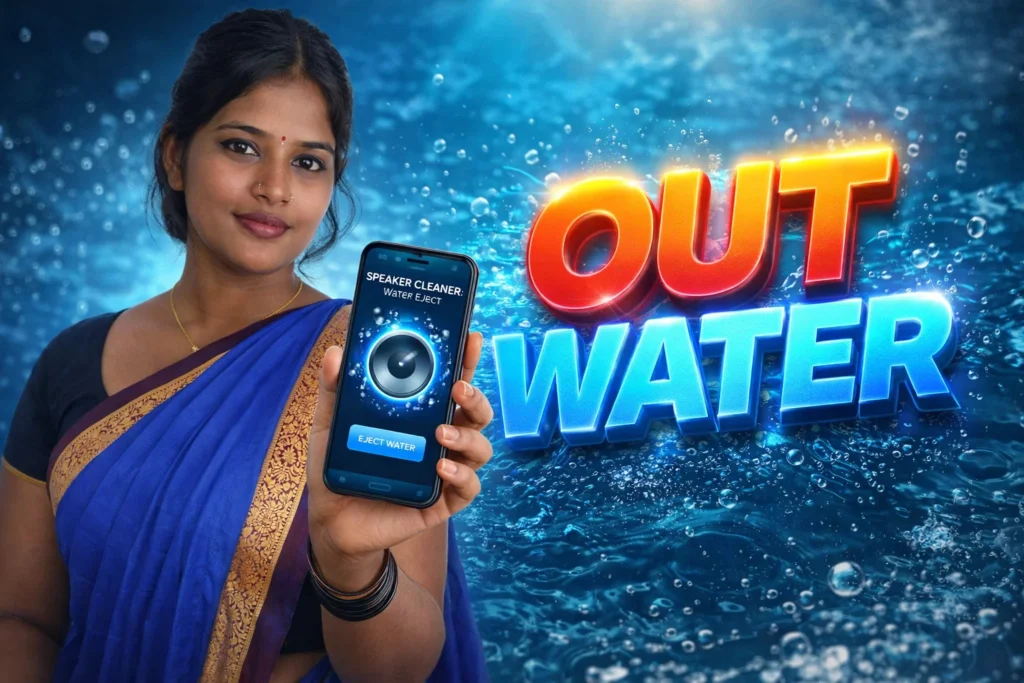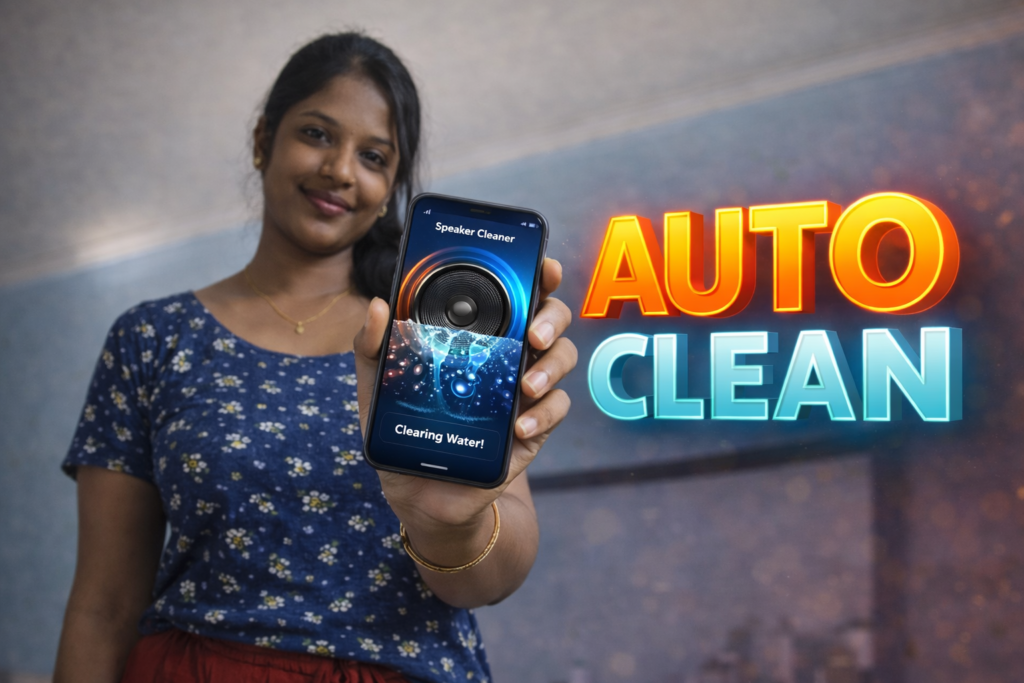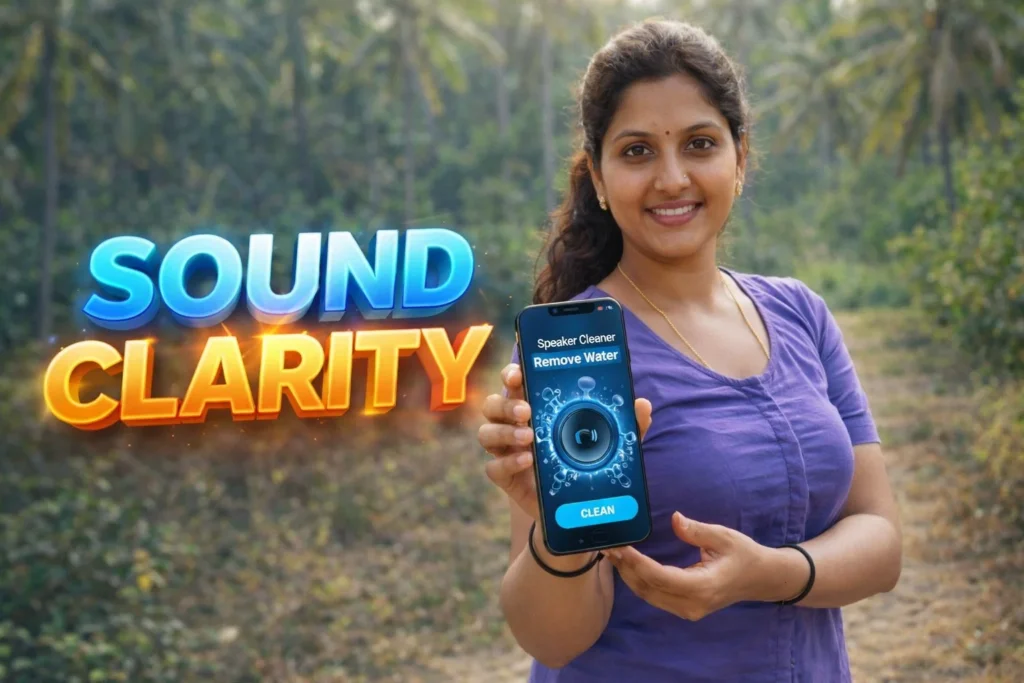
Moisture and liquid exposure—whether from rain, accidental splashes, sweaty pockets, or bathroom humidity—can leave your phone’s speaker sounding dull, muffled, or muted. Many users panic, fearing permanent damage. But often the issue isn’t hardware failure; it’s water trapped in the speaker mesh or internal channels. A Speaker Cleaner with Remove Water app for Android uses sound to gently push water out of the speaker assembly, offering a quick, non-invasive first step before professional repair. In 2026, these apps are common, but it’s important to know what they can and cannot do.
Quick Overview
| Feature | What It Does |
|---|---|
| Primary use | Helps dislodge water trapped inside speaker grills |
| Method | Plays controlled sound frequencies to vibrate water out |
| Best for | Minor moisture after splashes |
| Not for | Full submersion or hardware damage |
| Skill level | Easy for casual users |
What this app is actually used for
Speaker Cleaner with Remove Water apps are designed to send sound vibrations through your phone’s speakers to encourage trapped water to exit the speaker chamber. They do not repair hardware or replace service center solutions. They are a first-response tool for minor moisture problems and may help improve speaker clarity when the sound becomes muffled after water exposure.
People typically use these apps to:
- Clear water/moisture trapped near speaker grills
- Restore clearer audio after water contact
- Prevent corrosion if water stays inside
- Avoid dust and lint interference with trapped liquid
These apps are sometimes called “water ejector” or “speaker fix” tools in app stores.
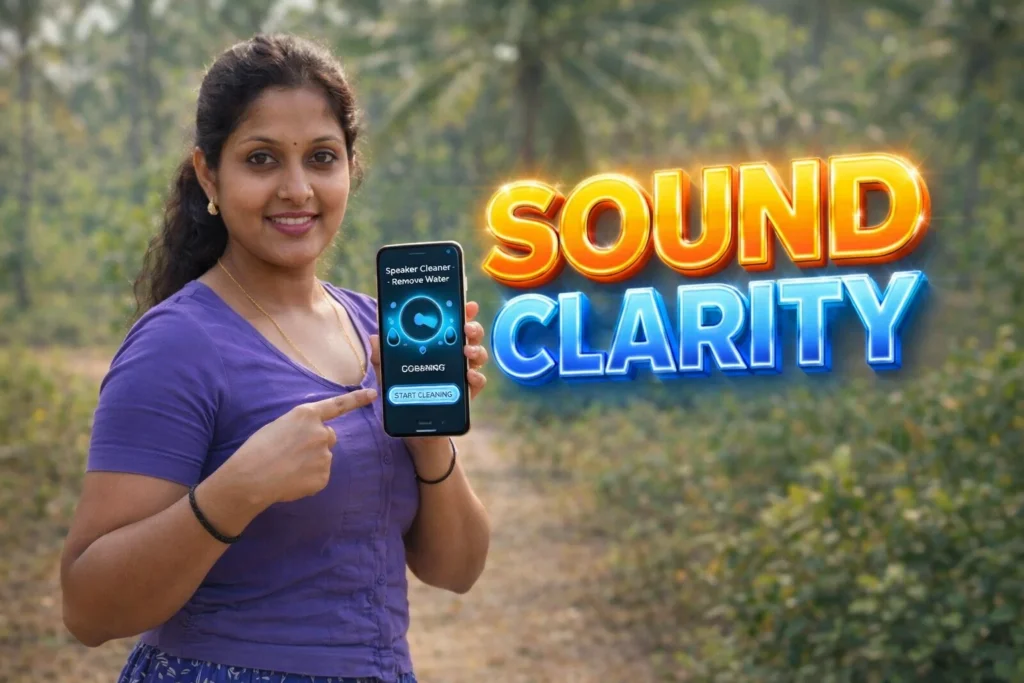
How speaker cleaner & remove water apps work (simple explanation)
- App opens a sound output interface
The app plays audio through the phone speaker. - Controlled frequencies are generated
Specific sequences of low and high frequencies cause diaphragm movement. - Speaker diaphragm vibrates strongly
Vibrations push water outward from tiny speaker vents. - User repeats cycles if needed
Sessions are generally short (30–90 seconds). - User checks speaker clarity afterward
The goal is better sound without physical intervention.
These apps rely on sound physics, not hardware modification.
Safety, privacy, and permission considerations
Because these apps operate on audio output only, they have a low permission profile—but users should still be cautious.
Common permissions
- Audio output (normal system audio permission)
- Foreground service for continuous sound
- No SMS, contacts, or sensor data required
Privacy considerations
- No personal data is needed
- Most do not collect any user information
- Ads may be present in free versions
Safety notes
- High volume may be played—do not hold close to ear
- Remove headphones before use
- Stop if the phone heats up or makes unusual noise
Android 2026 enforces safe audio limits but users must still supervise early attempts.
Pros and cons (balanced view)
Advantages
- Easy and quick to use
- No physical tools required
- Works offline
- Can help clear minor moisture
Disadvantages
- Does not fix hardware damage
- May not work with heavy water intrusion
- Loud audio may startle others
- Effectiveness varies by phone model
These apps are a first-try solution, not a comprehensive repair.
When you should avoid using it
You should avoid relying on these apps if:
- The phone was fully submerged for an extended time
- The speaker makes no sound at all
- There are other issues (charging, screen or speaker rattle)
- Water got inside deeper components
In those cases, powering off and visiting a technician is safer.
Who these apps are suitable for / not suitable for
Suitable for
- Users with minor splashes or moisture buildup
- Casual personal devices
- First-response situations before repair
- Phones with intermittent muffled audio
Not suitable for
- Significant submersion incidents
- Business or critical devices
- Users expecting guaranteed fixes
- Phones with permanent speaker damage
Practical daily-use tips (Android usage in 2026)
- Turn off Bluetooth before running cleaning cycles
- Remove phone cases
- Run at moderate volume first
- Repeat cycles if needed, but avoid continuous play
- Let the phone air-dry afterward
Android audio systems are more resilient in 2026, but real water can still damage hardware if trapped long term.
FAQ
Can these apps eliminate all water from speakers?
They help with surface water near vents but cannot remove deep internal moisture.
Do they repair speaker hardware?
No. They only use sound vibration to help water exit.
Is it safe to run multiple cycles?
Yes—brief cycles are generally safe.
Will this affect battery life?
No significant impact, but prolonged loud playback uses more energy.
Decision / Recommendation Table
| Situation | Recommendation |
|---|---|
| Minor water exposure | Try app first |
| Loud muffled audio | Worth attempting |
| Full submersion | Seek professional repair |
| No speaker sound | Not recommended |
| Reader Recommendation (simple decision) | play.google.com |
Conclusion: a simple first step, not a guarantee
Speaker Cleaner with Remove Water apps for Android are convenient tools in 2026 for initial recovery from minor moisture issues. They offer a non-invasive way to improve speaker clarity and encourage trapped water to leave speaker ports. However, they are not a replacement for hardware repair when water has entered critical components. Use them early and carefully for mild leaks, and rely on professional support for serious water events.
More Articles You May Like