PPI vs DPI Converter & Explainer
Recommended PPI ↔ DPI Converter
Guideline: use a PPI value roughly half your printer’s DPI, or conversely a DPI value roughly double your image’s PPI【75854903476699†L237-L243】.
Pixels & PPI ↔ Print Size
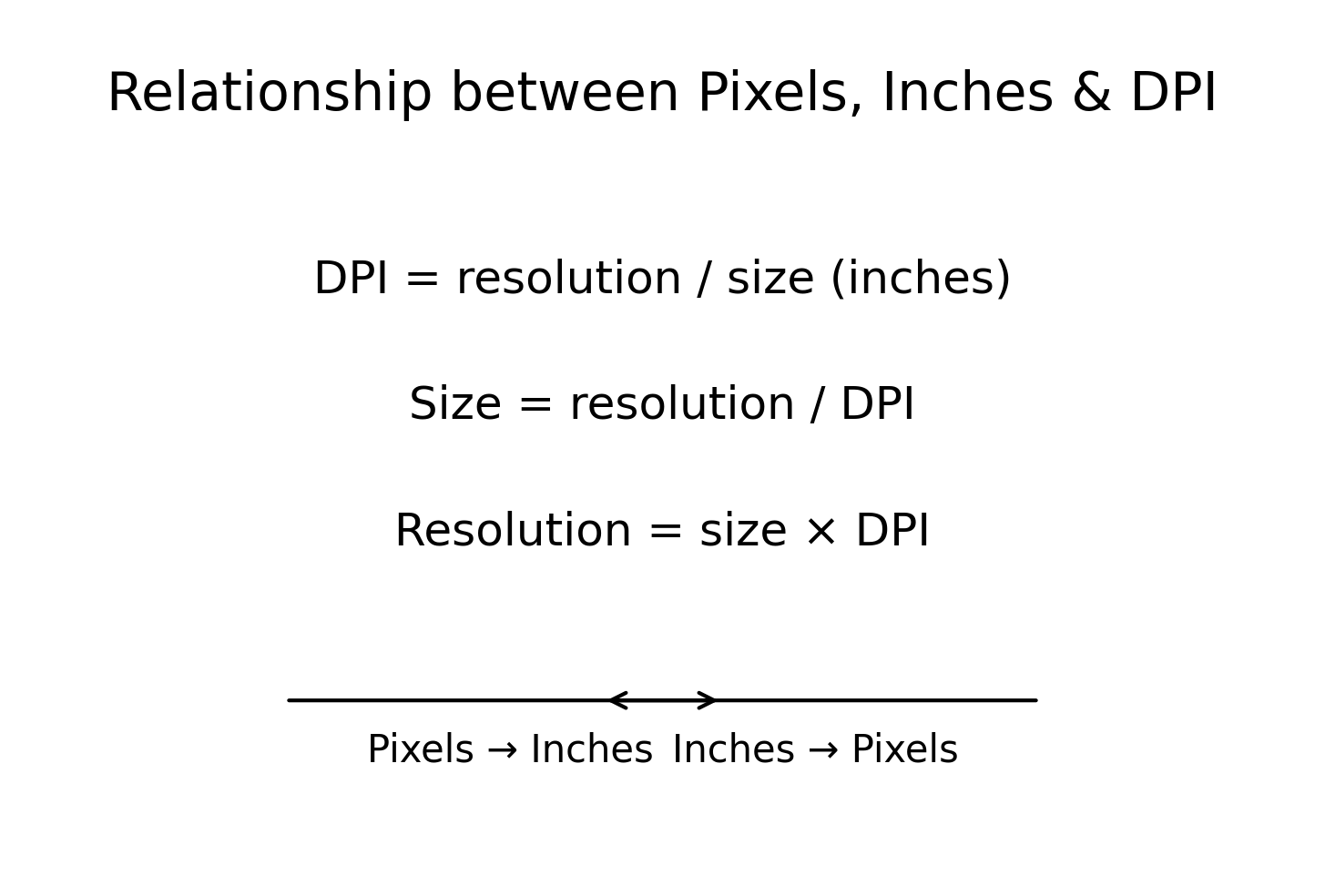
PPI (pixels per inch) describes the density of pixels in a digital image or display, while DPI (dots per inch) refers to the density of ink dots a printer lays down on paper【821397637341514†L112-L120】. They are related but distinct: PPI affects your image’s detail, whereas DPI describes printer capability【821397637341514†L112-L120】【75854903476699†L224-L230】. To achieve high-quality prints, an image’s PPI is often set to half the printer’s DPI【75854903476699†L237-L243】.
This tool is for educational purposes. PPI and DPI describe different concepts: PPI relates to digital pixel density, whereas DPI measures printer dot density【821397637341514†L112-L120】. There is no direct 1:1 conversion; our PPI↔DPI converter follows the common guideline of using half or double values for decent print quality【75854903476699†L237-L243】.