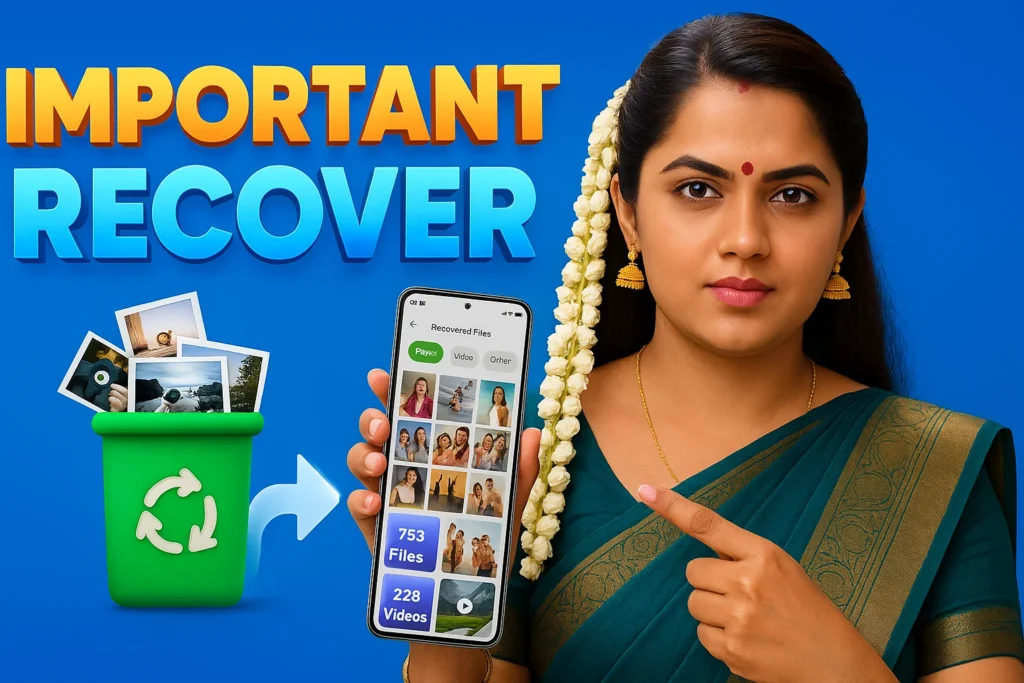
Accidentally deleting photos is one of the most common problems Android users face. Important images can disappear while cleaning storage, resetting apps, or moving files. Because of this, many users search for Photo Recover Apps Android 2026 hoping to restore deleted pictures without using a computer.
These apps are designed to scan phone storage and try to find photo data that has not been completely removed yet. However, they do not always work in every situation. Understanding how they work helps you know when recovery is possible and when it is not.
Quick Overview
| Feature | Details |
|---|---|
| Main Purpose | Recover deleted photos |
| Works With | Internal storage / SD card |
| Root Required | Usually no |
| Internet Needed | Not required for scan |
| Success Depends On | Time after deletion |
| Recovery Type | Scan and restore |
| Guarantee | Not guaranteed |
What Photo Recover Apps Are Used For
Photo recovery apps are used when images are lost due to:
- accidental deletion
- storage cleanup
- file manager mistakes
- app reset
- SD card errors
Instead of restoring from backup, these apps try to find the photo data that still exists inside storage.
When a file is deleted, the phone does not always erase it immediately. The storage space becomes available, but the data may remain until new files overwrite it.
Recovery apps try to locate that remaining data.
How Photo Recover Apps Work
The process is simple but depends on how Android storage works.
Step 1: Deleted Photos Still Exist Temporarily
When you delete a photo:
- the file is removed from the gallery
- the storage space is marked as free
- the actual data may still remain
If nothing overwrites that space, recovery may be possible.
Step 2: The App Scans Storage
Recovery apps scan:
- internal storage
- SD card (if available)
- cache folders
- temporary files
They look for image formats such as:
- JPG
- PNG
- WEBP
- GIF
Step 3: Found Images Are Displayed
After scanning, the app shows photos it can detect.
Some may be:
- complete photos
- thumbnails
- cached images
- partially damaged files
You can choose which ones to restore.
Step 4: Restoring Photos
Recovered photos are saved in a new folder such as:
- Recovered Images
- Restored Photos
- Recovery Folder
This prevents overwriting existing files.
When Photo Recovery Apps Actually Work
Recovery apps work best when:
- photos were deleted recently
- phone has not been heavily used after deletion
- storage space was not overwritten
- images existed in cache or backup folders
In these cases, recovery chances are higher.
When They Do NOT Work
Photo recovery apps may fail when:
- the photo was deleted long ago
- many new files were saved after deletion
- the phone was factory reset
- storage was formatted
- encrypted storage removed the data
Once the data is overwritten, recovery becomes impossible.
Advantages
- Easy to try without computer
- Quick scan for lost photos
- Works for recent deletions
- No technical knowledge needed
Limitations
- Recovery is not guaranteed
- Some recovered images may be low quality
- Duplicate images may appear
- Free apps may contain ads
These apps should be seen as a first attempt, not a guaranteed fix.
Who Should Use Photo Recover Apps
Suitable for
- users who recently deleted photos
- people who want quick recovery attempt
- users without backup
Not suitable for
- factory reset devices
- old deleted files
- users expecting full recovery every time
Decision / Recommendation Table
| Situation | Recommended? | Reason |
|---|---|---|
| Photo deleted today | Yes | Data may still exist |
| Deleted during storage cleanup | Yes | Cache may contain image |
| Deleted long ago | Not likely | Storage overwritten |
| Phone factory reset | No | Data removed |
| Quick recovery attempt | Yes | Safe first try |
Reader Recommendation (Simple Decision)
If you accidentally deleted photos and want to try a simple recovery scan on your Android phone, you can explore:
Always scan as soon as possible and avoid installing many recovery apps, because new apps may overwrite deleted data.
Final Thoughts
Photo Recover Apps Android 2026 help users try to restore deleted images by scanning storage for data that has not yet been overwritten. They can work in some cases, especially when the deletion happened recently, but they cannot guarantee recovery.
For best results, act quickly after deletion and use backups whenever possible. Recovery apps are useful tools, but prevention and backup remain the safest way to protect important photos.
More Articles You May Like