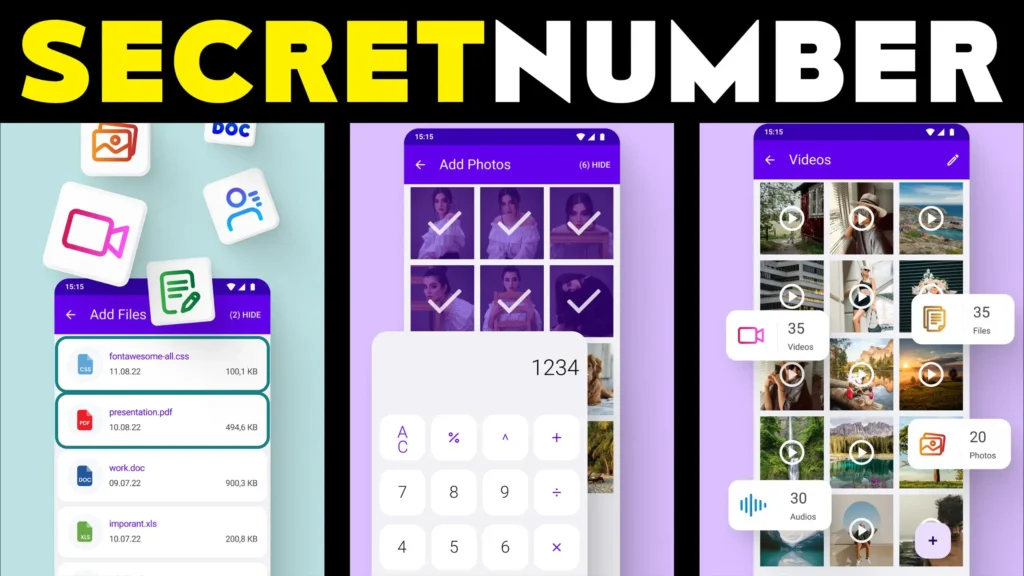
Many Android users want to keep some photos or videos private without making it obvious that they are using a vault app. Because of this, Secret Calculator Photo Vault apps are popular in 2026. These apps look like a normal calculator, but behind the calculator screen there is a hidden vault where private photos, videos, and files can be stored.
The app works like a normal calculator for anyone else. Only when the correct PIN is entered does the hidden vault open.
Quick Overview
| Feature | Details |
|---|---|
| Main Purpose | Hide photos and videos privately |
| Looks Like | Normal calculator app |
| Unlock Method | Secret PIN or password |
| Hidden Content | Photos, videos, files |
| Internet Needed | No |
| Extra Features | App lock, fake password, backup |
| Suitable For | Personal privacy |
What a Secret Calculator Vault App Is Used For
These apps are used to hide private files without making the phone look suspicious.
Users usually install them to:
- hide personal photos
- lock private videos
- keep documents hidden
- prevent others from opening private content
- make the vault look like a normal calculator
Instead of showing a vault icon, the app appears as a simple calculator on the home screen.
How Secret Calculator Vault Apps Work
Step 1: Open the Calculator App
When you open the app, it looks like a normal calculator.
You can even do basic calculations.
Step 2: Enter the Secret PIN
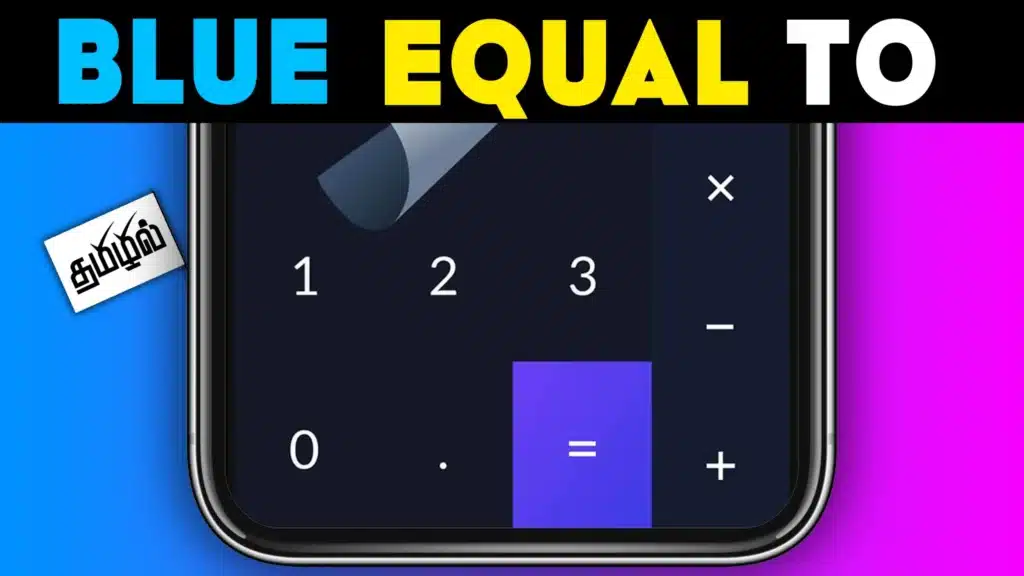
To open the hidden vault, you type a secret number inside the calculator.
For example:
- PIN + “=”
- special code
- password
After entering the correct code, the private vault opens.
Step 3: Add Photos and Videos
Inside the vault, you can move:
- photos
- videos
- documents
- screenshots
The app stores them in hidden storage.
After that, the files no longer appear in the normal gallery.
Step 4: Use Extra Privacy Features
Many secret calculator vault apps include:
- fingerprint unlock
- fake password mode
- intruder selfie
- app disguise
- cloud backup
A fake password can open an empty vault if someone asks you to unlock the app.
Why Users Install These Apps in 2026
1. More Private Than Normal Gallery Lock
A normal gallery lock still shows that you are hiding something.
A calculator vault looks normal.
2. Shared Phones Are Common
Many people share their phone with:
- family
- friends
- children
A secret vault gives more privacy.
3. Hidden App Appearance
The calculator design makes the app difficult to notice.
4. Extra Security Features
Modern vault apps now include fingerprint lock and backup options.
Important Limitations to Know
These apps are useful, but there are some risks.
- If you forget the PIN, you may lose access
- If you uninstall the app without restoring files, photos may disappear
- Some apps show ads
- Some free apps may ask for too many permissions
Always check whether the app supports backup before storing important files.
Safety Tips Before Using
- Set a strong password
- Write down the PIN somewhere safe
- Enable backup if available
- Restore hidden files before uninstalling the app
- Only use trusted apps
This helps avoid losing important photos or videos.
Who Should Use This App
Suitable for
- users who want private photo storage
- people sharing their phone with others
- users who want a hidden vault
Not suitable for
- users who forget passwords easily
- people who want full phone encryption
- users storing very important files without backup
Decision / Recommendation Table
| Situation | Recommended? | Reason |
|---|---|---|
| Want to hide private photos | Yes | Vault keeps them hidden |
| Share phone with others | Yes | Calculator disguise helps |
| Need full phone security | No | Only hides selected files |
| Forget passwords often | Not ideal | May lose access |
| Need simple private storage | Yes | Easy to use |
Reader Recommendation (Simple Decision)
If you want a calculator-style hidden vault for photos and videos, you can try Secret Calculator Photo Vault.
Before uninstalling any vault app, always restore your hidden files back to the normal gallery.
Final Thoughts
Secret Calculator Photo Vault App for Android 2026 is mainly used to keep photos and videos private while making the app look like a normal calculator. It is useful for personal privacy and shared phones, but it should not be treated as full device security.
The safest way to use these apps is to remember your PIN, keep backups, and only store files that you can recover later if needed.
More Articles You May Like