
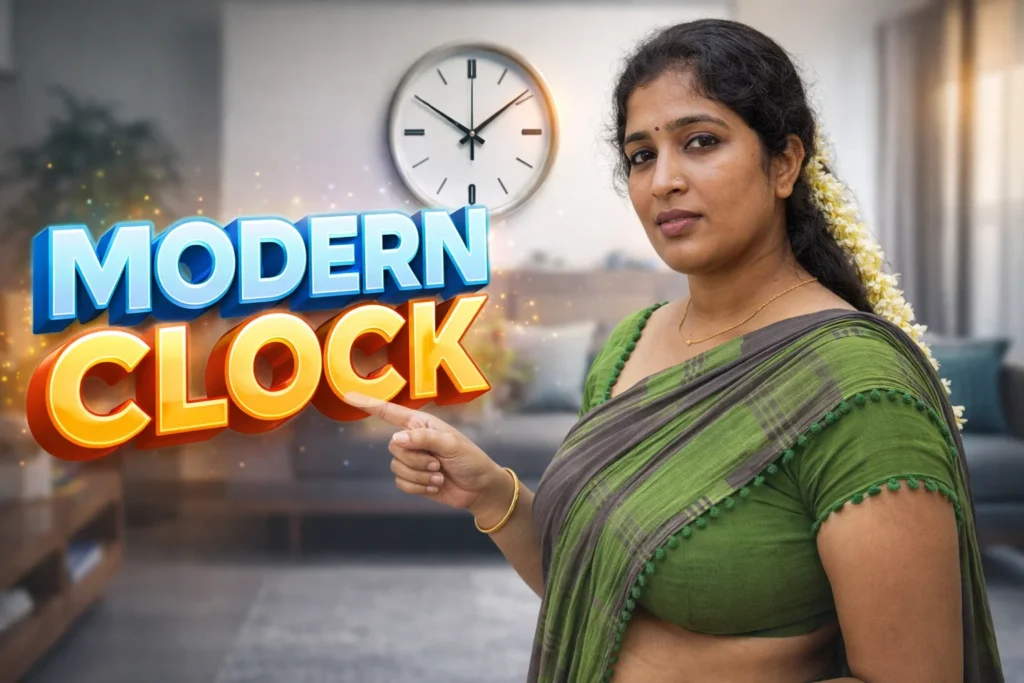
Most Android phones still rely on flat, static wallpapers that do nothing beyond filling the background. After some time, these screens feel lifeless, even on high-refresh-rate displays. Users now expect more visual depth, motion, and useful information at a glance—without draining battery or slowing the phone. This is where Depth Wallpapers & Live Clock apps for Android come in. In 2026, these apps combine layered visual effects with real-time clocks to make lock screens and home screens feel modern, dynamic, and informative.
Quick Overview
| Aspect | Summary |
|---|---|
| Main purpose | Add depth effects and live clocks to screens |
| Works on | Home screen and/or lock screen |
| Key features | Parallax depth, moving clock, 3D feel |
| Main benefit | Visual appeal + quick time visibility |
| Main risk | Battery and performance impact (if overused) |
What these apps are actually used for
Depth wallpaper and live clock apps enhance the visual experience of Android devices by creating a layered or 3D-like effect. Instead of a flat image, the wallpaper reacts subtly to movement, time, or interaction. A live clock element is layered on top, updating in real time.
People use these apps to:
- Make lock screens more visually engaging
- Add a premium, modern look without changing launchers
- See time clearly without widgets
- Match wallpaper aesthetics with device themes
- Create a sense of depth on AMOLED and high-resolution displays
In 2026, these apps are especially popular on phones with edge-to-edge screens and always-on display support.
How depth wallpapers & live clock apps work (simple steps)
- Wallpaper layering
The app separates background and foreground layers to simulate depth. - Parallax or motion effect
Small movements (tilt, swipe, or animation) create a 3D illusion. - Live clock rendering
A clock is drawn on top of the wallpaper, updating every second or minute. - Lock screen or home screen integration
Depending on Android version, the app applies to one or both screens. - Performance control
Most apps limit animation speed or pause effects when the screen is idle.
Modern Android systems restrict deep system changes, so these apps operate safely within allowed visual layers.
Safety, privacy, and permission considerations
Although visual in nature, these apps still need responsible use.
Common permissions
- Set wallpaper / lock screen
- Foreground service (for live clock updates)
- Battery optimization exclusion (optional)
Privacy considerations
- Most do not access personal data
- Some collect anonymous usage statistics
- Cloud features (if any) may fetch new designs
Security note
- These apps do not unlock or control the phone
- No access to messages, calls, or files is required
In 2026, well-designed depth wallpaper apps remain low-risk when downloaded from trusted developers.
Pros and cons (realistic balance)
Advantages
- Visually attractive, modern look
- Real-time clock without extra widgets
- Enhances AMOLED and high-refresh displays
- Easy to enable or remove
Disadvantages
- Slight battery usage increase
- Heavy animations may cause lag on low-end phones
- Limited customization in free versions
- Some lock screen restrictions on newer Android versions
These apps focus on aesthetics, not productivity.
When you should avoid using them
You may want to avoid depth wallpaper and live clock apps if:
- Battery life is your top priority
- You use a low-RAM or older device
- You prefer minimal or distraction-free screens
- Your phone already has a built-in live clock lock screen
In such cases, static wallpapers or system clocks may be more practical.
Who these apps are suitable for / not suitable for
Suitable for
- Users who value phone aesthetics
- AMOLED or flagship device owners
- Casual users wanting a premium feel
- People who like visible clocks on lock screens
Not suitable for
- Power-saving focused users
- Work or business phones
- Users sensitive to motion or animation
- Devices with strict battery limits
Practical daily-use tips (Android behavior in 2026)
- Choose subtle depth effects, not extreme motion
- Reduce animation speed if available
- Disable live effects during low battery mode
- Test lock screen compatibility after OS updates
- Avoid stacking multiple live wallpaper apps
Android updates may temporarily affect lock screen behavior, so re-apply settings if needed.
FAQ
Do depth wallpapers drain battery?
Slightly, but well-optimized apps pause animations when the screen is idle.
Can I use them on the lock screen?
Yes, if your Android version allows third-party lock screen wallpapers.
Do live clocks replace system clocks?
No. They are visual overlays only.
Are these apps safe for long-term use?
Yes, when permissions are limited and animations are kept minimal.
Decision / Recommendation Table
| User preference | Recommendation |
|---|---|
| Visual appeal | Good choice |
| Battery efficiency | Use carefully |
| Minimal UI | Avoid |
| Modern phone display | Highly suitable |
| Reader Recommendation (simple decision) | play.google.com |
Conclusion: style with mindful usage
Depth Wallpapers & Live Clock apps for Android add visual richness and practical time display in 2026, making phones feel more alive and premium. However, they should be used thoughtfully, with attention to battery impact and performance. If you enjoy dynamic visuals and own a capable device, these apps can enhance your daily phone experience without compromising safety or stability.
More Articles You May Like

i enjoy reading your articles, it is simply amazing, you are doing great work, do you post often? i will be checking you out again for your next post. you can check out webdesignagenturnürnberg.de the best webdesign agency in nuremberg Germany